Component guides
One device at a time: what it is, which jacks it has, and how to use it on a Subtape desk.
Writing

Meet Pal, the handheld that talks and works your cables
Pal is a pocket AI on the Subtape desk. Type or talk, press GO, and patch Pal.ai into other devices so it can write beats, cut stickers, and run shortcuts.
Open guide →
Type on the paper. Not a device.
Text is loose lettering on the desk paper — the same type you place from Stickers. Drop it from the widget rack. Double-click to edit. East and west handles change the wrap box. Corners scale. There are no jacks.
Open guide →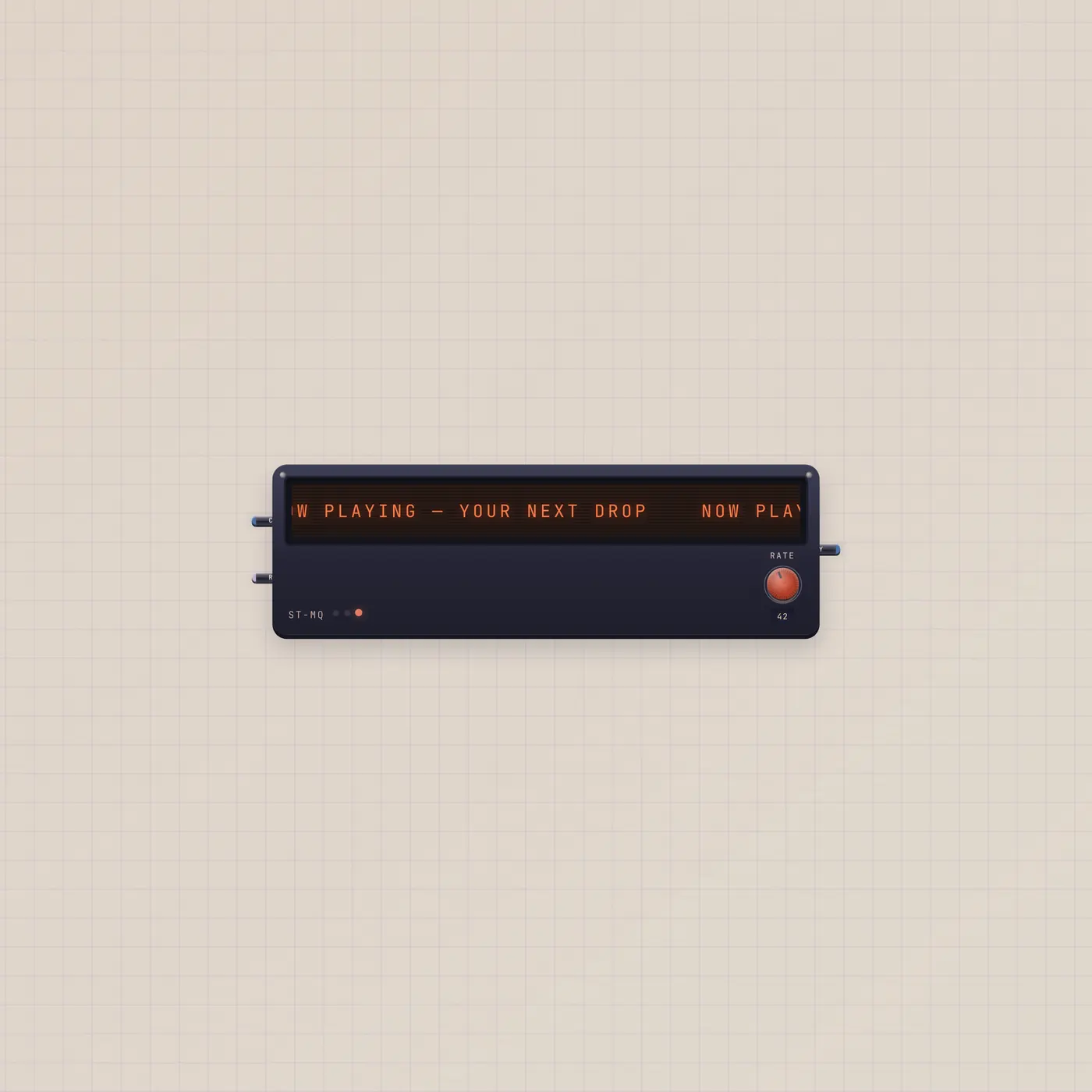
A crawl of copy. Type it, or feed it.
The Subtape Marquee scrolls a line of tape text. Edit it on the bezel, or patch text in from a TapeDoc. Rate is a CV jack — or the Rate knob — for crawl speed.
Open guide →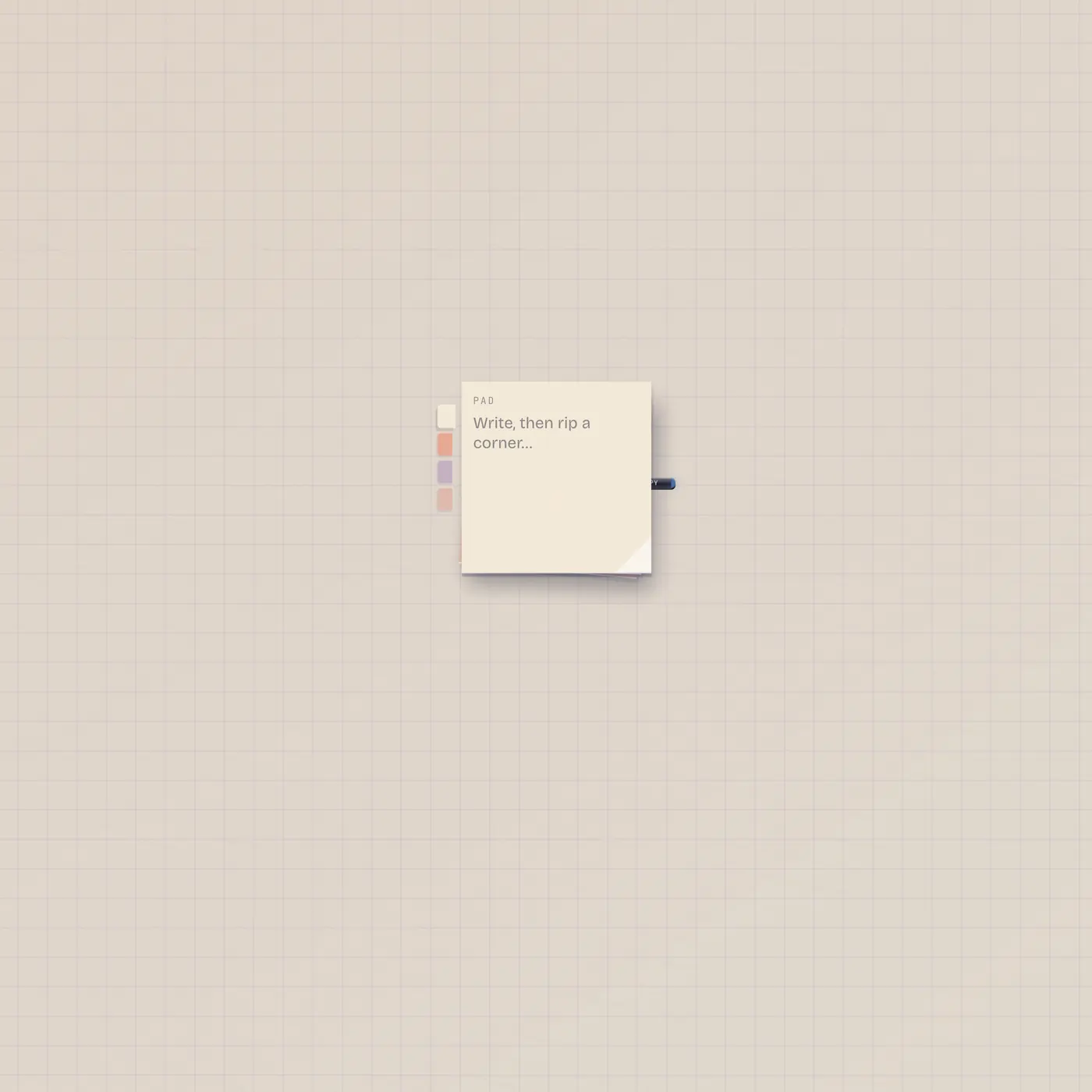
Write on the pad. Rip a corner. The note lands.
StickyPad is a stack of square stickies. Type a draft, pick a color, rip a corner onto the floor. Text out is the live draft — Speak, Marquee, or Printer can take it.
Open guide →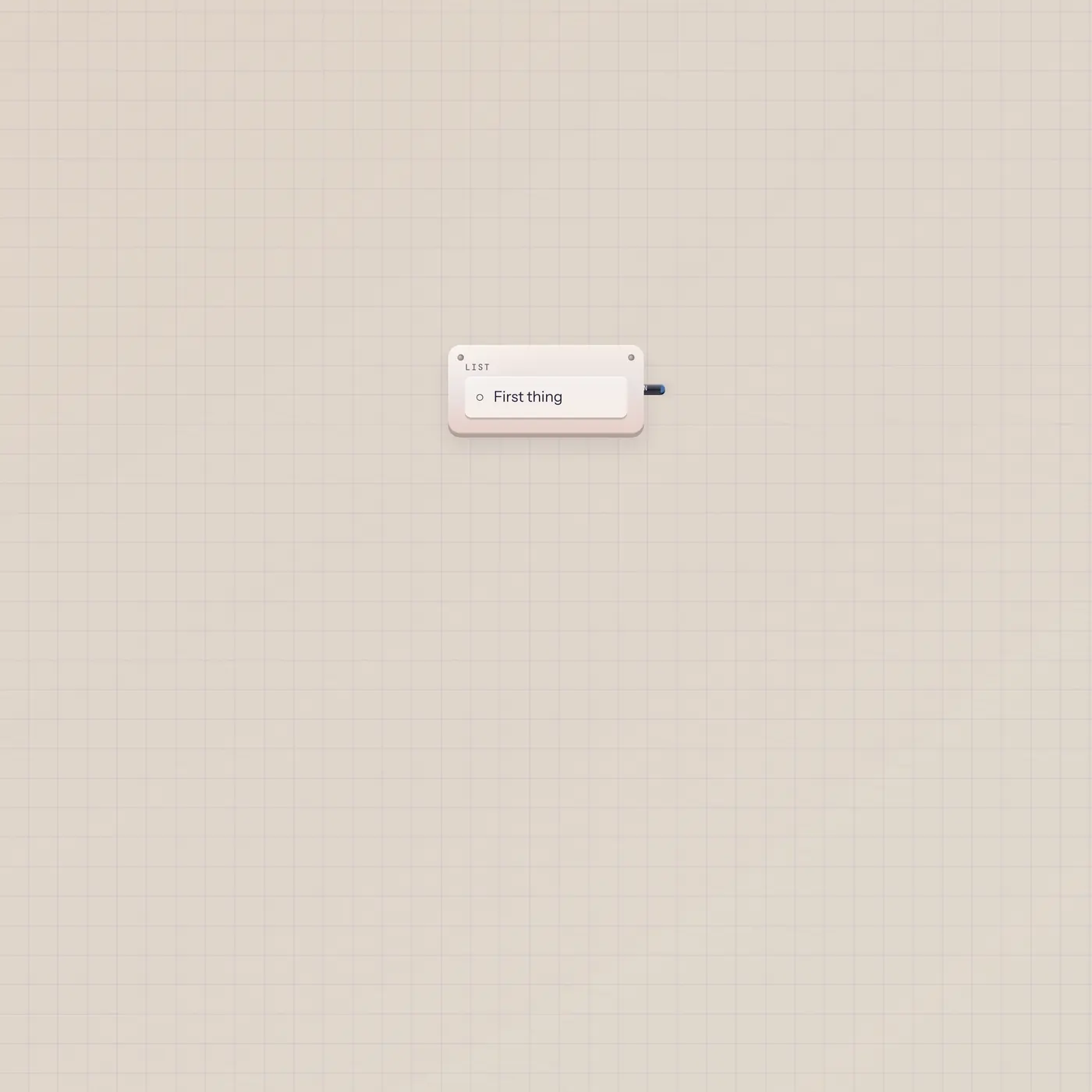
Tap a line. The open list is the cable.
Checklist is a hardware list. Add lines, tap to check them. Text out (Open) is the unchecked labels, one per line — Speak, Marquee, or Printer can take that string.
Open guide →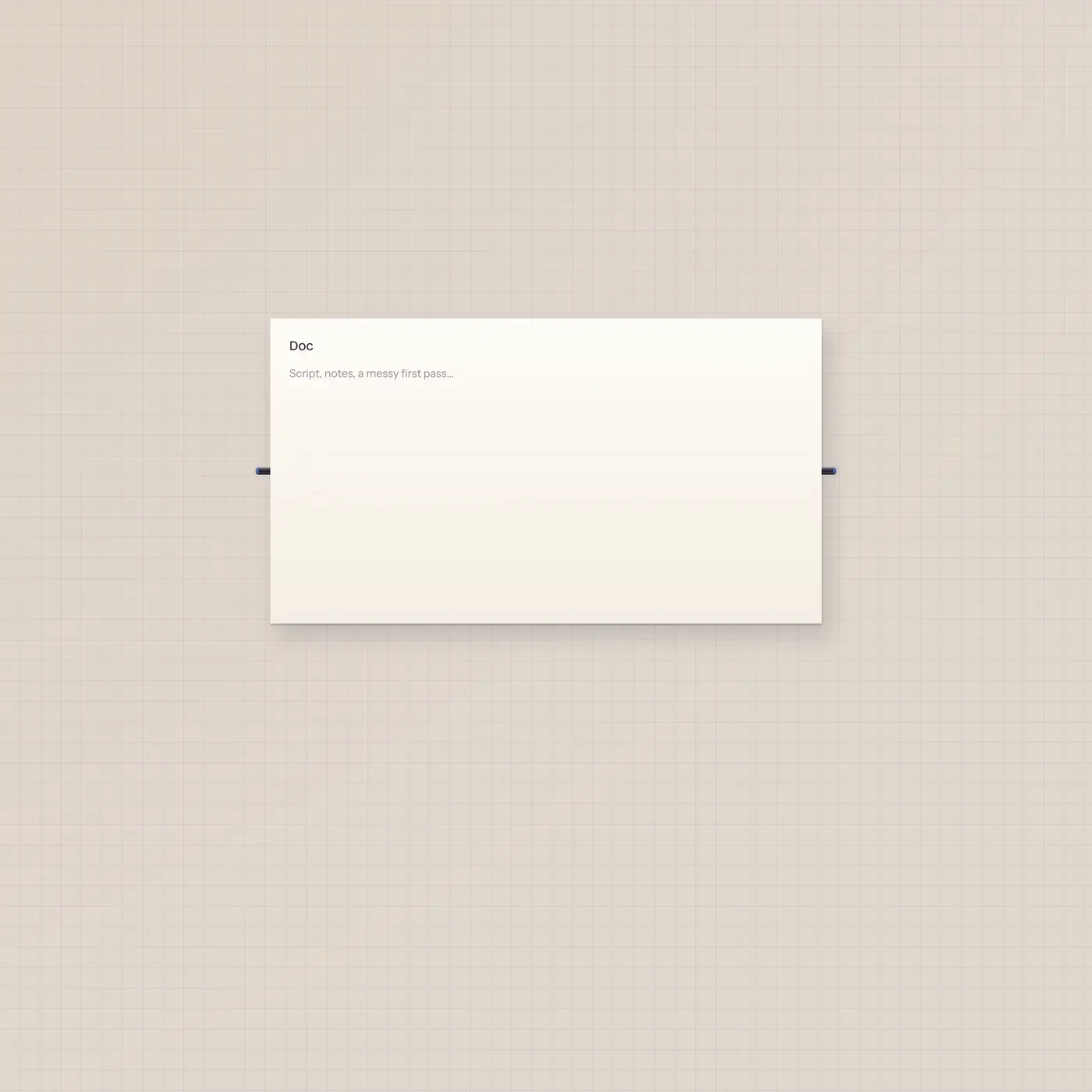
The page on the floor. Pal writes it through text, not ai.
TapeDoc is the shared script. You type; Pal can write it too. Text in and text out — no ai jack. Pal.text → TapeDoc.text is the cable that lets writeDoc land.
Open guide →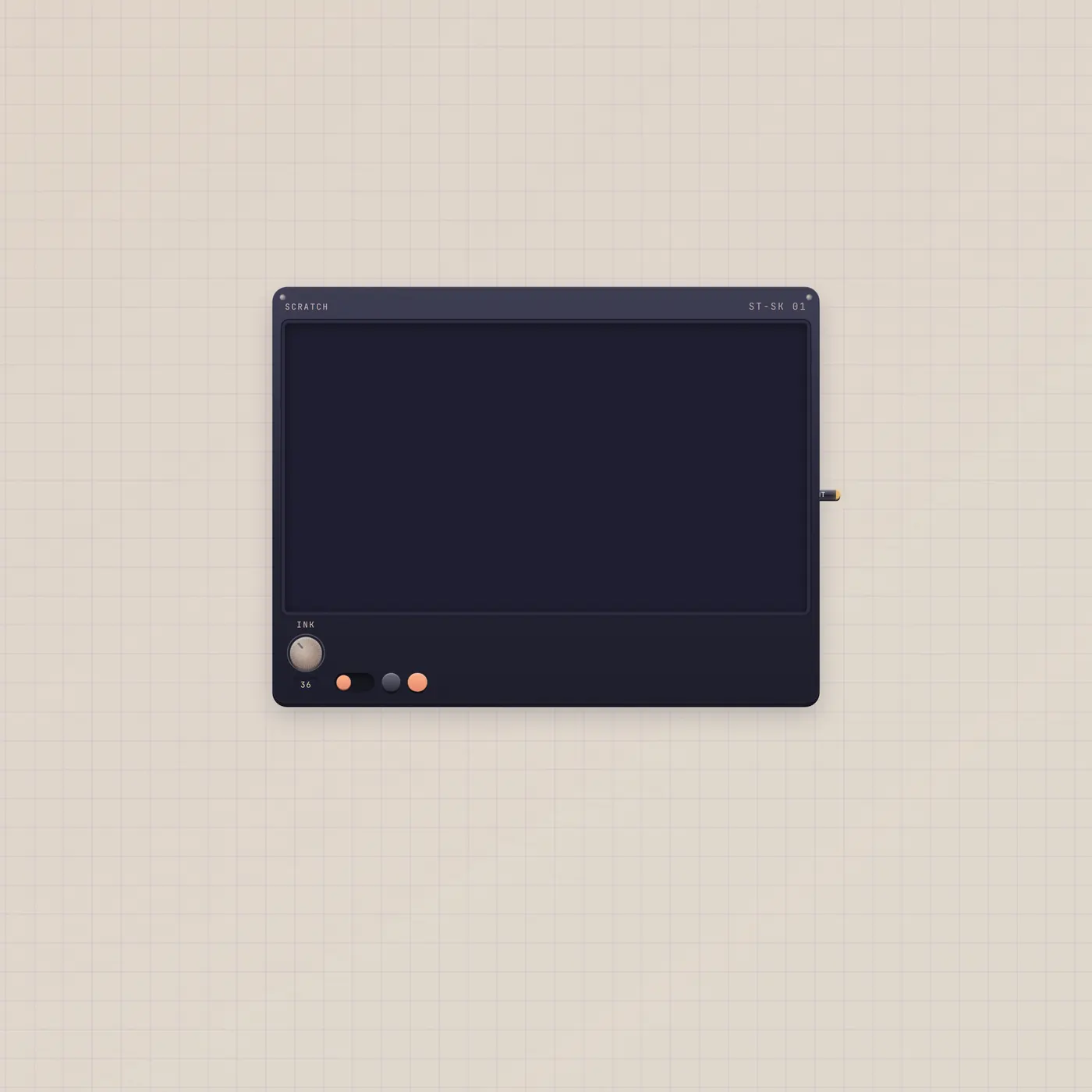
Draw. Snapshot. Print the pad as an image.
ScratchPad is a visual whiteboard. Ink, erase, keep snapshots. Image out (Print) publishes the live pad for Printer, StickerPrinter, or Pal.
Open guide →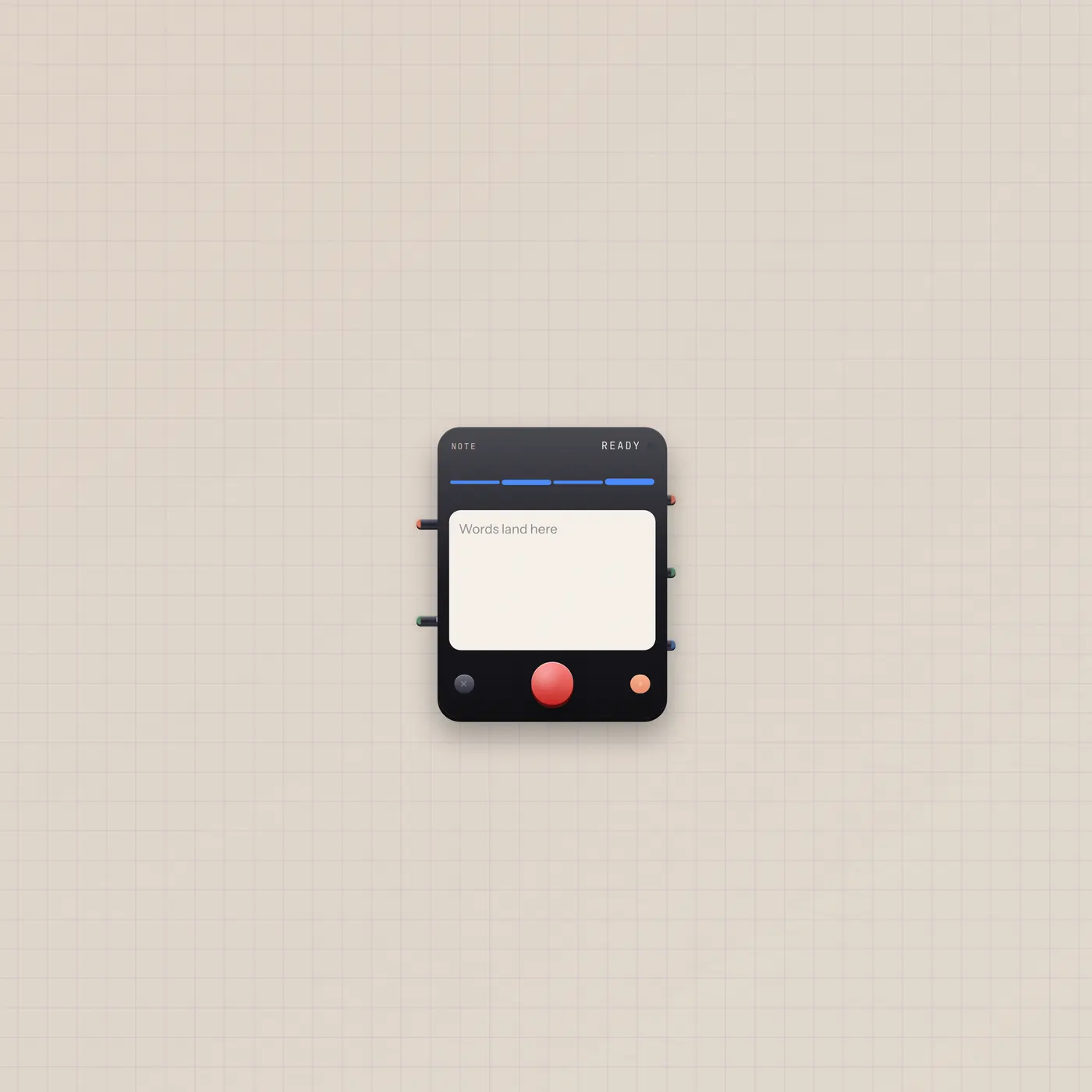
Hold Rec. Talk. The card types.
Typewriter is a handheld note recorder, labeled Note on the desk. Built-in mic unless you patch audio in. Rec gate starts and stops. Text out is the transcript for TapeDoc, Speak, or Marquee.
Open guide →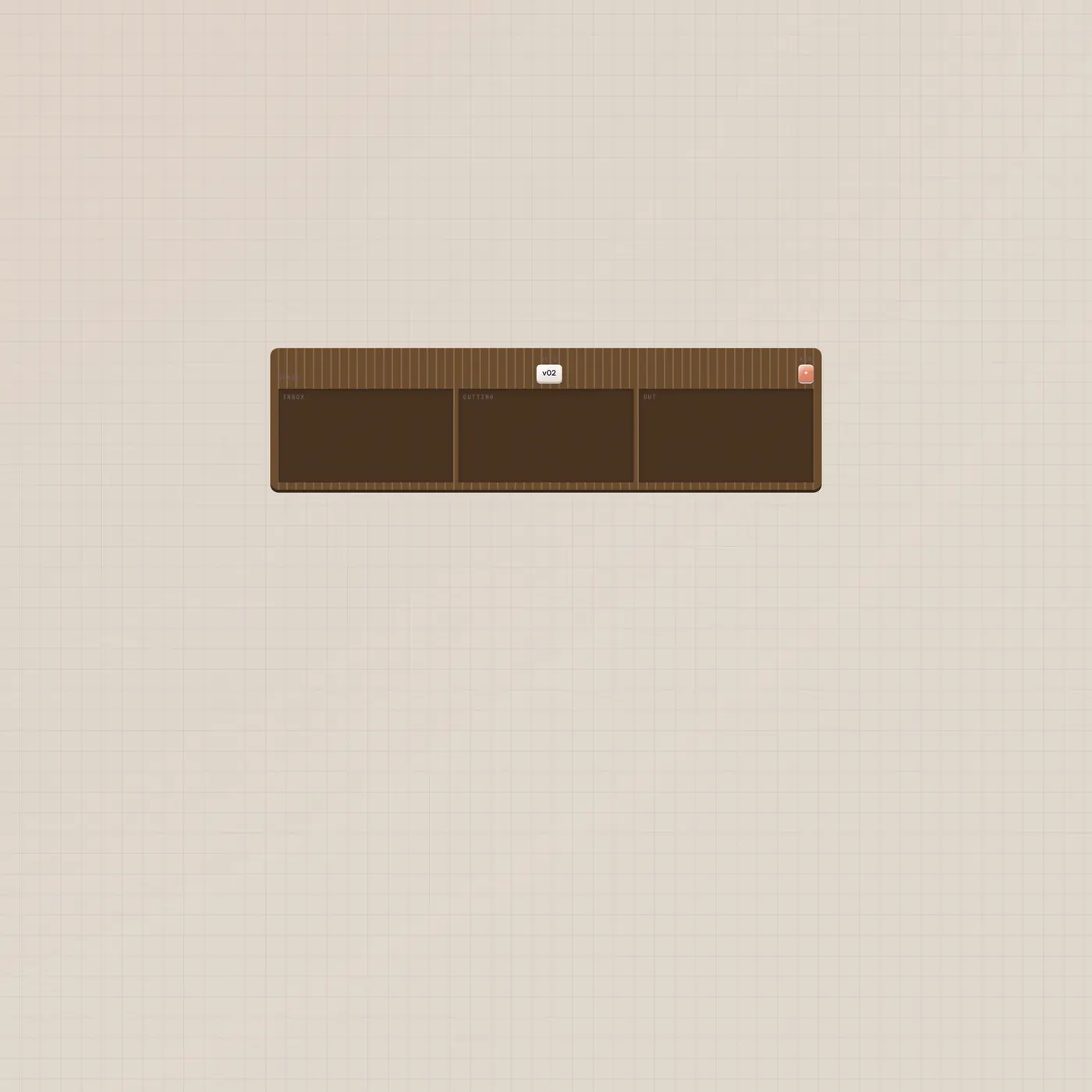
Inbox, cutting, out. No jacks. The cards move.
TapeKanban is a hardware kanban for ideas, shoots, or edits. Add cards, nudge them across columns. It persists if you reuse a slug. It has no patch jacks.
Open guide →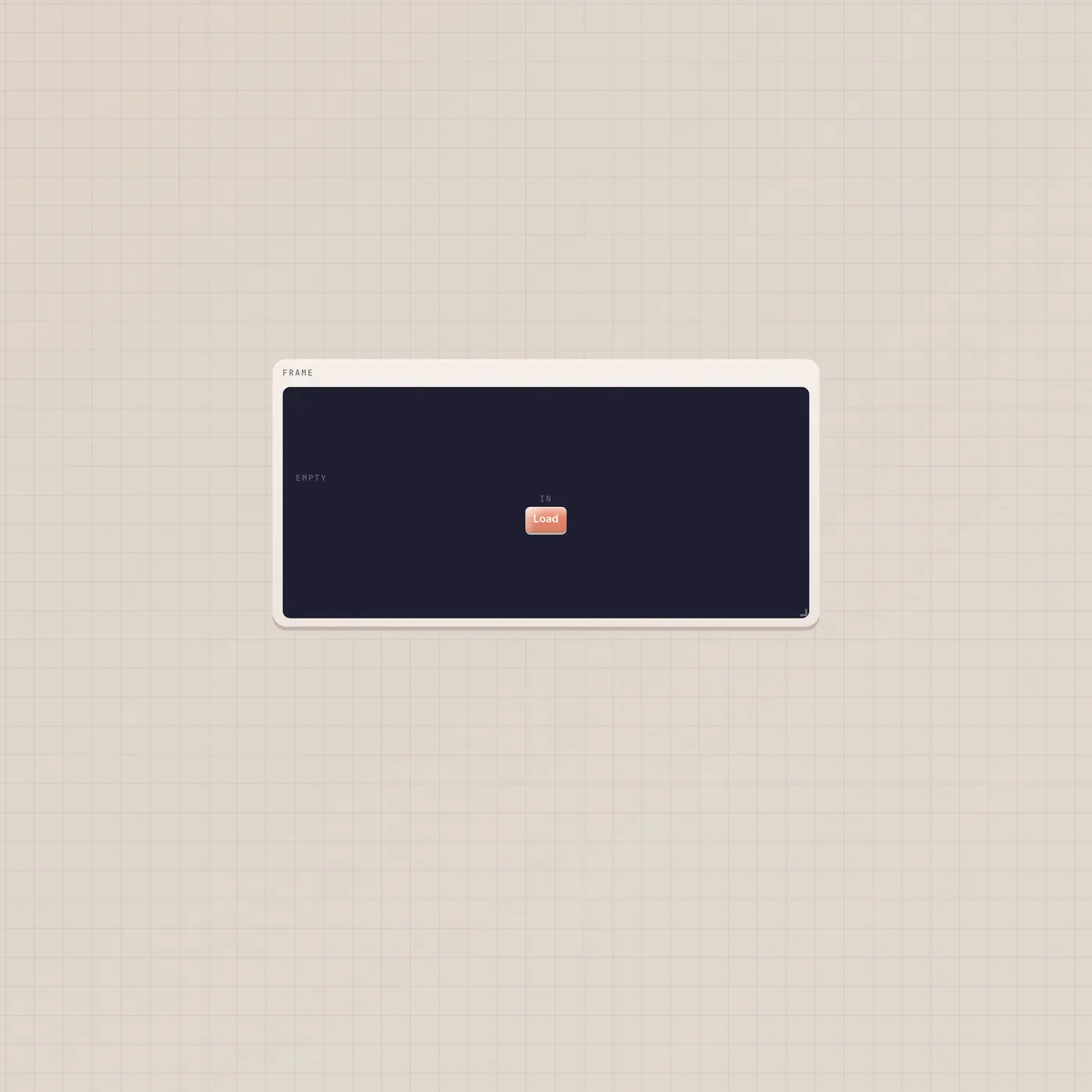
A glass for a source. Not a player.
Iframe embeds an https page — a source, doc, citation, or tool. Load a URL from the clipboard. It has no jacks. Anything that plays belongs on Video.
Open guide →Music
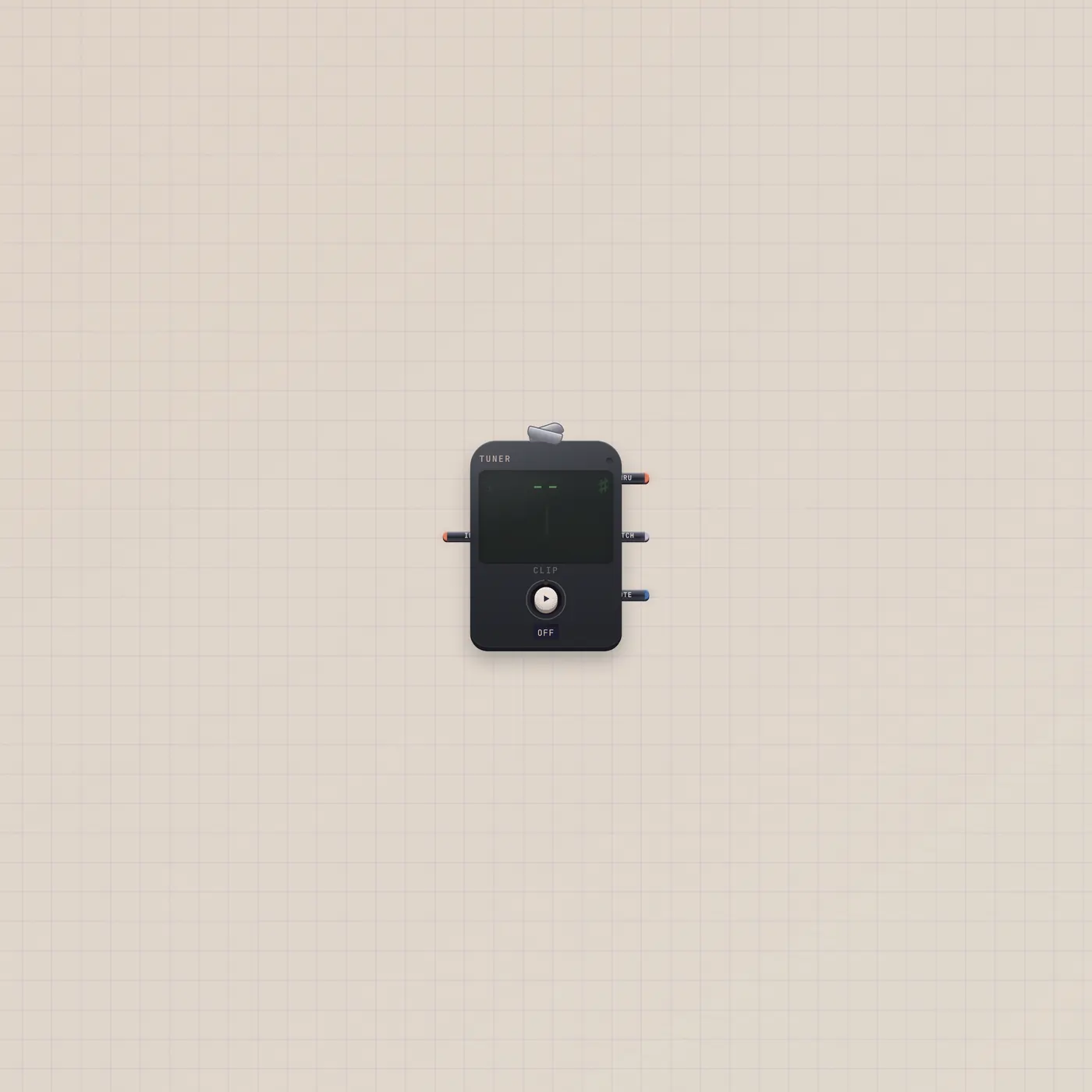
Clip on. Read the note. Stay silent.
The Subtape Tuner is a clip-on chromatic tuner. Press Clip for the room mic, or patch Keys, Mic, or a synth. Needle, note, and cents — no speakers.
Open guide →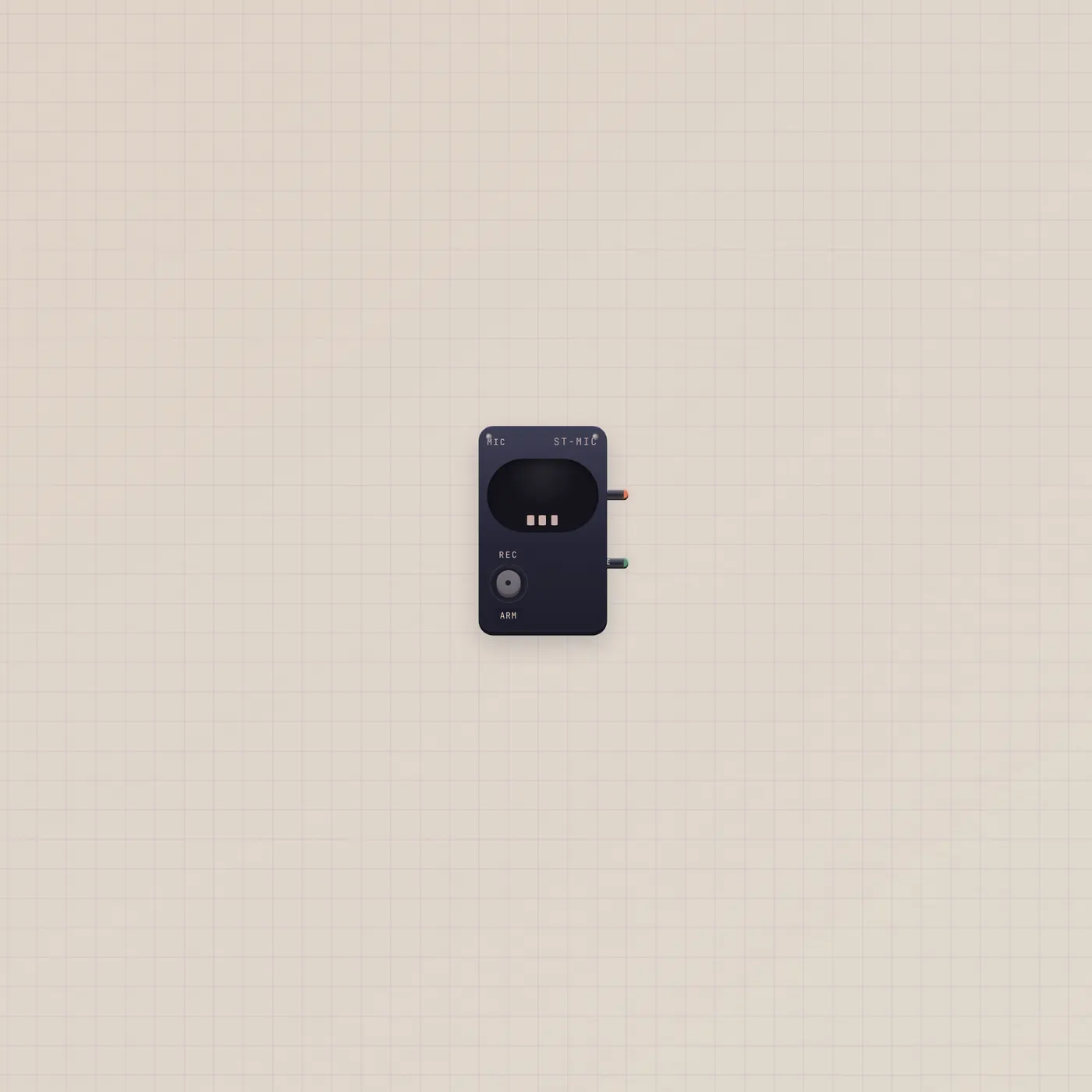
Open the room. Send audio out.
The Subtape Mic opens the device microphone and sends audio out. Patch it into Tuner, Pal, Deck, or Sampler. Live gate stays high while the capsule is open.
Open guide →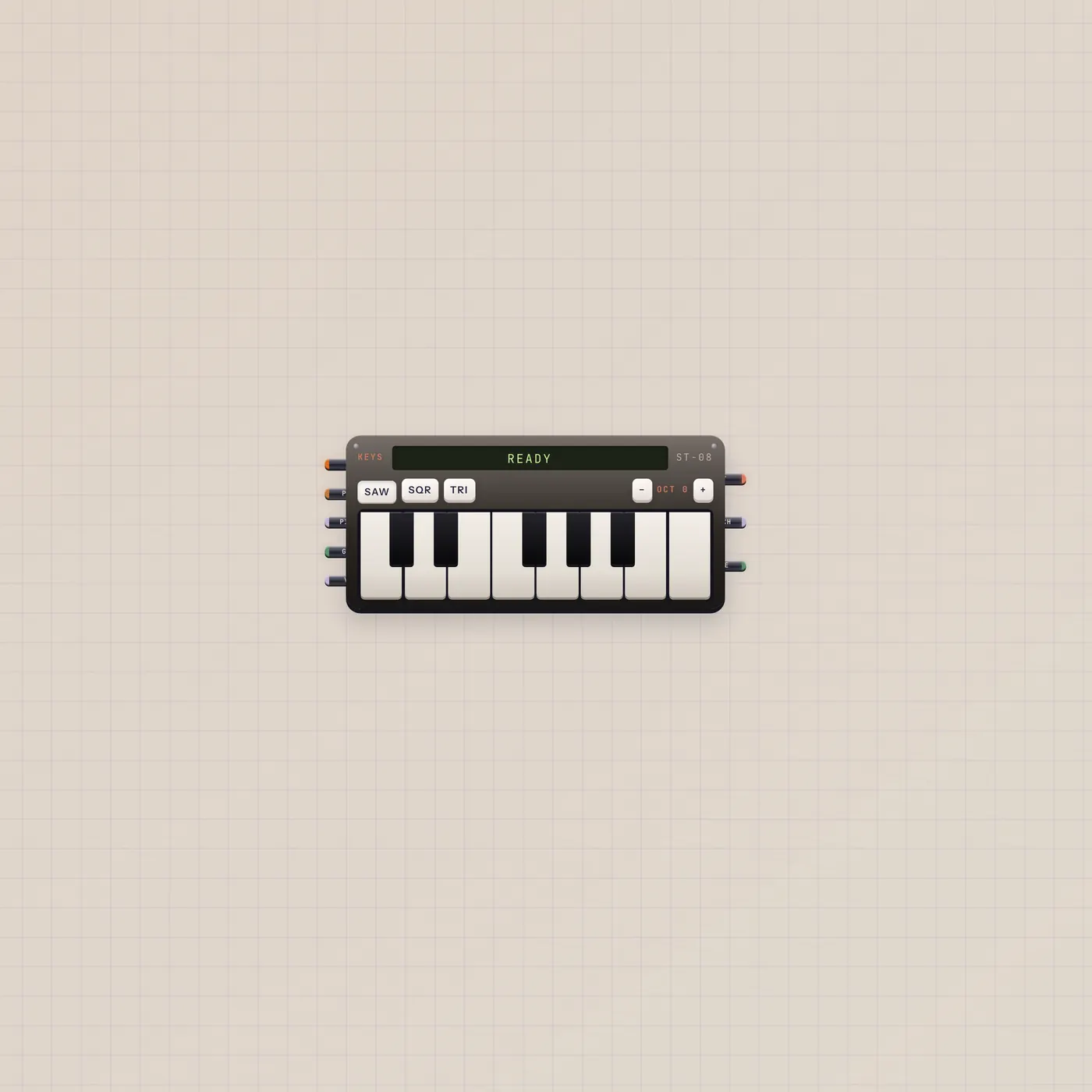
A little tape keyboard with pitch, gate, and audio out
Keys is the Subtape keyboard. Play for audio out. Pitch and gate CV follow the held note. Patch into Tuner, Deck, Scope, or Effect. Wider spans add a second octave.
Open guide →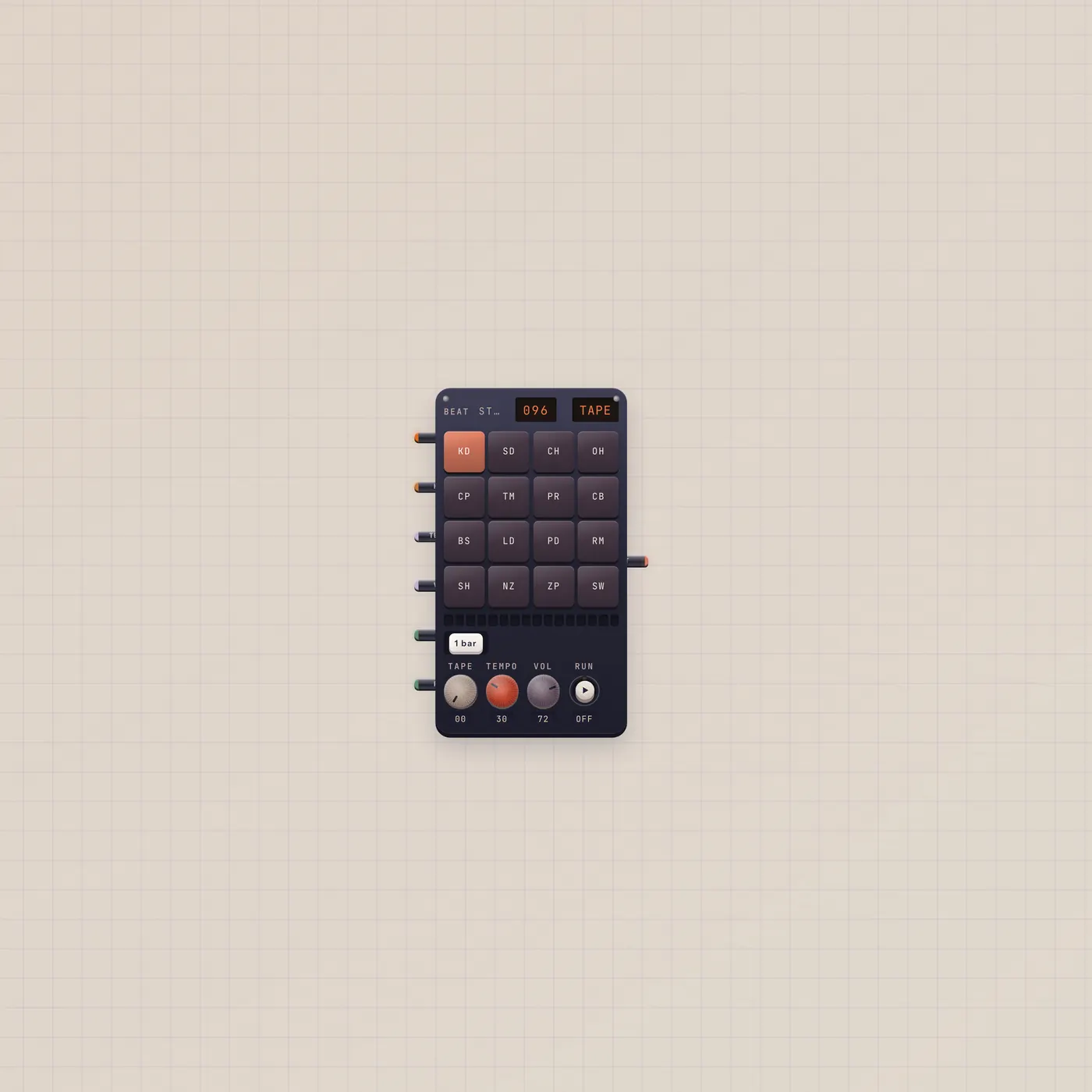
Draw a kit. Hear a bar. Pal can write it.
BeatPad is the Subtape loop box. Sixteen pads a bar, one to eight bars, factory kits or a Sampler pack. Pal.ai writes the groove. Audio out is the loop.
Open guide →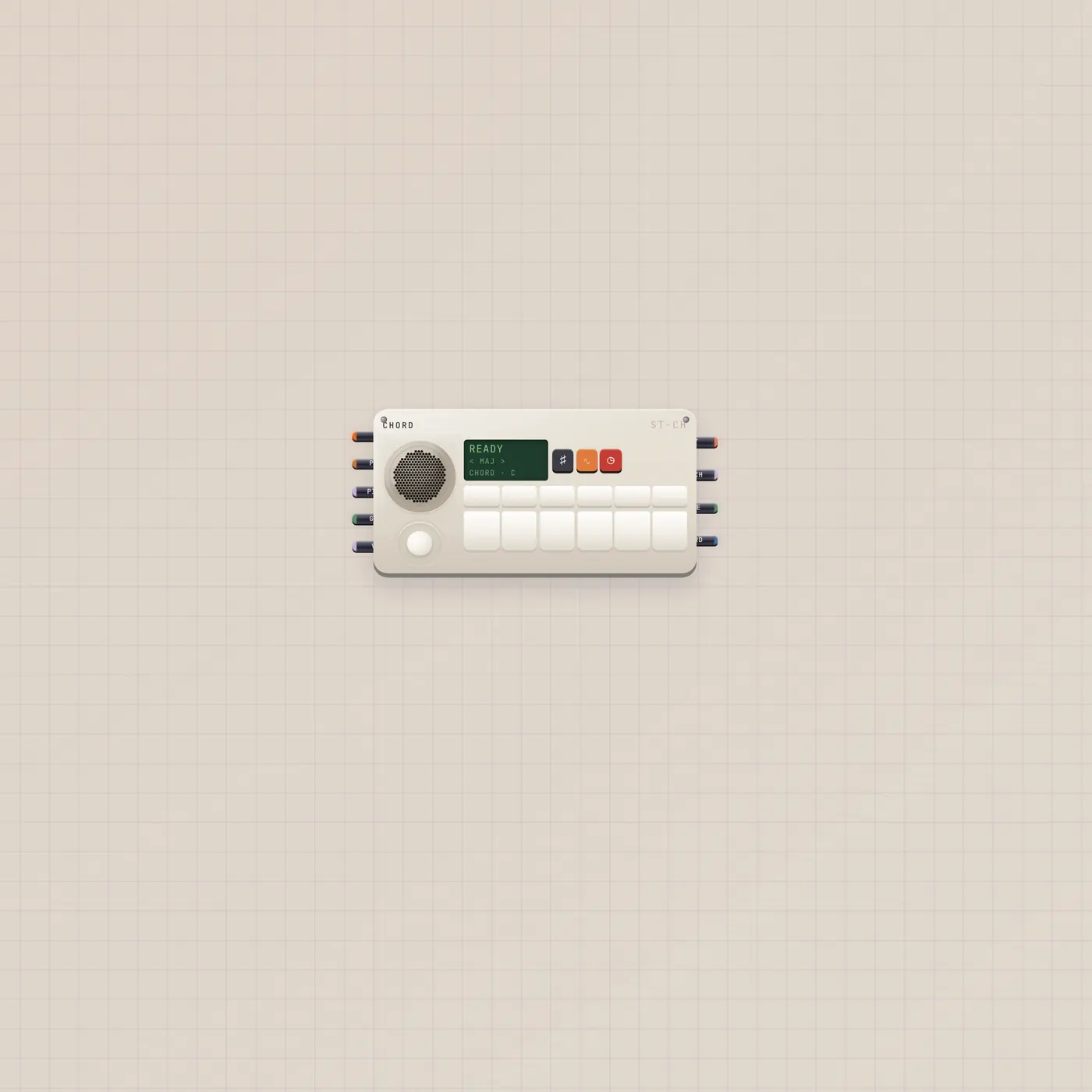
Tilt the stick. Twelve keys play chords.
MiniSynth is a HiChord-style pocket synth. Joystick picks the quality. Twelve keys play scale degrees as chords. Pal.ai sets key, scale, and sound. Audio out is the chord.
Open guide →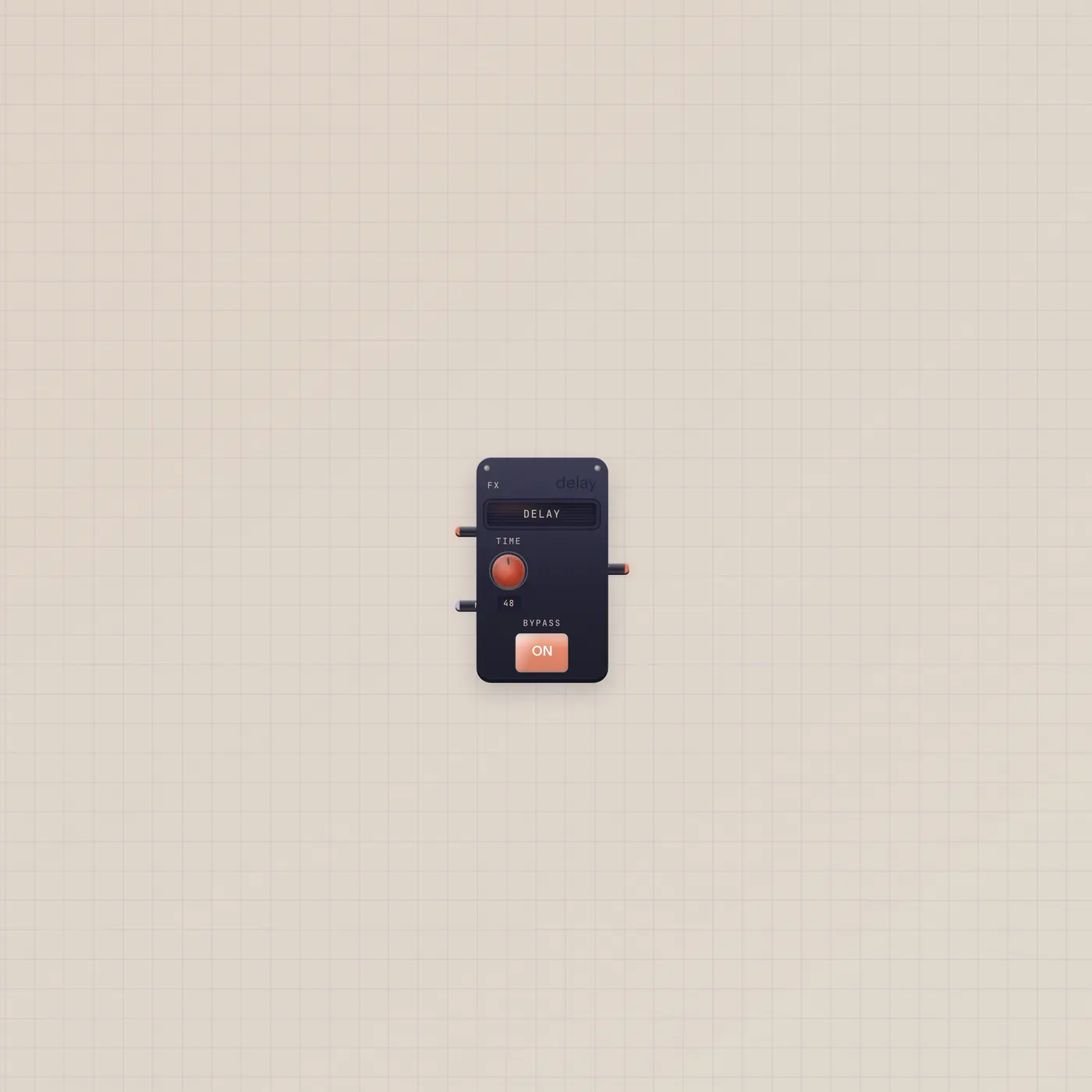
One plugin. In, mix, out.
Effect is a one-slot skin over the studio DSP catalog. Delay, reverb, crunch, filter, or chorus. Audio in, mix as CV, audio out. Rack is the multi-slot version.
Open guide →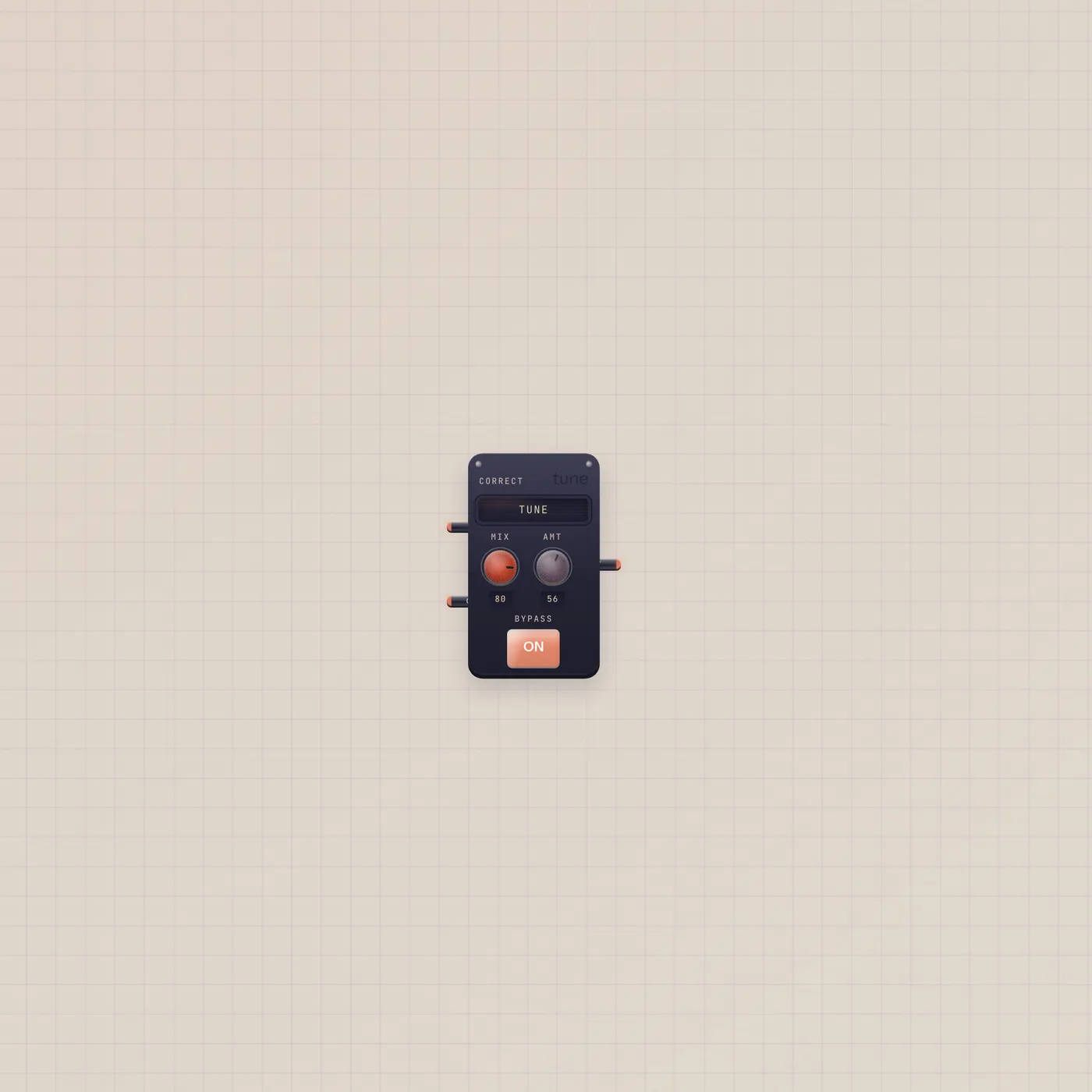
A live pitch box. Not a delay.
Correct is a live pitch box. Tune to a key, vocode, shift, harmonize, or insert a catalog plugin. Mic or Keys in, Deck out. Carrier in is for vocode.
Open guide →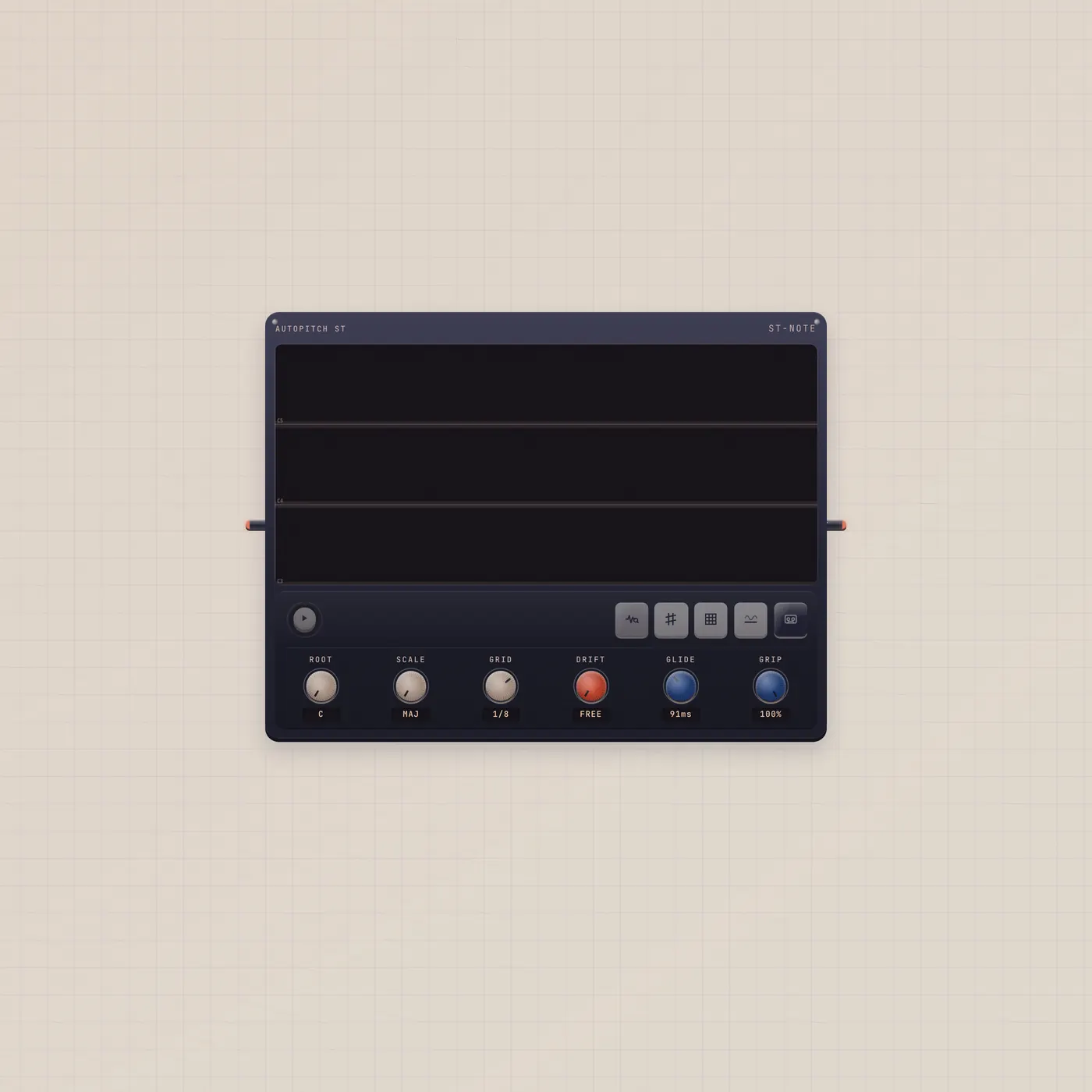
Detect the notes. Drag them. Print a stem.
Notes is Autopitch ST, a monophonic pitch and time editor. Drop or patch a take, detect notes, snap to key, drag pitch and time, print a stem.
Open guide →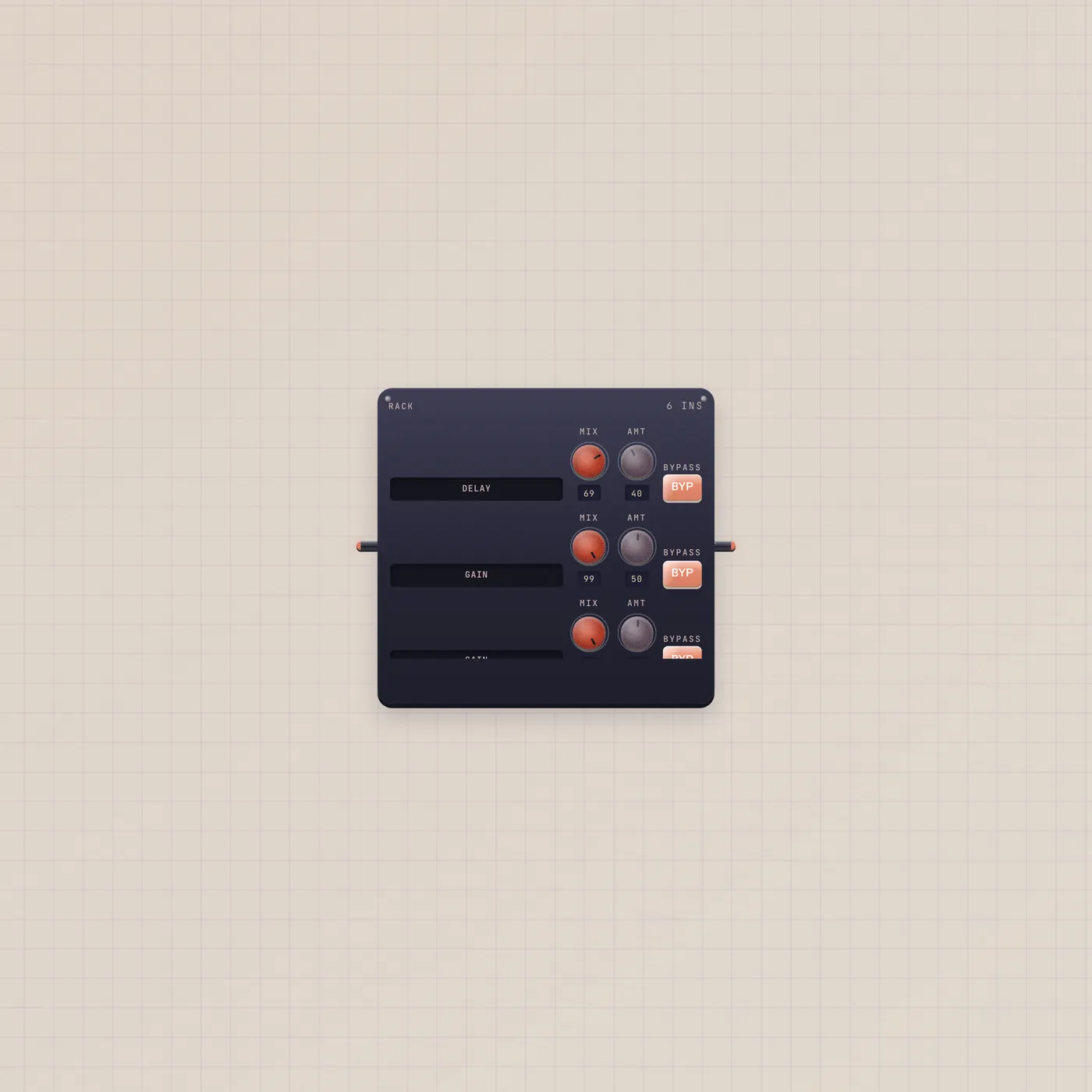
A strip of inserts. Effect is the one-slot twin.
Rack holds four to eight inserts from the studio DSP catalog. Patch audio through it into Deck. Effect is the same plugins in one slot.
Open guide →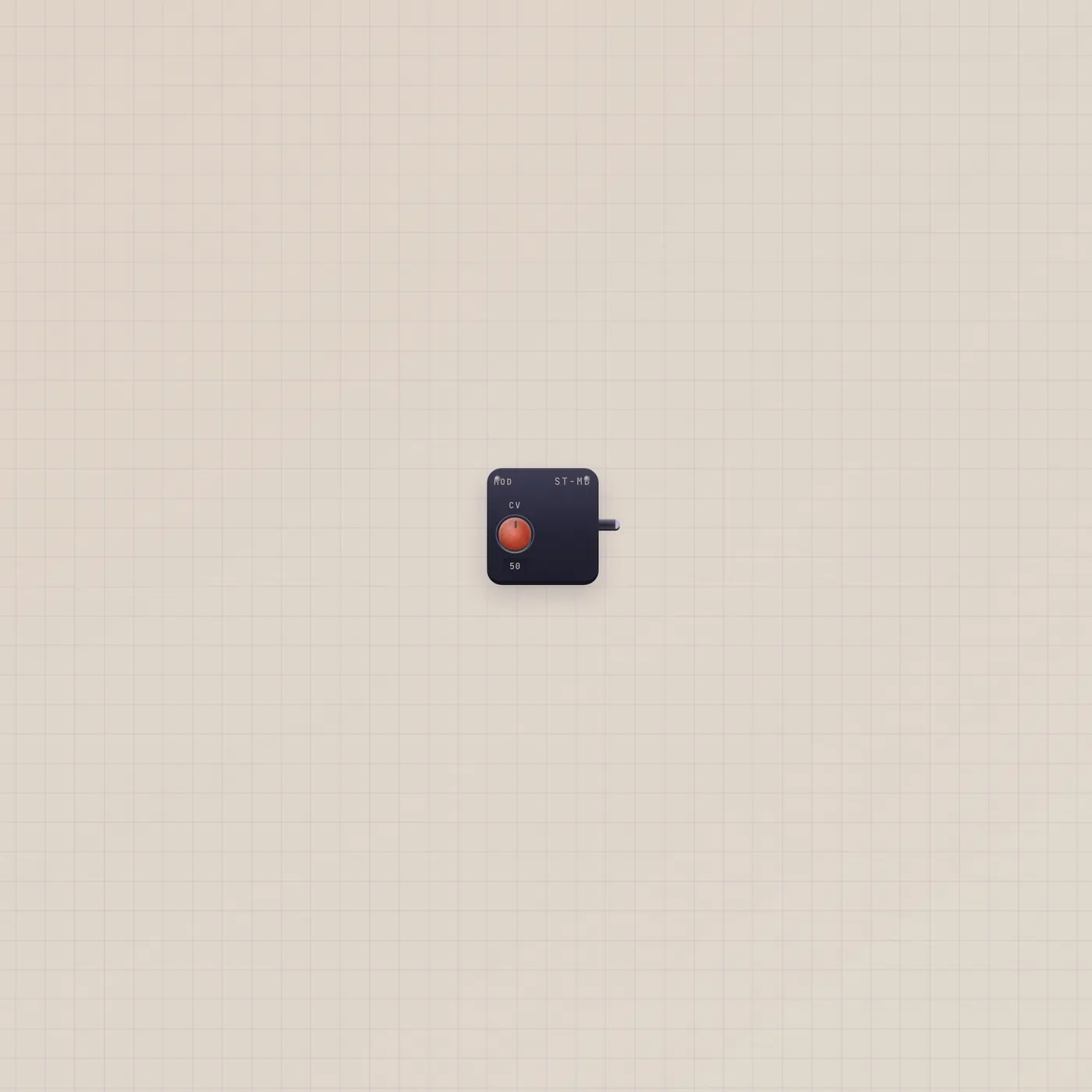
One jack. CV or gate, you pick.
Mod is a CV knob or a gate toggle. Value out is 0–99 as CV, or a held gate. Patch it into tempo, mix, or Run. Knob and Switch are the dedicated twins.
Open guide →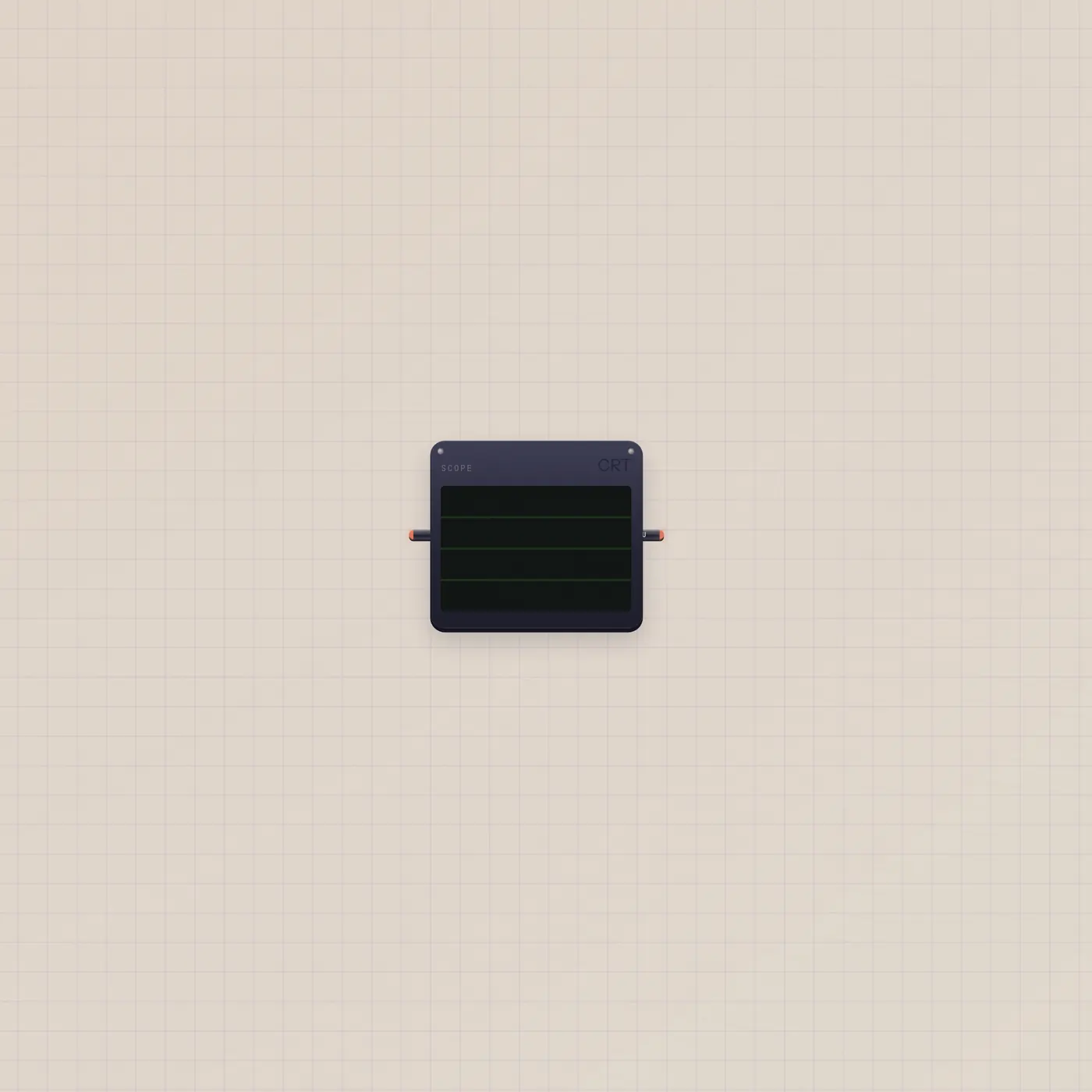
See the wave. Thru still plays.
Scope is an audio visualizer. Patch BeatPad or Keys into audio in. Thru passes the signal so you can sit it in a chain and still hear it.
Open guide →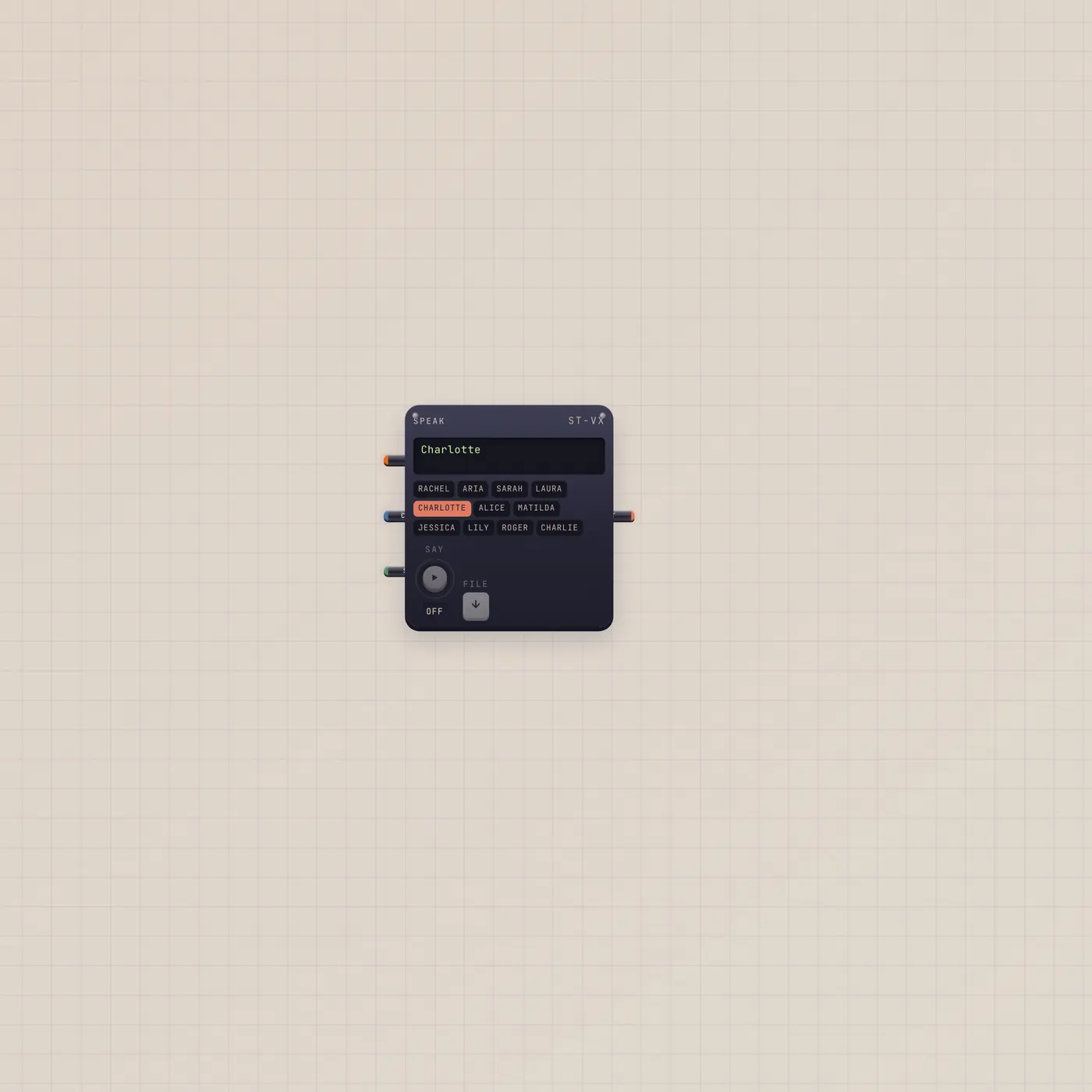
New text arrives. It speaks once.
Speak reads patched copy out loud when new text first arrives. Repeat or gate in re-speaks a saved file. Pal.ai uses a realtime voice. Audio out is the take.
Open guide →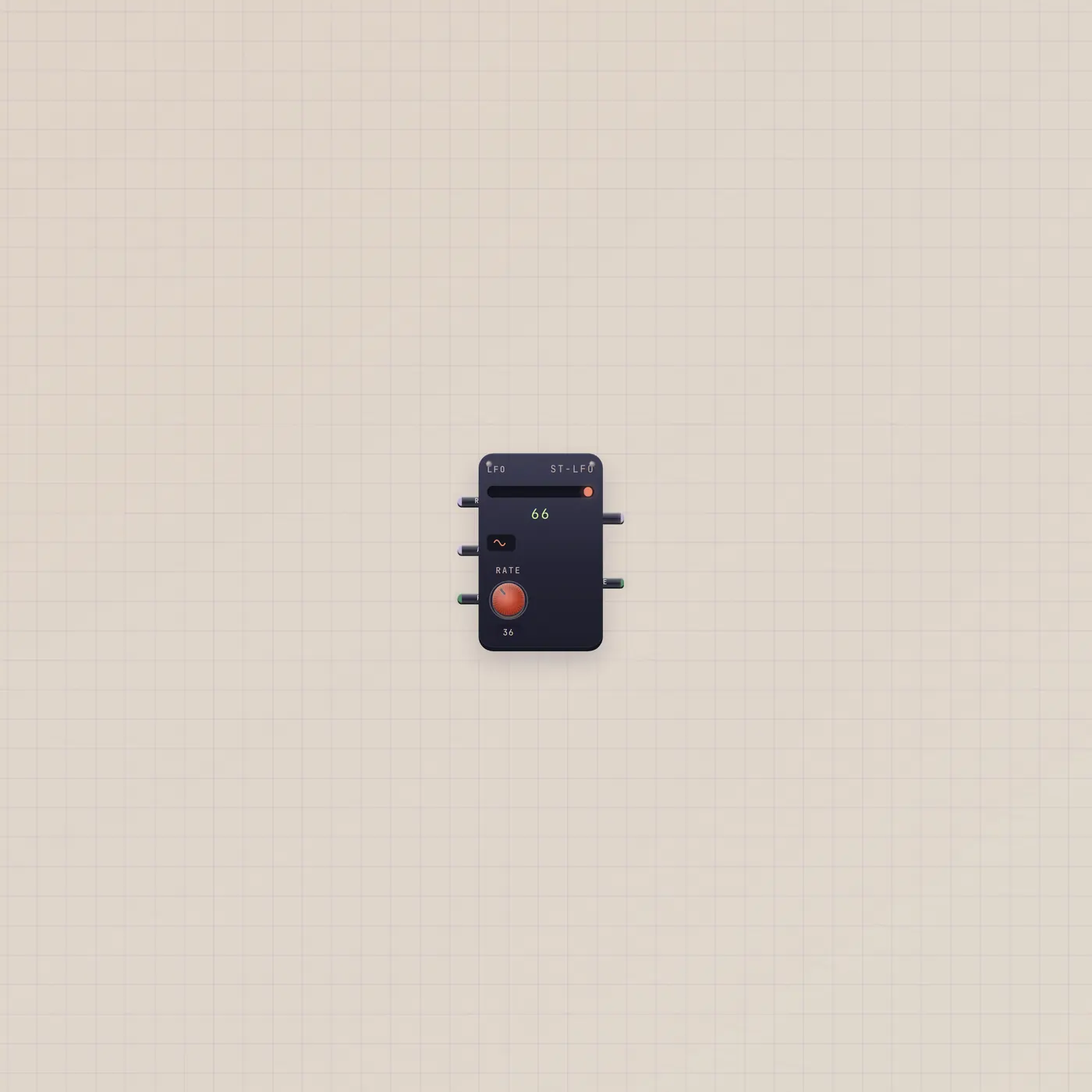
A looping number. Patch it onto a pot.
Lfo is a looping CV modulator, 0–99. Rate and depth take CV. Run takes a Switch. Value out rides tempo, mix, pan, or pitch. Gate out pulses with the wave.
Open guide →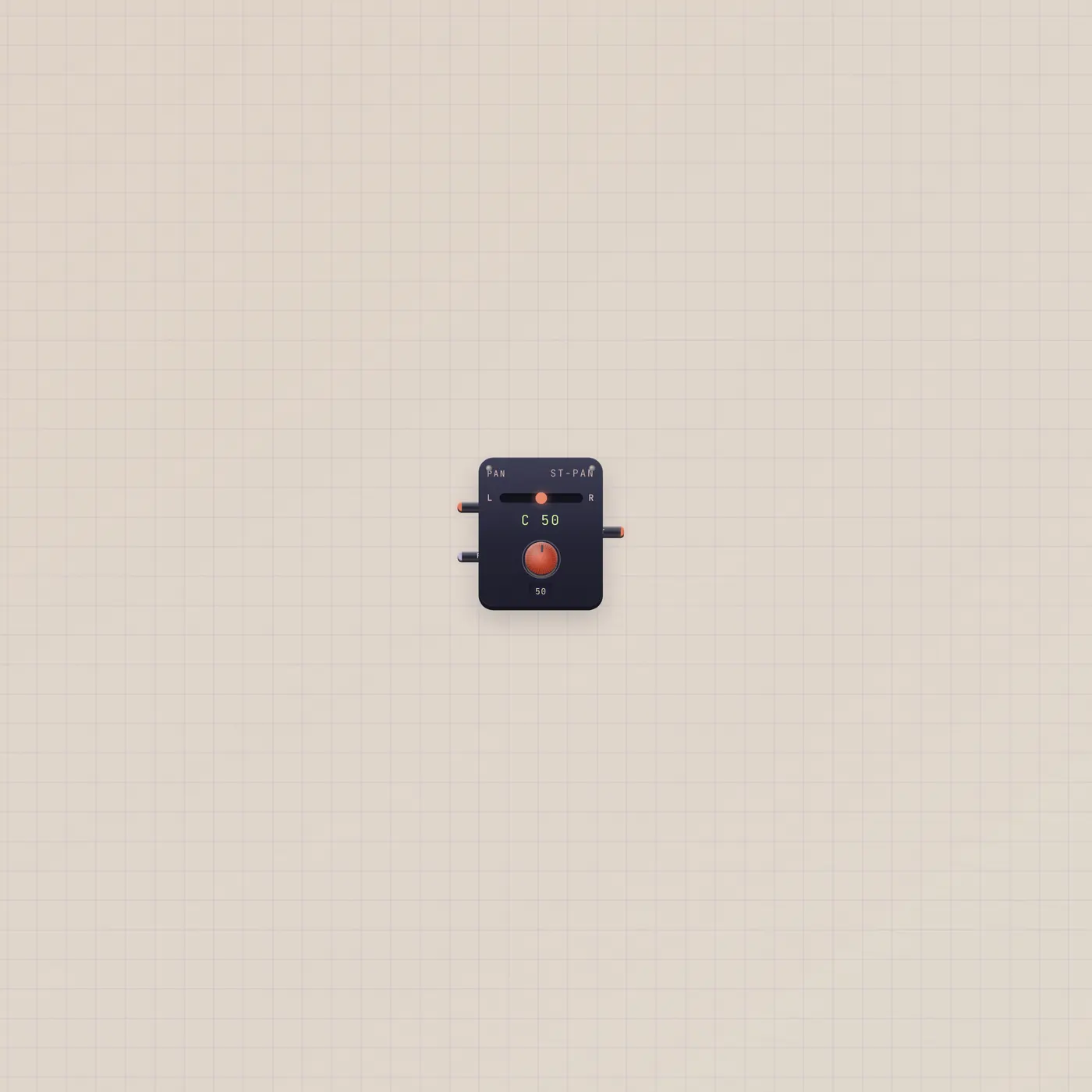
Slide the take left or right.
Pan is a stereo panner. Audio in from Keys, BeatPad, or Effect. Pan is 0 left to 99 right and takes CV. Audio out to Scope or Deck.
Open guide →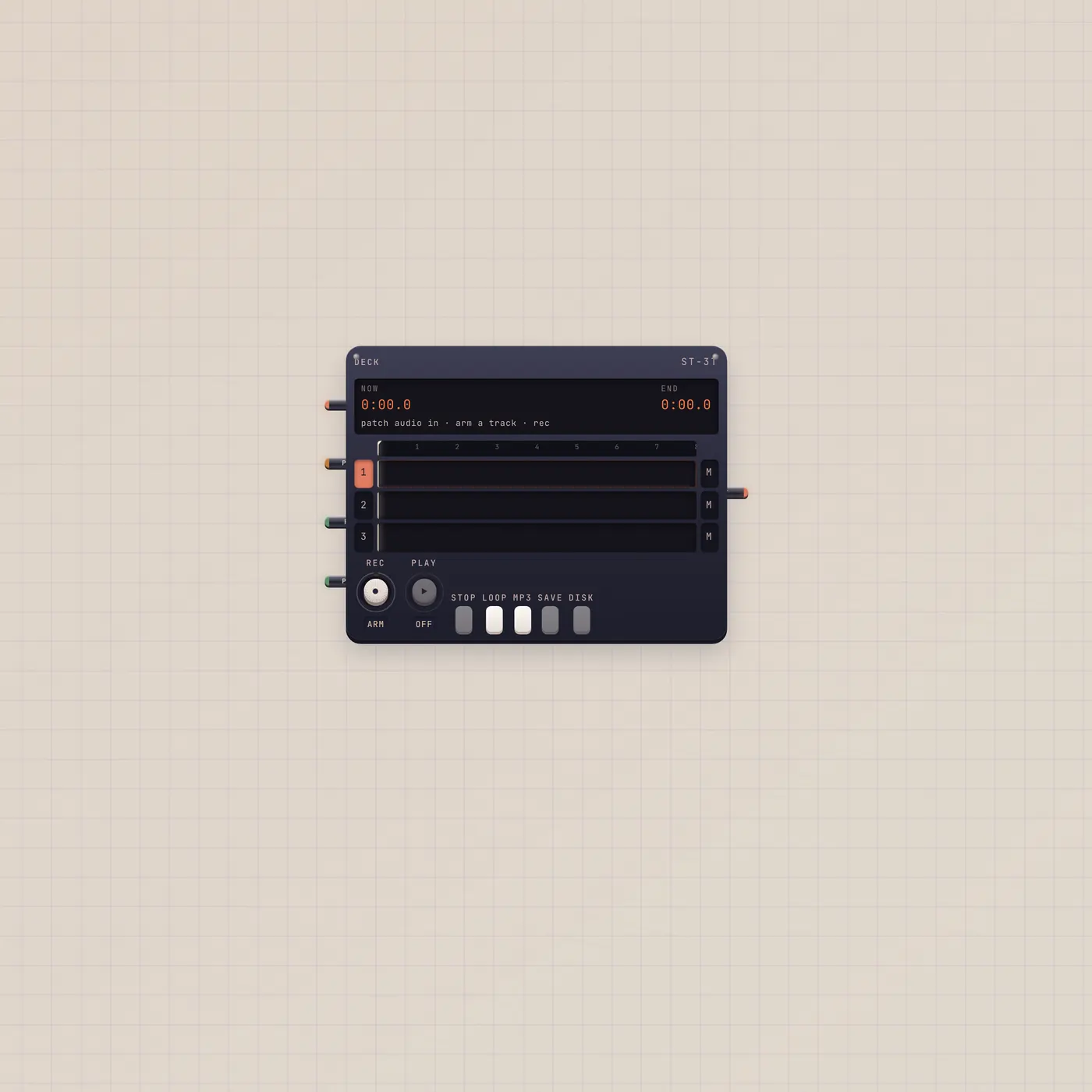
Arm a track. Punch Rec. Save the tape.
Deck is four-track tape. Fan-in audio to In. Arm a track, punch Rec, Play mixes unmuted tracks. Save shelves an mp3 or wav for Vinyl, Cassette, or Boombox.
Open guide →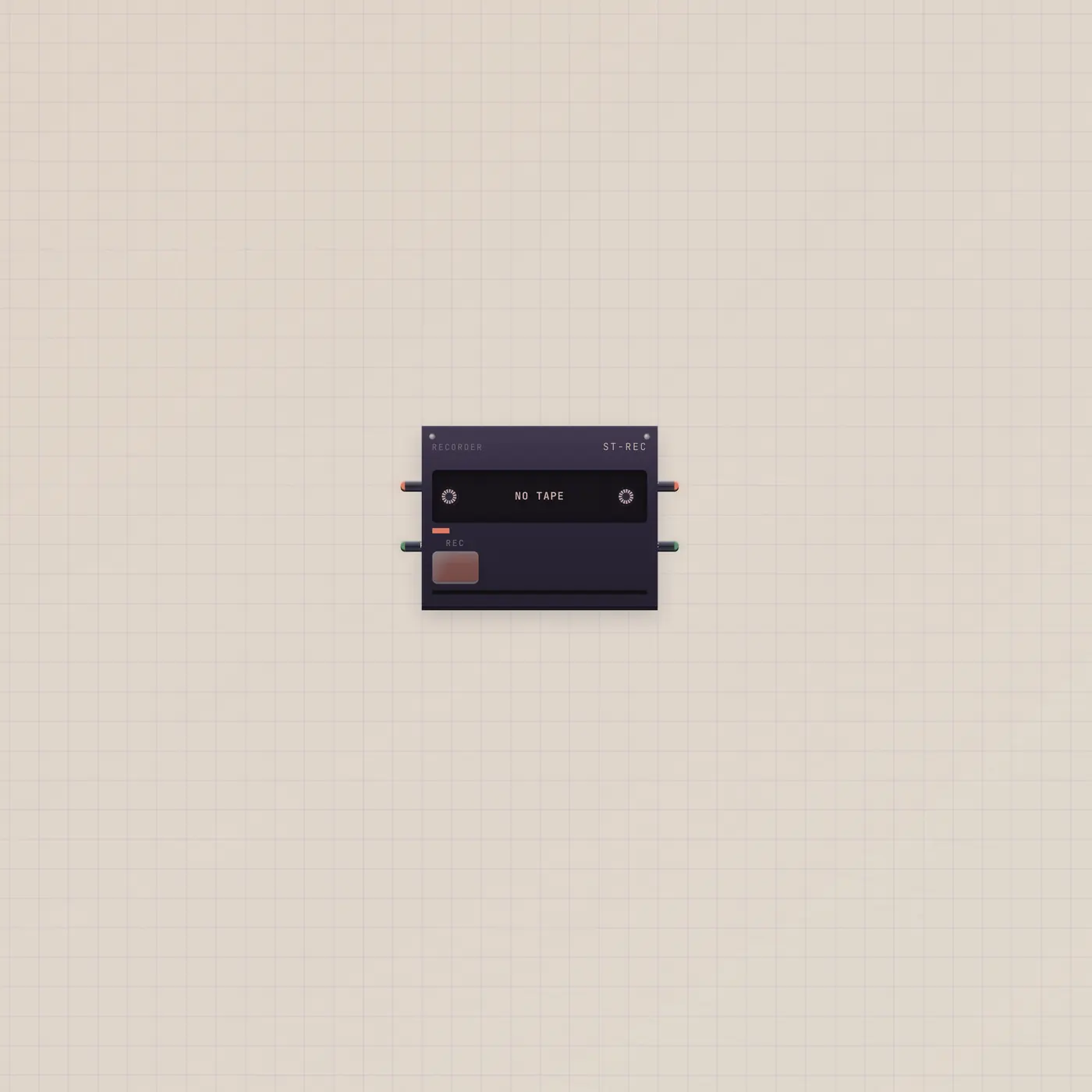
Capture the chain. A cassette comes out.
Recorder is a portable cassette recorder. Fan-in audio, hold Rec, and it shelves the take and ejects a Cassette. Audio out is a live thru.
Open guide →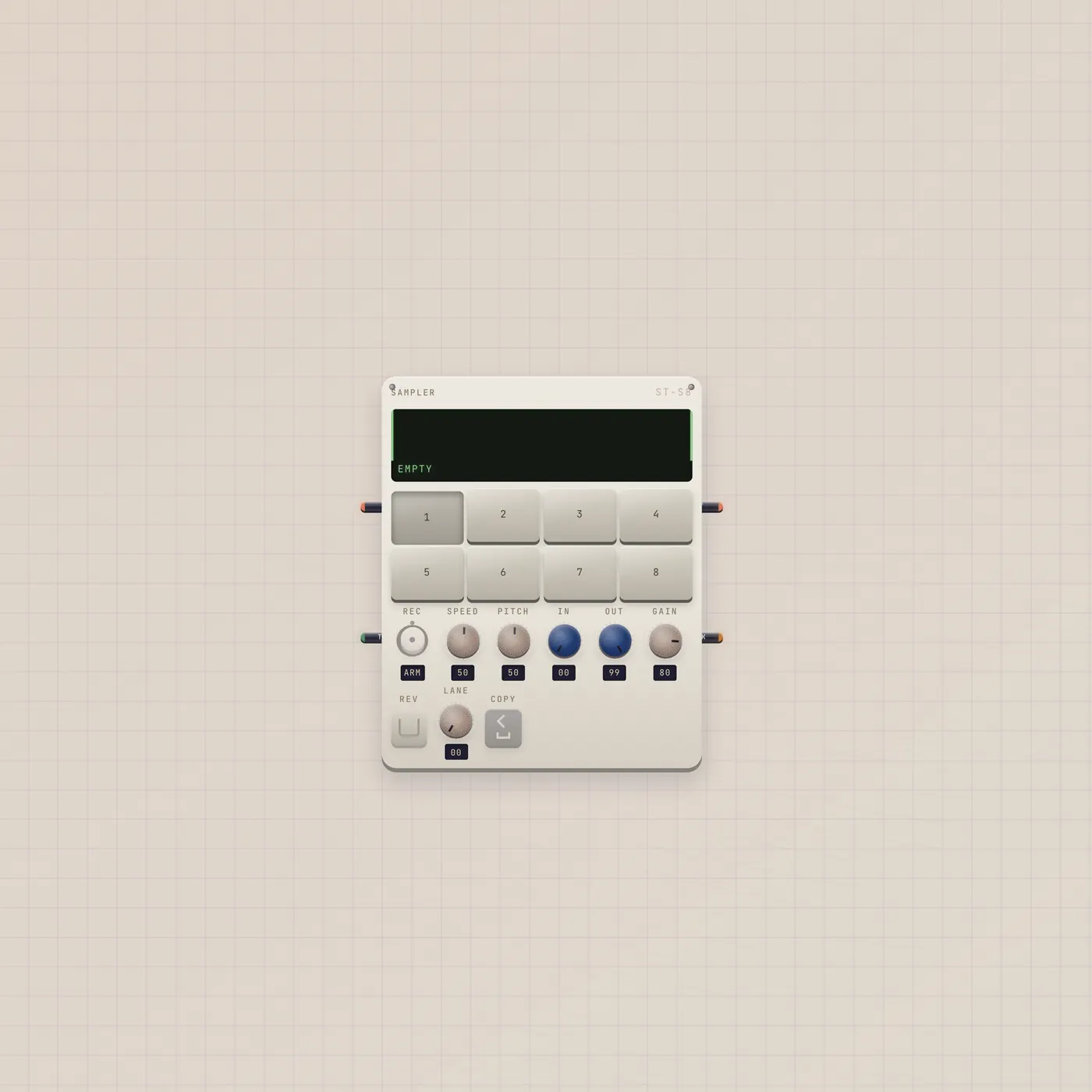
Arm a pad. Record. Send the pack.
Sampler is a pocket sampler. Patch a live source, arm a pad, record up to 30s. Pack out lands on BeatPad, Deck, Keys, or MiniSynth. Gate in triggers the selected pad.
Open guide →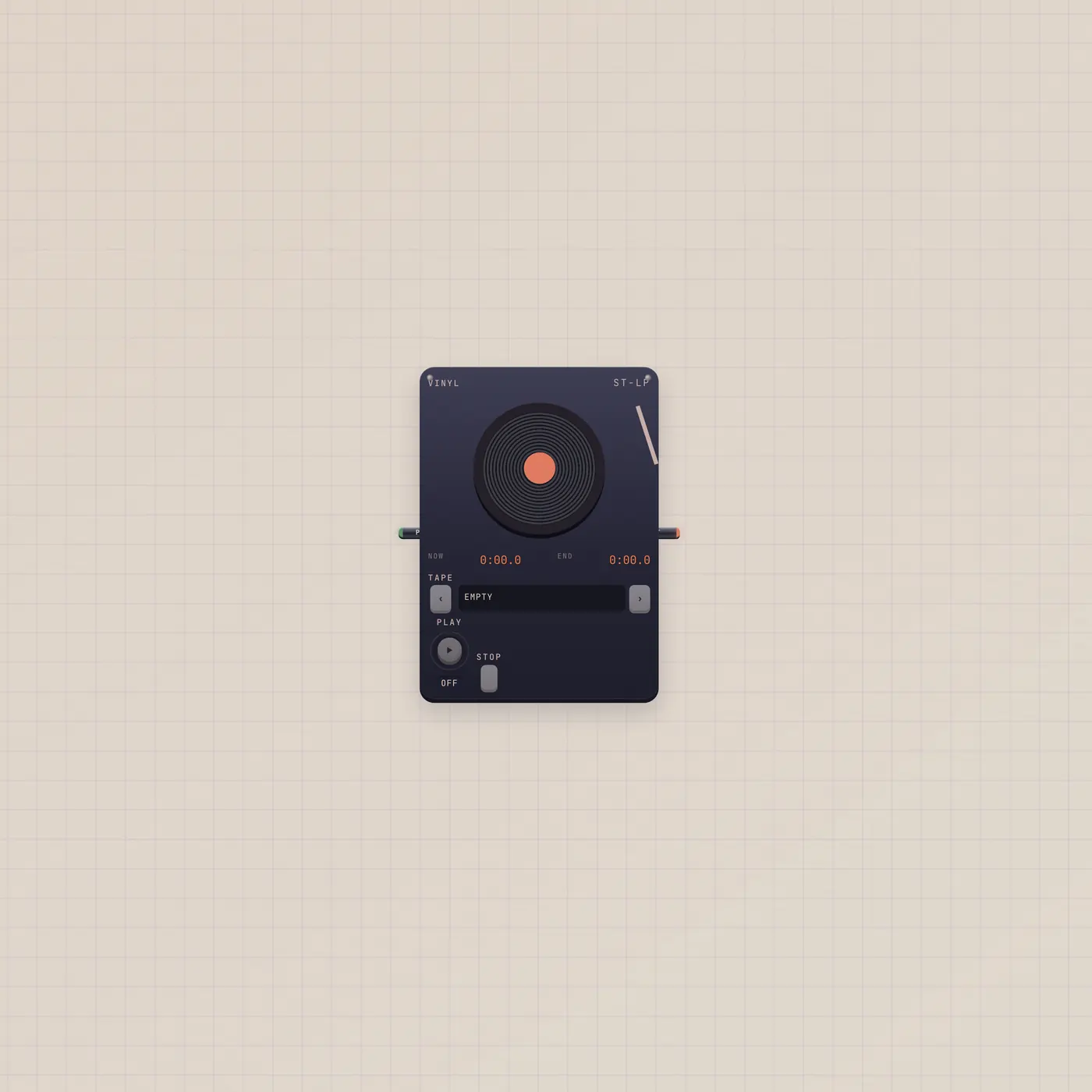
Load a tape. Drop the needle.
Vinyl is a record player for tapes you saved from the Deck. Same shelf as Cassette and Boombox. Play gate starts and stops. Audio out to Scope, Deck, or Effect.
Open guide →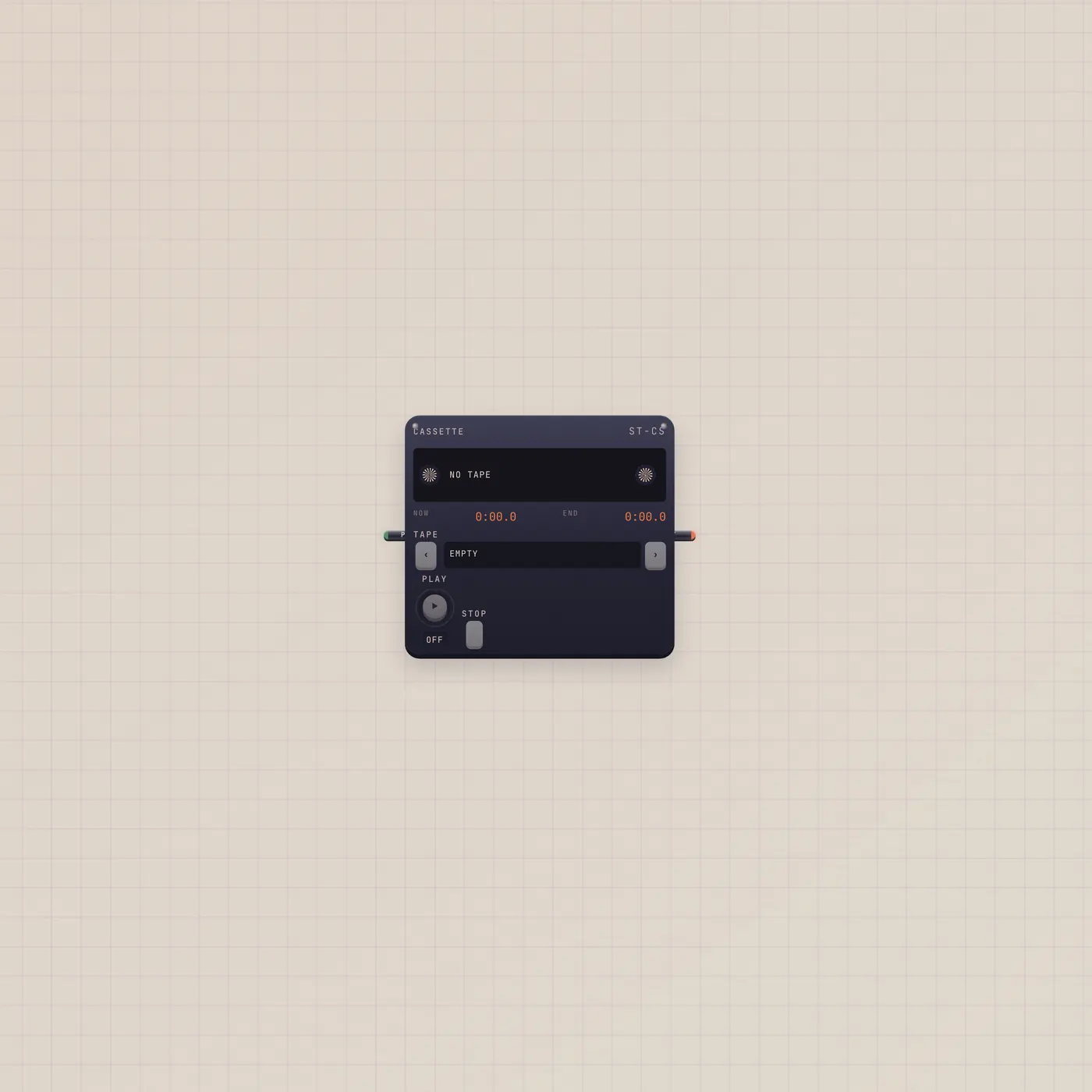
The door you load. Same shelf as Vinyl.
Cassette plays saved tapes in a cassette door. Recorder can eject one already loaded. Same shelf as Vinyl and Boombox. Play gate starts and stops.
Open guide →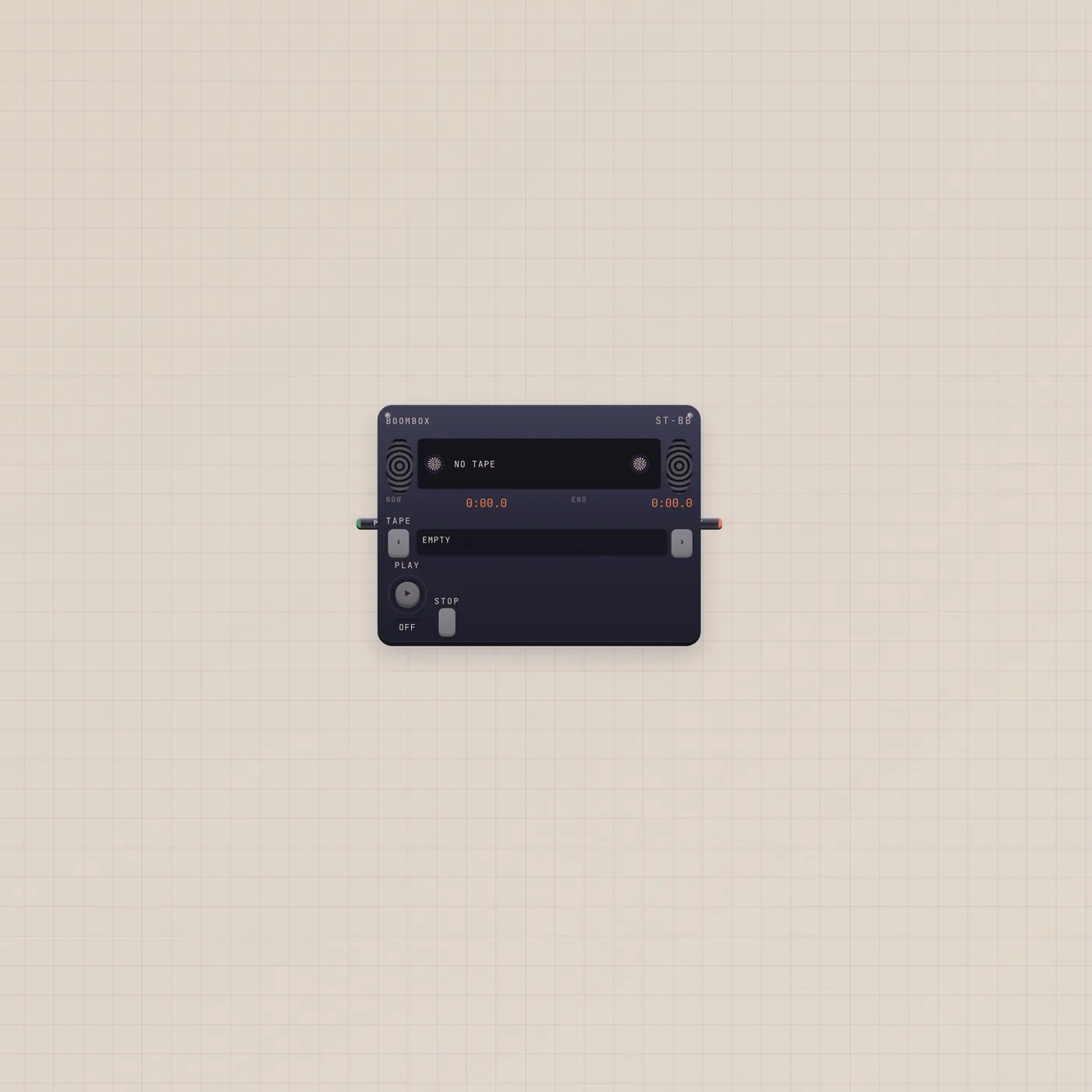
The loud face. Same shelf.
Boombox plays saved tapes loud. Same shelf as Vinyl and Cassette. Play gate starts and stops. Audio out to Scope, Deck, or Effect.
Open guide →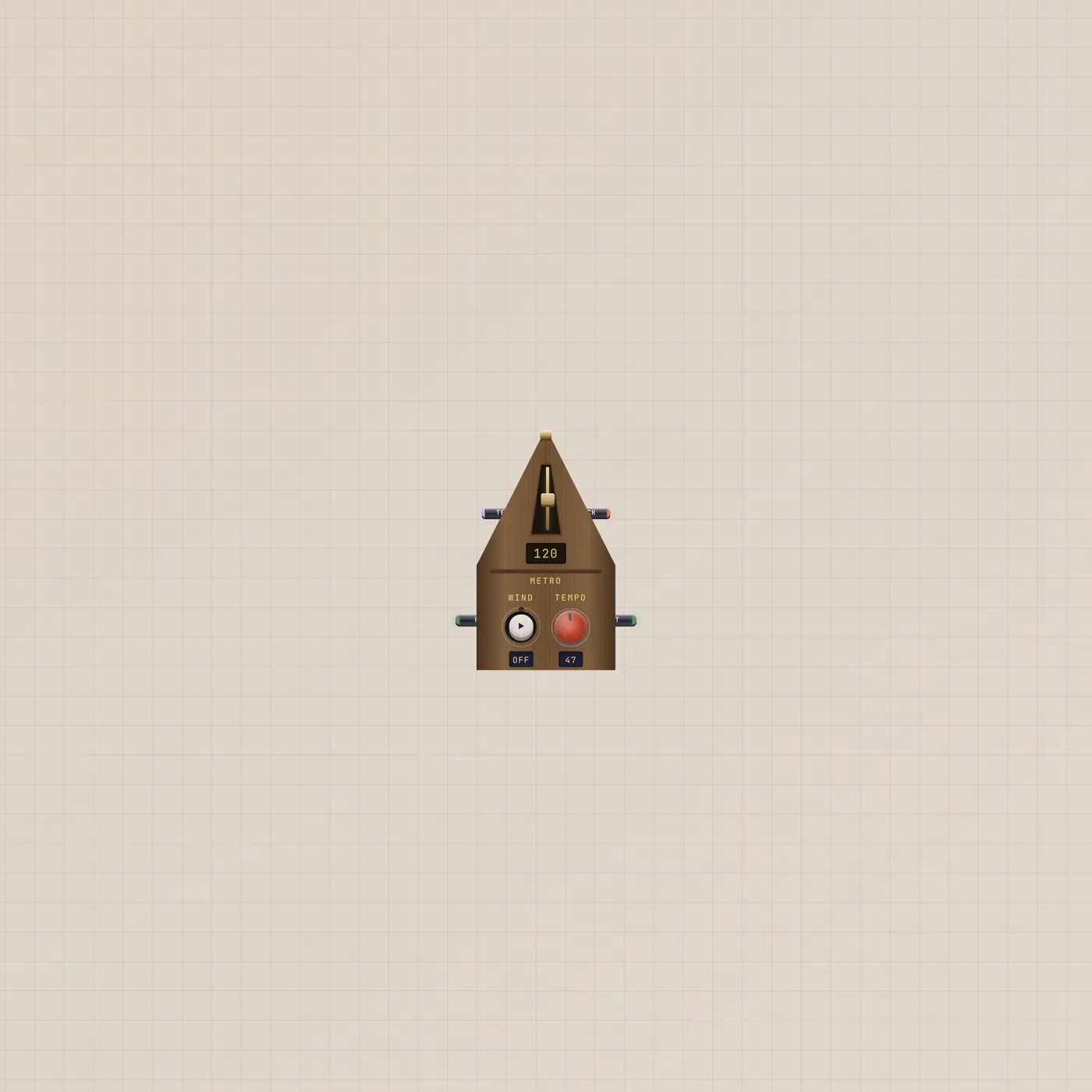
Wind it. The wood clicks. The gate ticks.
Metronome is a wooden pyramid. Tempo 40–208, from the fader or CV. Run holds it on. Audio out is the click. Gate out pulses each beat.
Open guide →Video
Paste a watch link. It actually plays.
Video is a hardware tablet player. YouTube, Shorts, Vimeo, Loom, Streamable, or a direct mp4. Video out lands on a CRT or the Cutting Room. Frame is for pages, not players.
Open guide →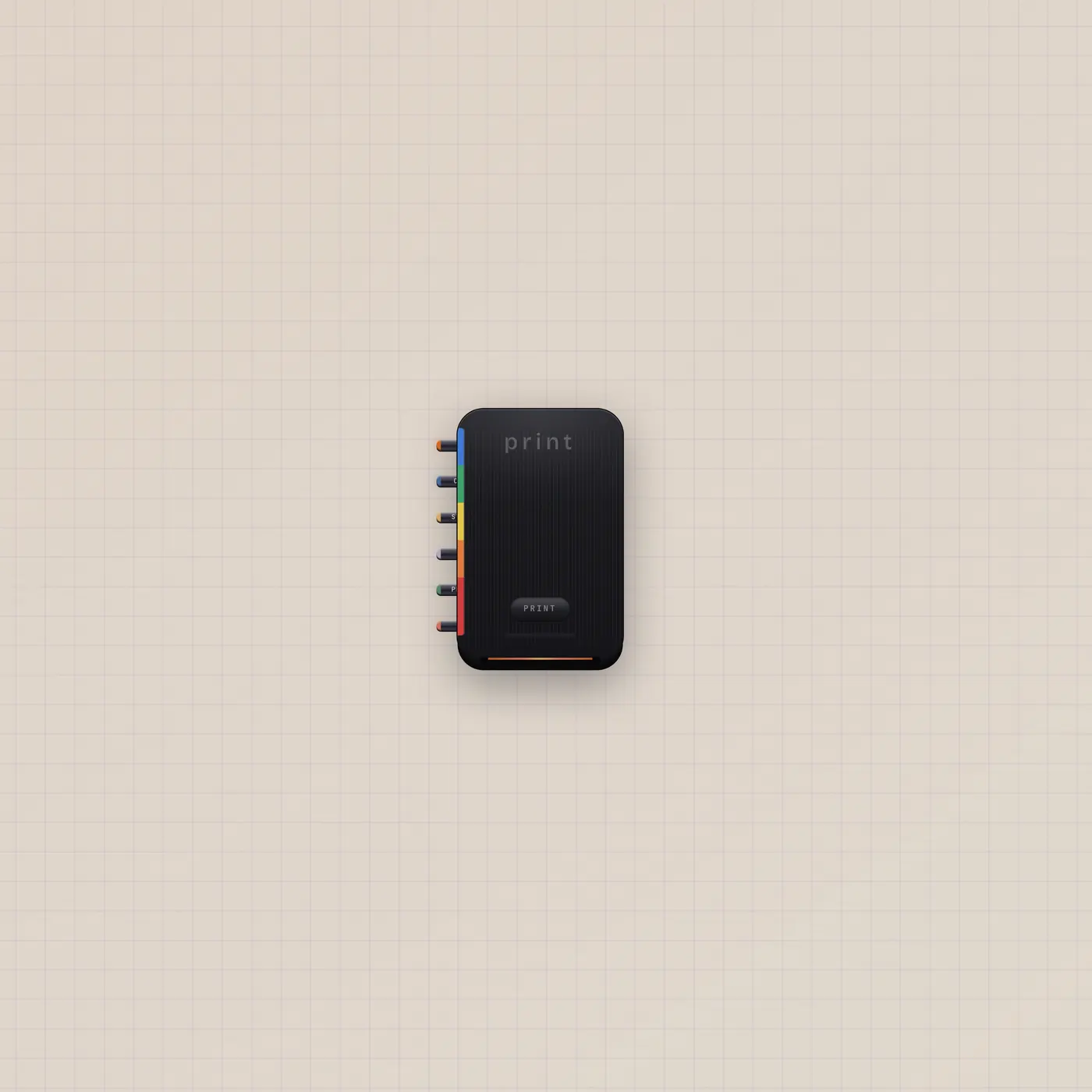
Patch a prompt. Print ejects a still.
Printer is instant film. Text, image, CV, gate, and audio join one prompt. Print — or a rising gate — develops a still and ejects an Image polaroid. Pal.ai generates.
Open guide →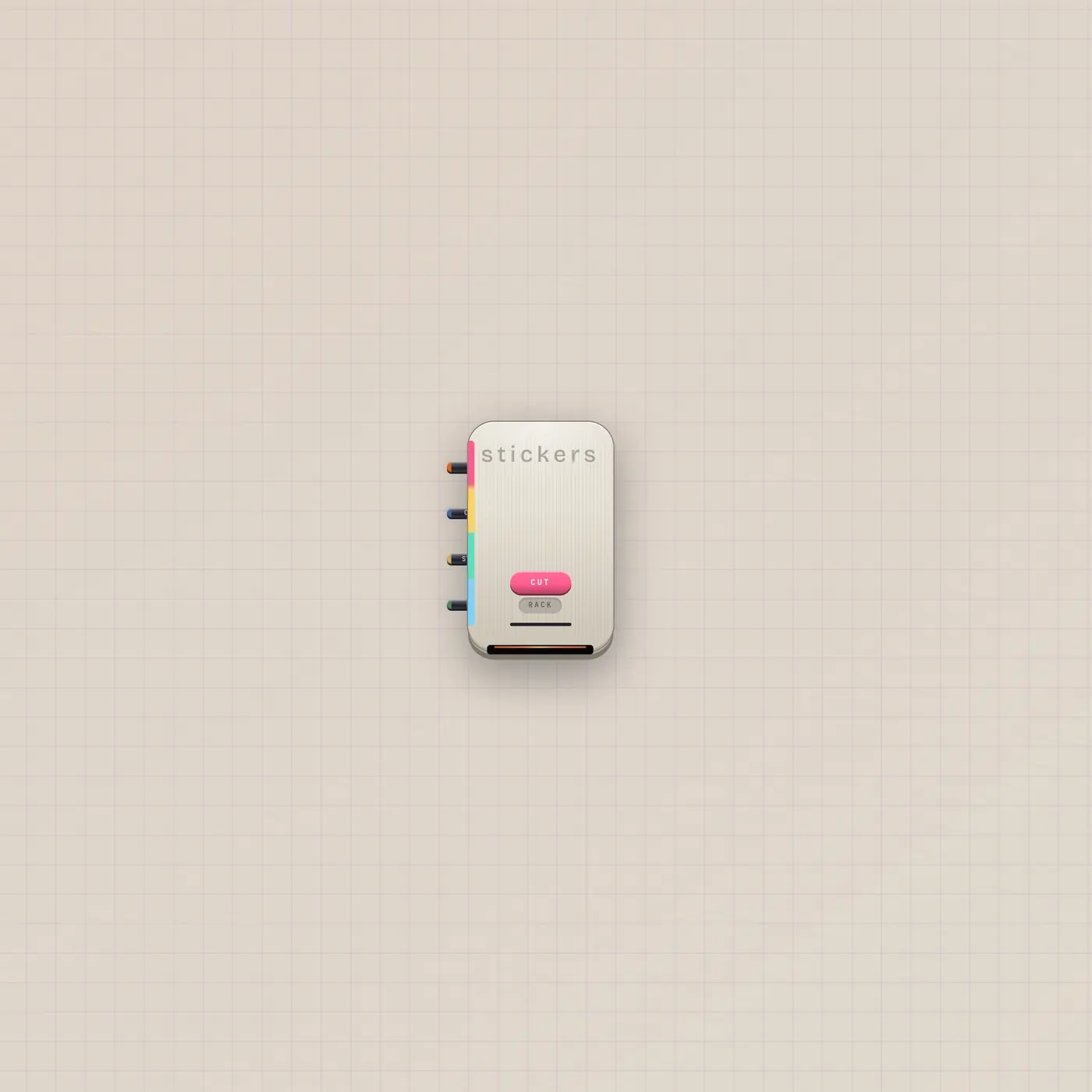
Copy is style. The bite is the cut.
StickerPrinter is a die-cut press. Patch a still to cut that subject. Copy in is style only. Pal.ai runs cutSticker. Gate in is Cut.
Open guide →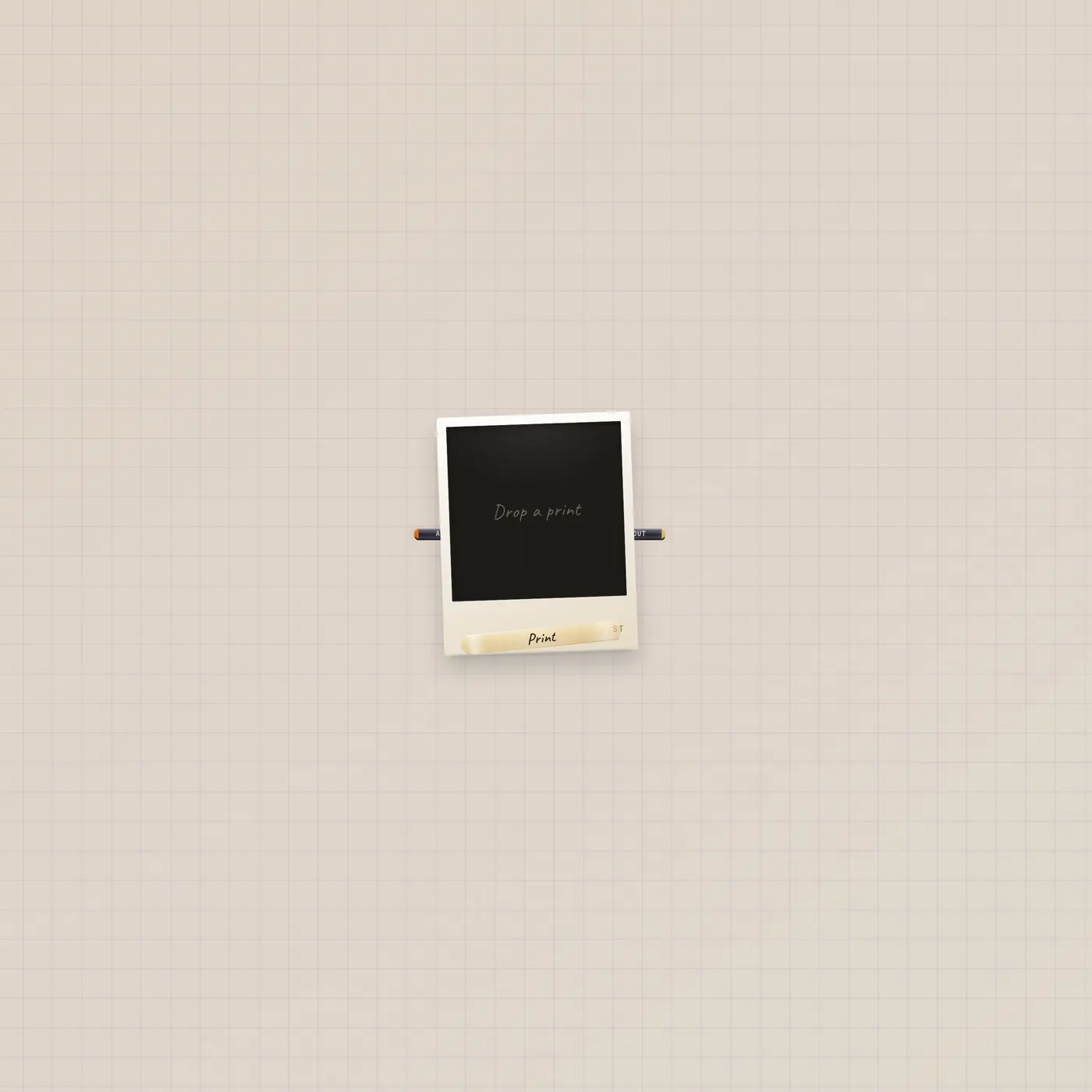
A still on the floor. Image out.
Image is a polaroid print. Drop, paste, or stick a URL. Pal.ai can generateImage. Image out patches into Camcorder, Printer, Lens, or the Cutting Room.
Open guide →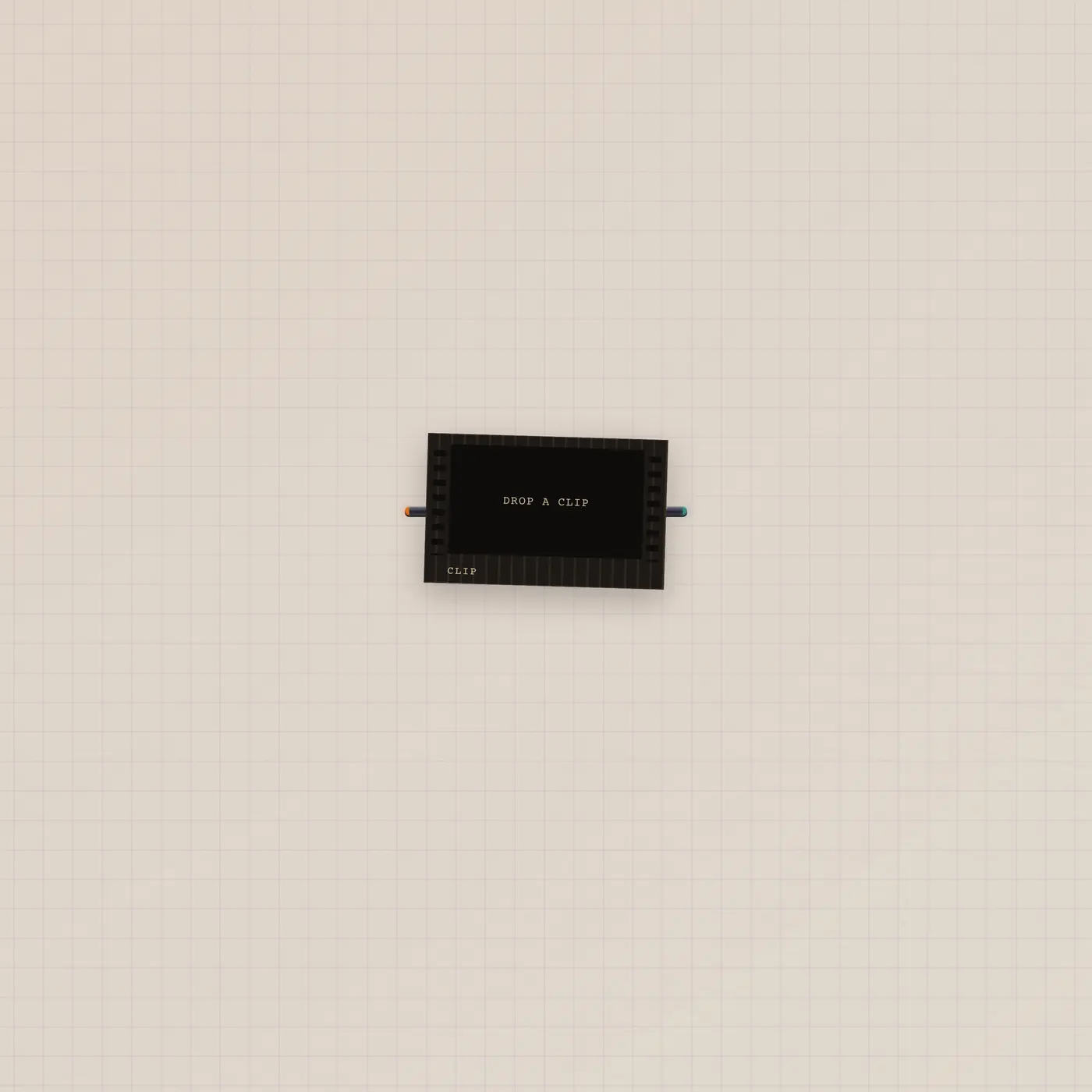
A cell on the floor. Video out.
Clip is a film-cell print of an mp4. Pal.ai can generateClip. Video out patches into a CRT or the Cutting Room. Prefer Camcorder to shoot.
Open guide →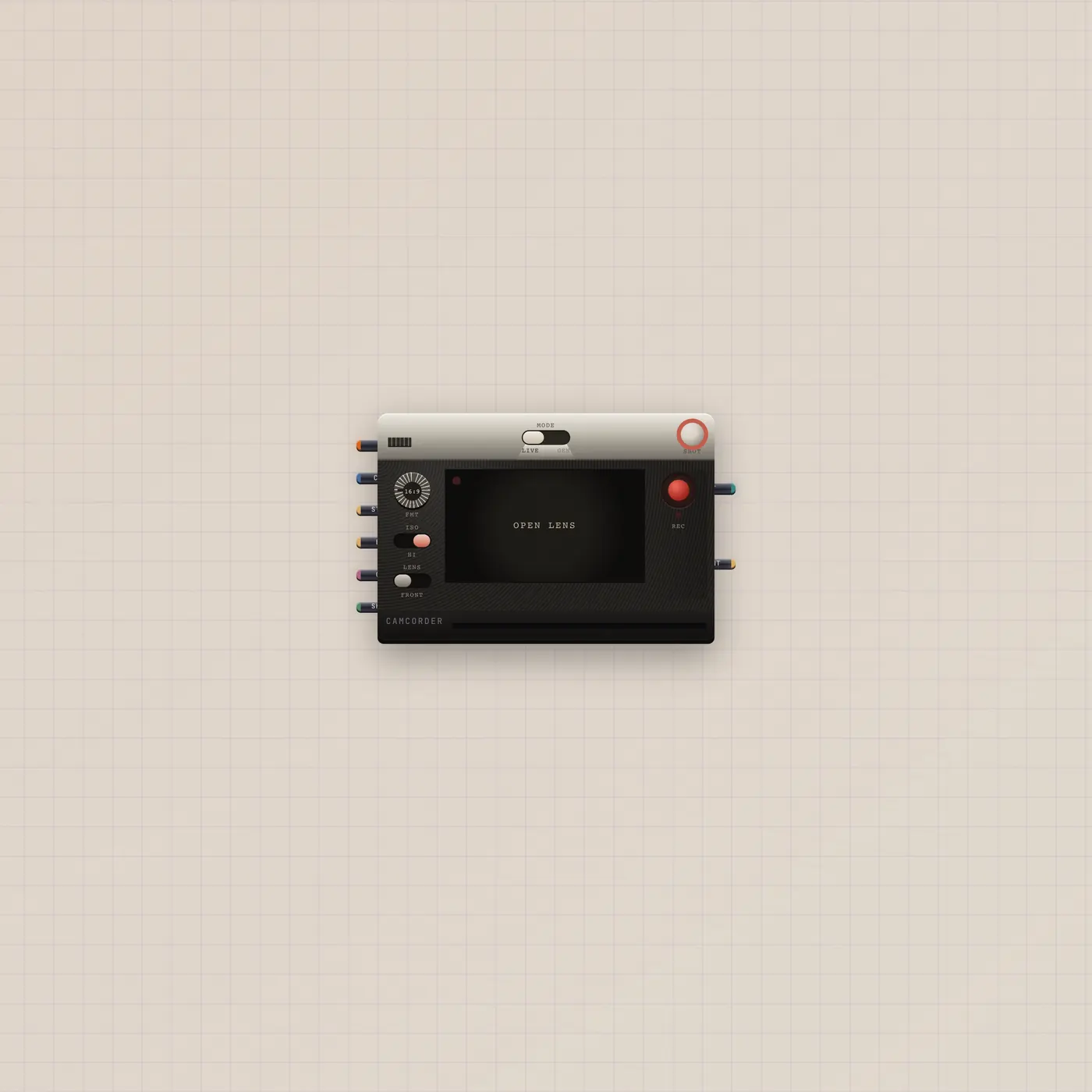
Flip Live or Gen. Shoot. The take goes out.
Camcorder is an analog camera. Live is the webcam. Gen is a generated clip. Patch a Gel, stills, or Pal.ai. Video out and a print out. Gate in is the shutter.
Open guide →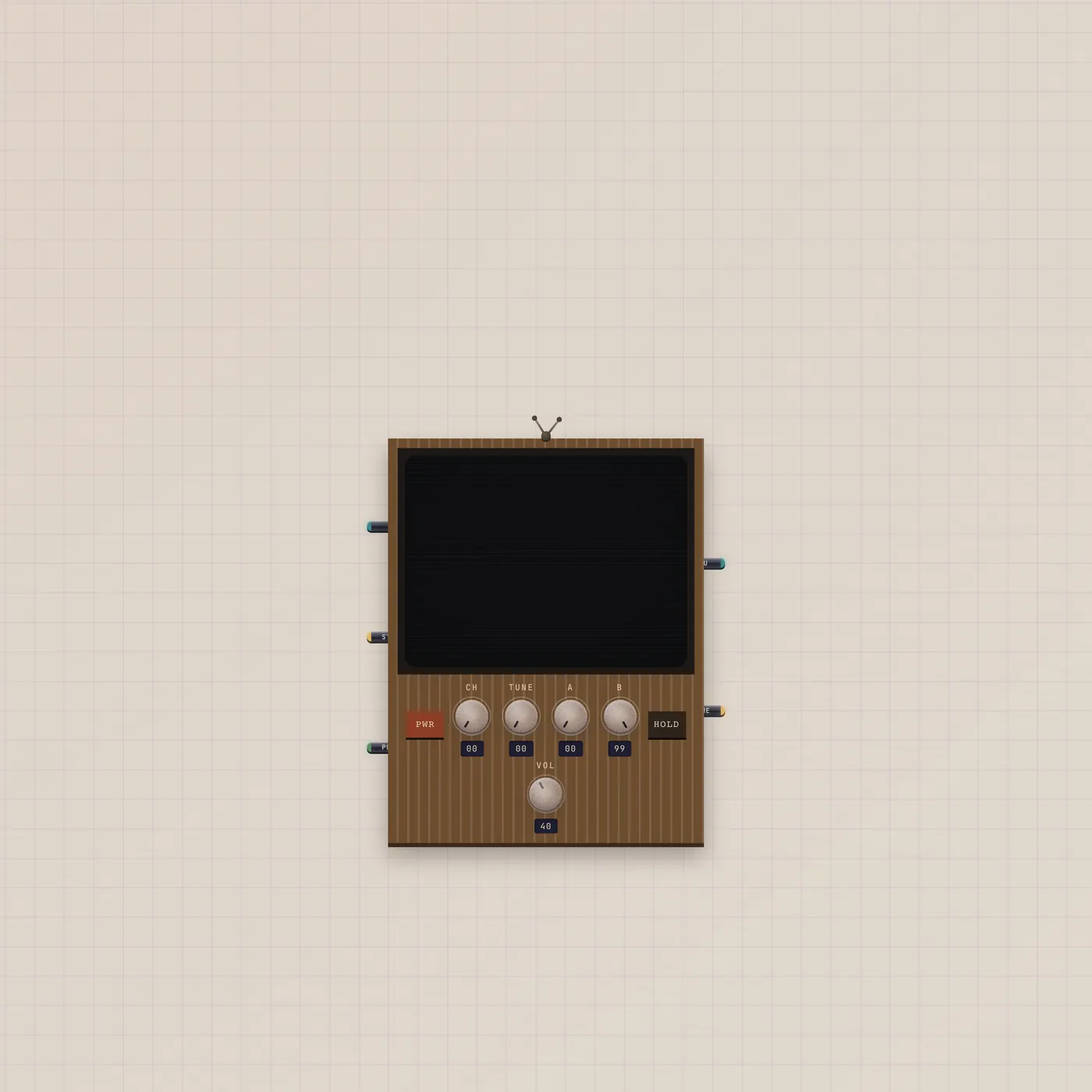
Pick a channel. Watch the tube.
CRT is a wood-grain television. Video in and image in are channels. Gate in is power. Thru is the selected take trimmed to the A/B loop. Frame out is the current still.
Open guide →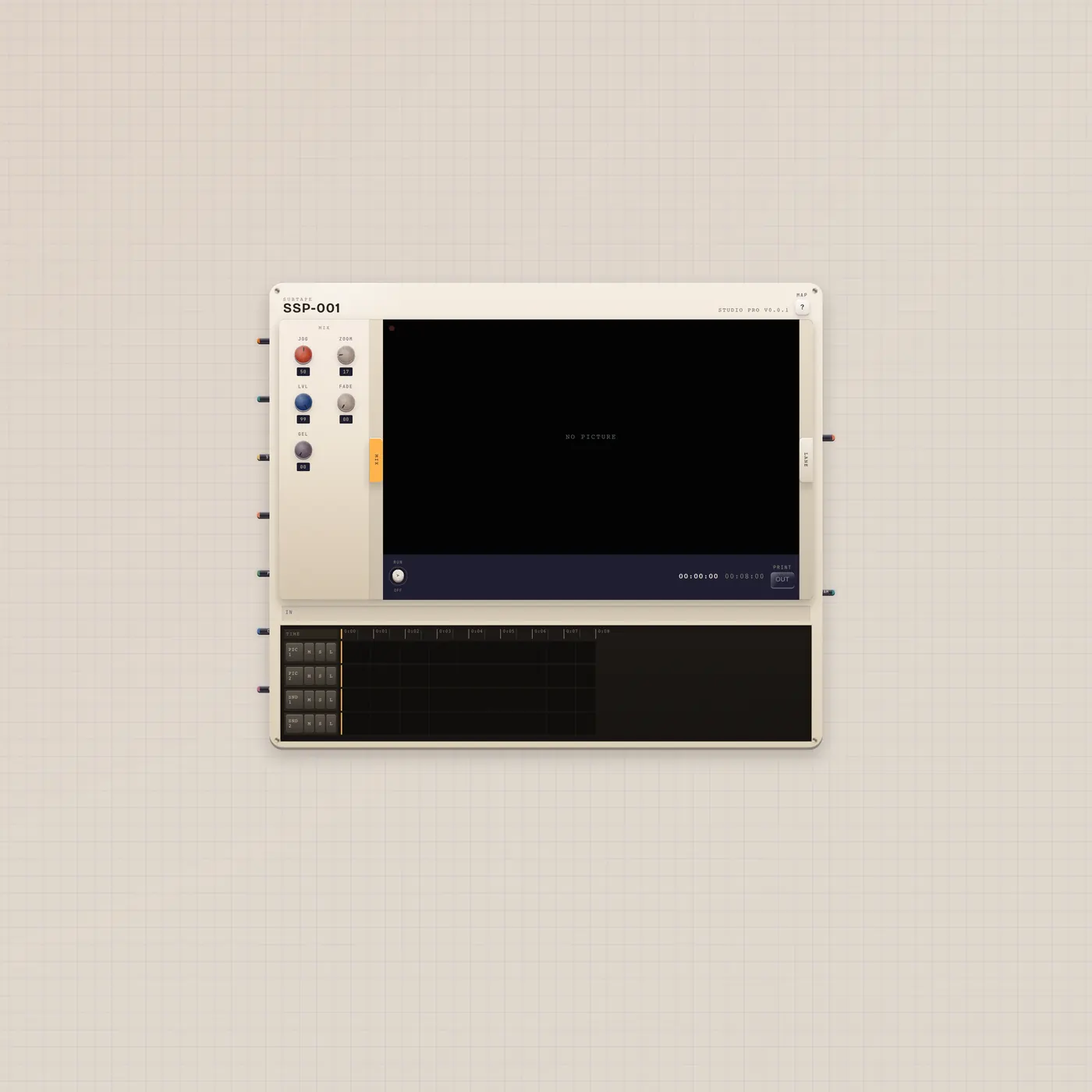
Tracks of picture, still, sound, caption, gel.
CuttingRoom is Subtape Studio Pro, a portable picture mixer. Patch a Camcorder or Clip in. Pal.ai edits the reel. Program out is the picture at the playhead.
Open guide →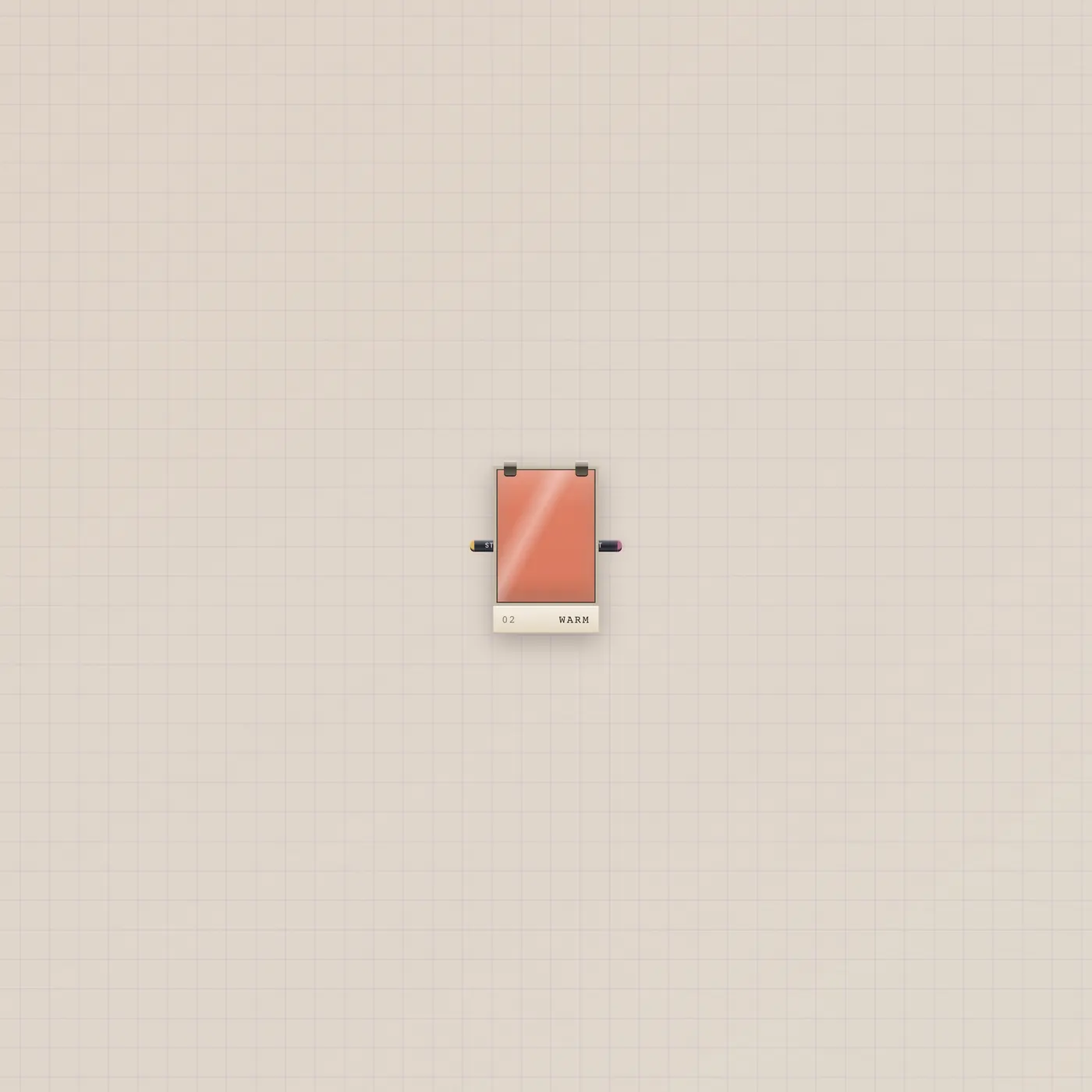
Flip the sheet. Style out.
Lens is a lighting gel, labeled Gel. Drag the sheet to flip looks. Image in is an optional reference. Style out patches into Camcorder or the Cutting Room.
Open guide →Control
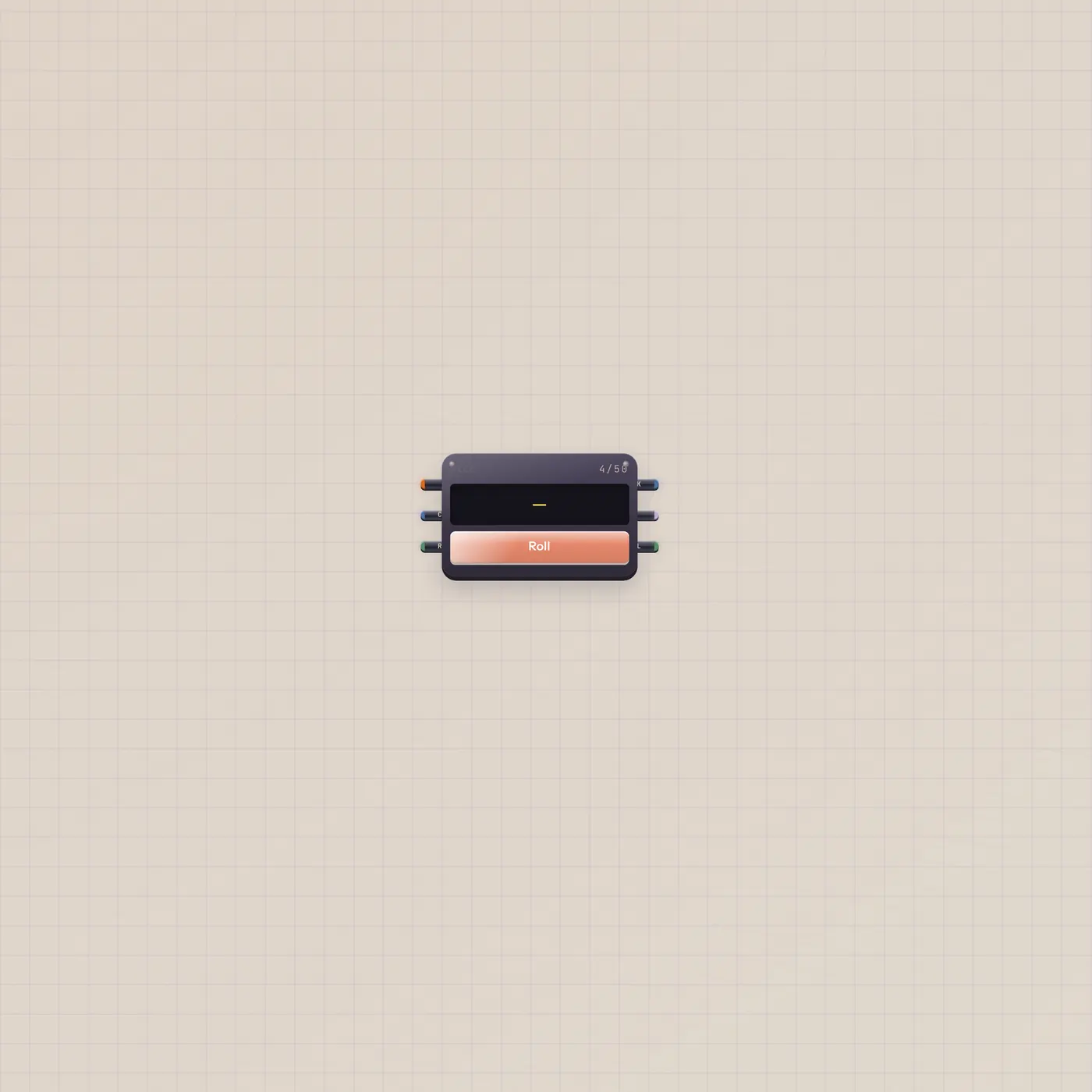
Roll a face. Publish the pick.
The Subtape Dice picks one face at random. Patch text in to feed the list, gate in to roll, Pal.ai to rewrite faces. Text, CV, and a roll pulse come out.
Open guide →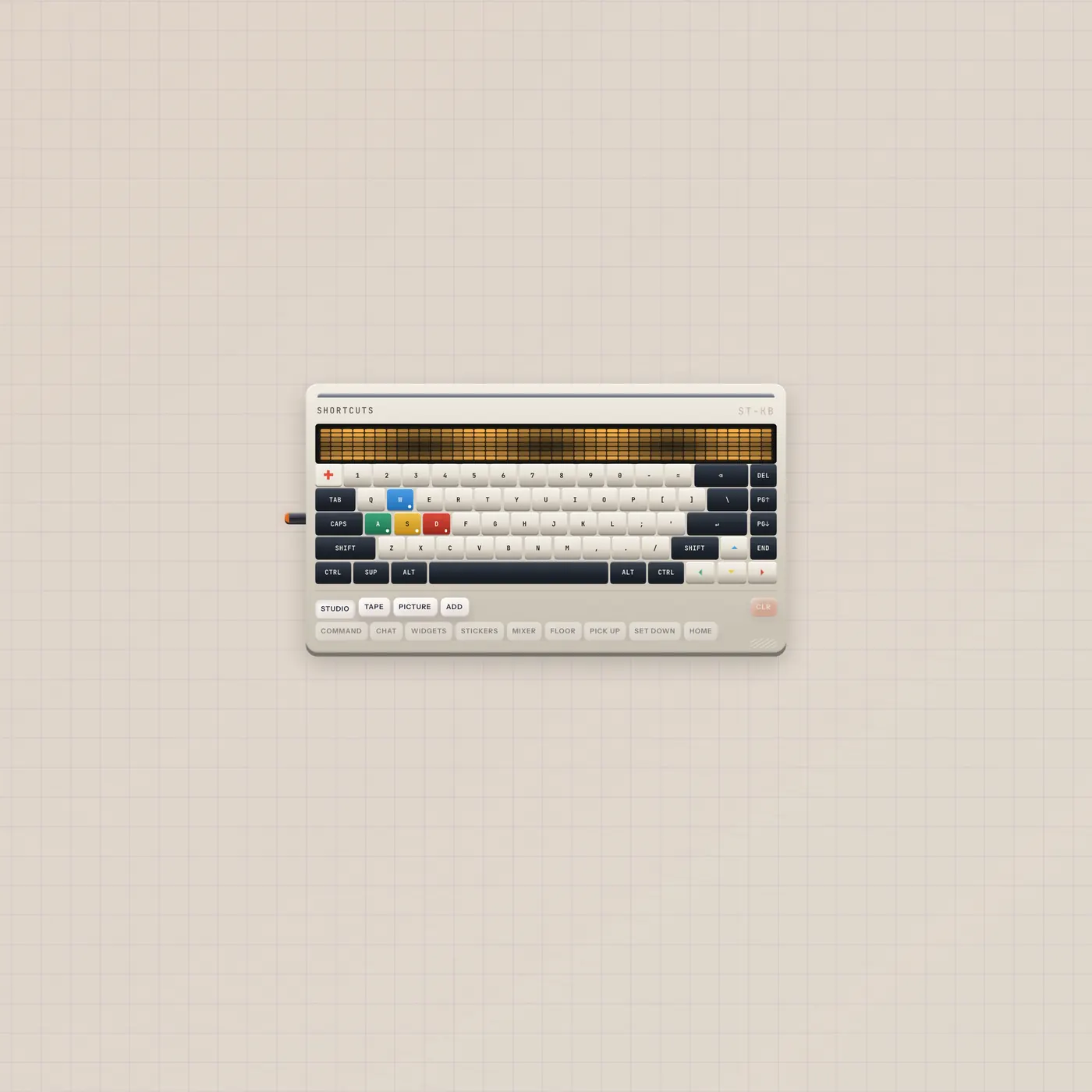
Bind keys. They follow the workspace, not the board.
The Subtape Keyboard is a mechanical deck for workspace shortcuts — not the Keys synth. Click a key, latch modifiers, pick an action. The only jack is AI in for Pal.
Open guide →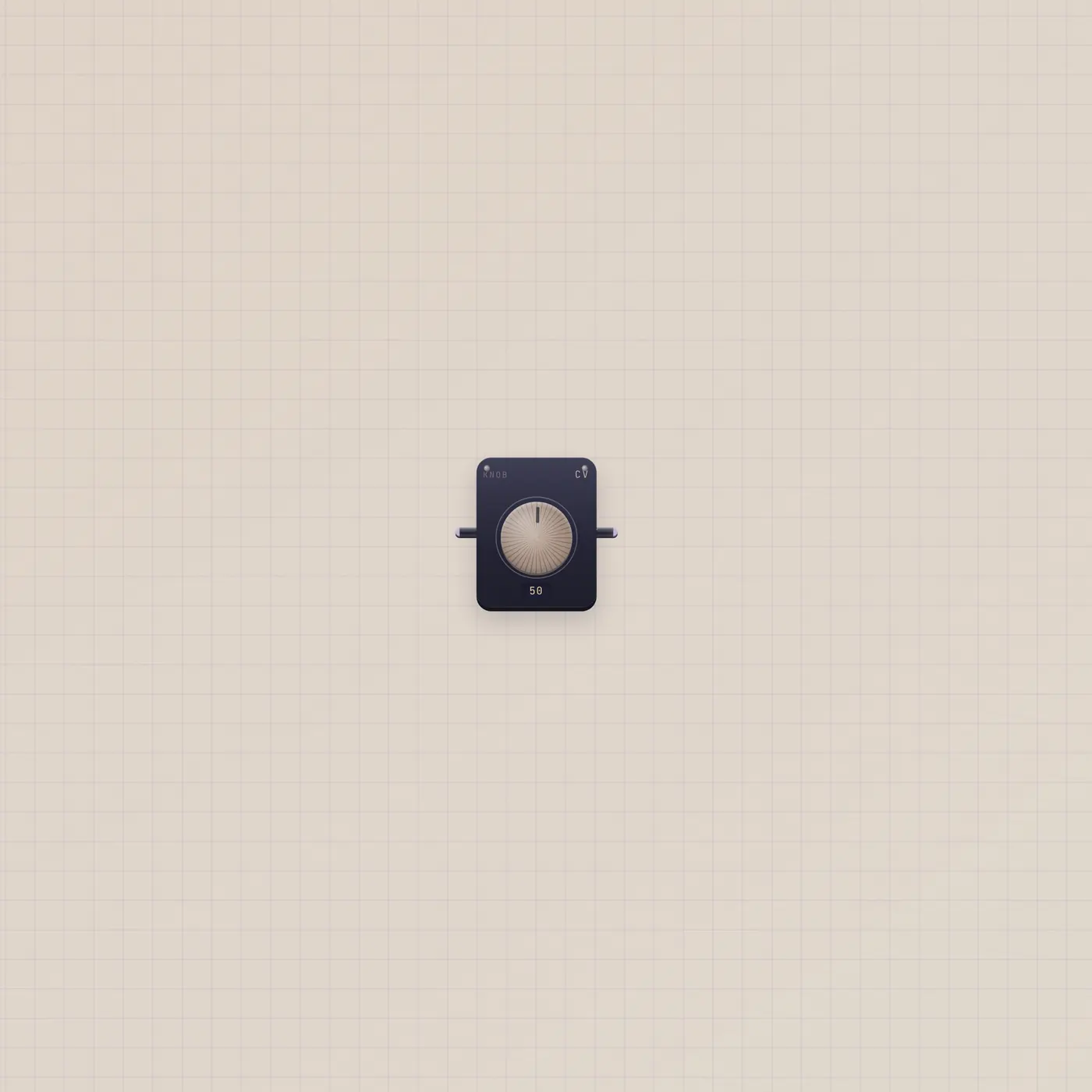
One number. Turn it, or follow a cable.
The Subtape Knob is one CV number, 0–99. Value out drives tempo, mix, pitch, or Calc. Value in follows a patched number and republishes it.
Open guide →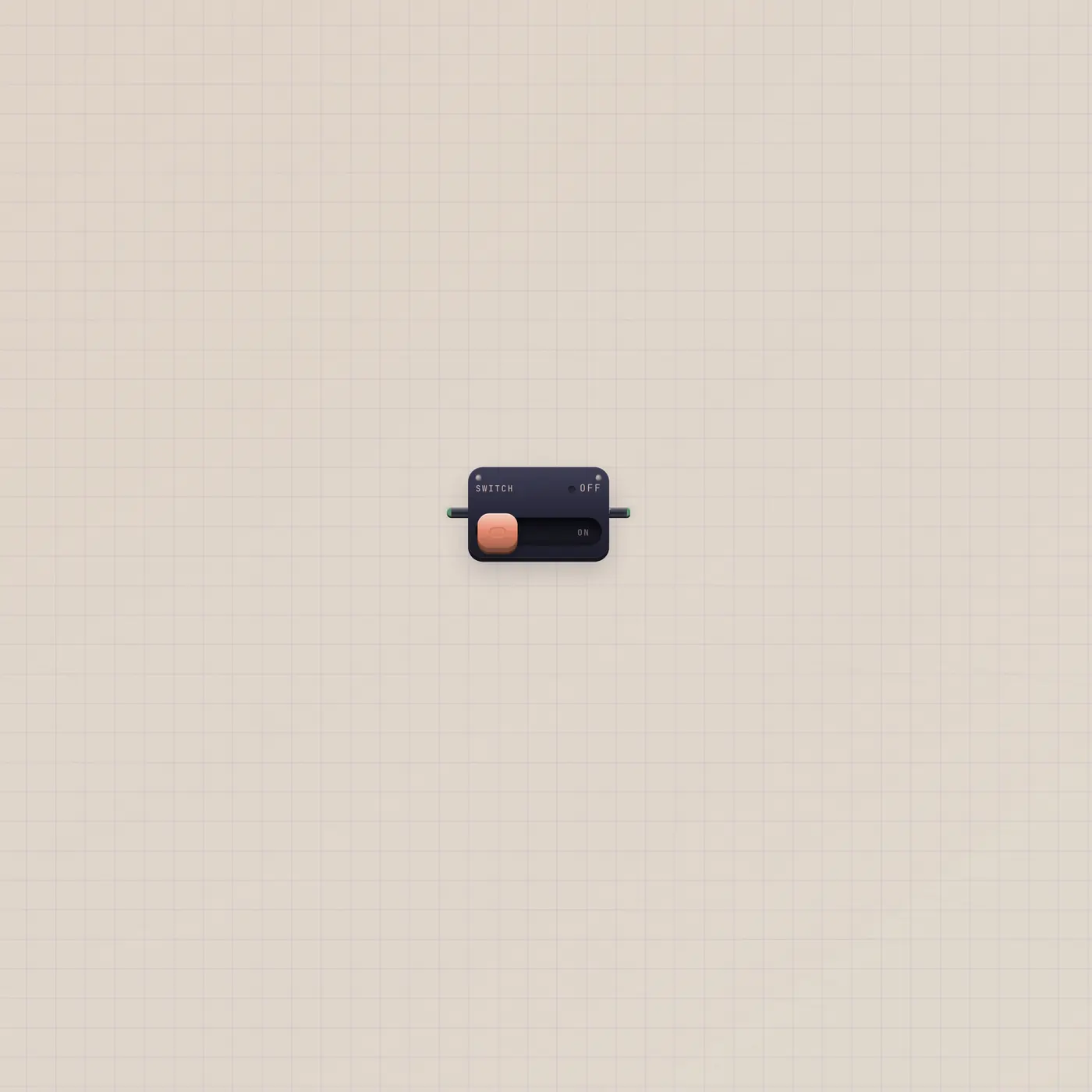
A wall switch. It holds. It does not pulse.
The Subtape Switch is a big light-switch. Gate out stays high while on. Gate in follows a patched boolean. Use it for BeatPad.on or Metronome.run — not Pal.gate.
Open guide →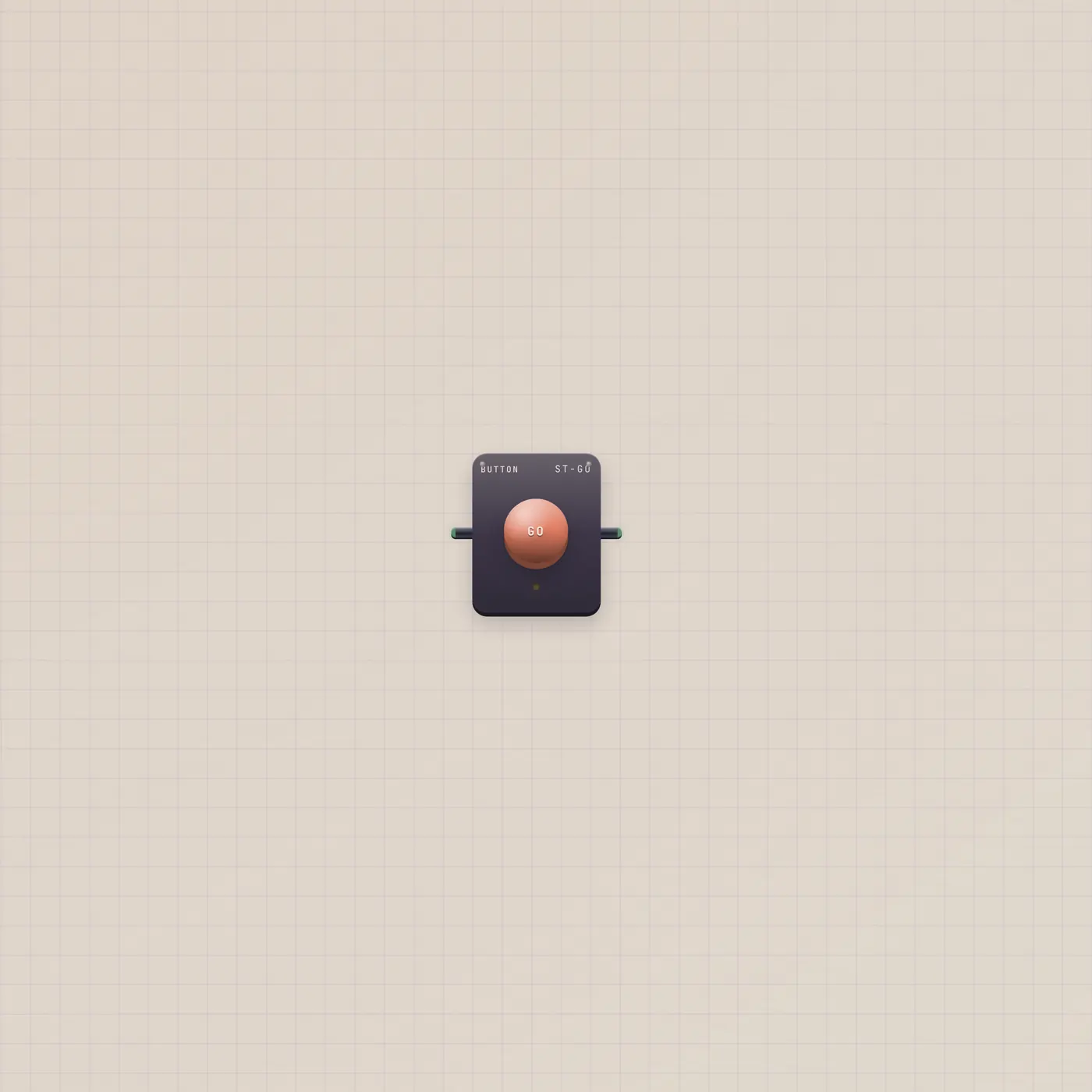
Press. One pulse. Not a hold.
The Subtape Button is a GO plunger. Press or a rising gate in fires one short gate out. Patch it into Pal, Printer, Dice, or Timer. A Switch holds — Pal wants this.
Open guide →
A paper key. Press. One pulse.
Plate is the flat rectangular GO on the paper — the same one-shot gate as Button, without the arcade dome. Press or a rising gate in fires Plate.gate. An optional href that starts with / also navigates.
Open guide →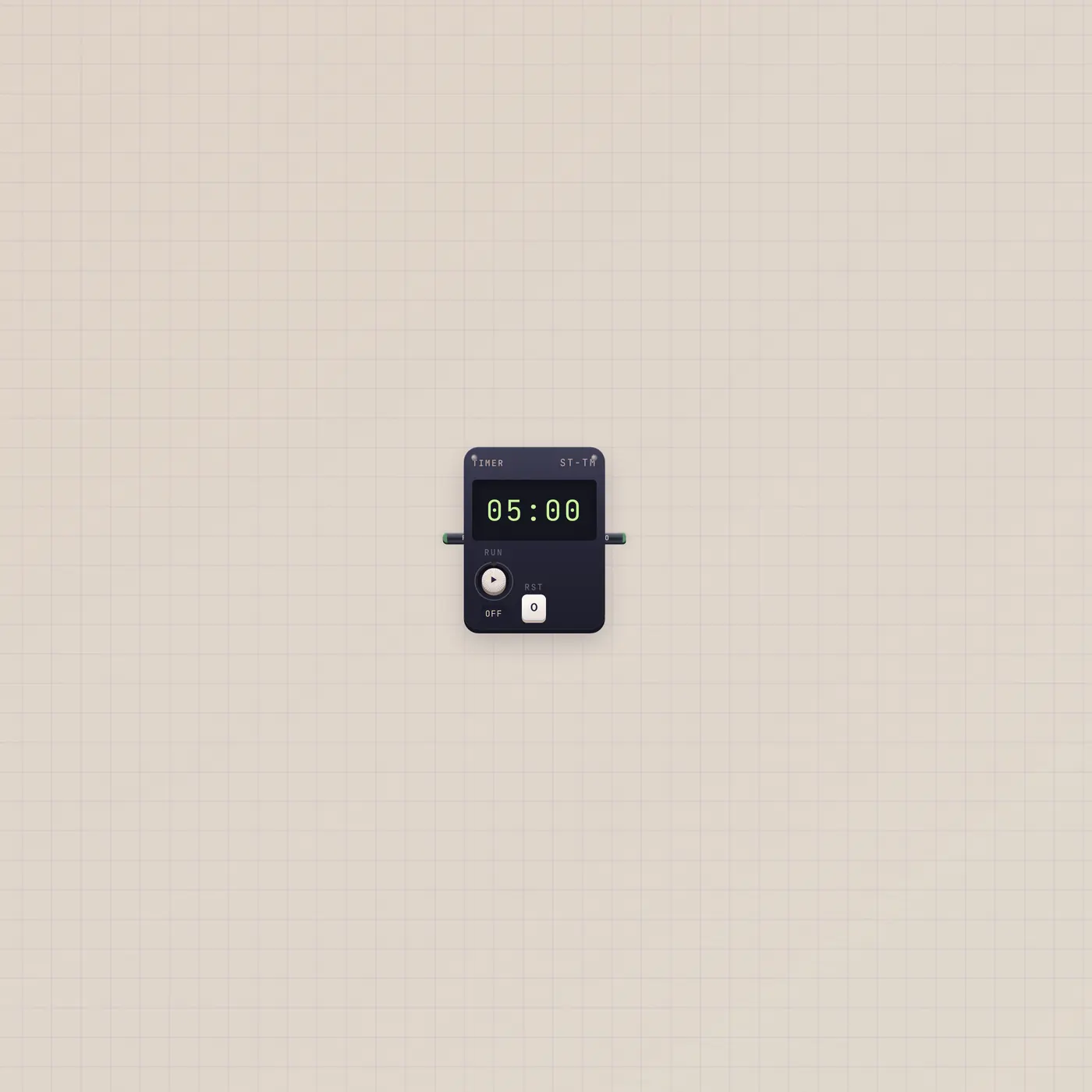
Count down. Pulse once at zero.
The Subtape Timer is a countdown. Gate in (Run) starts or restarts. Gate out (Zero) fires one pulse at 0. Default is five minutes. It is not an alarm clock.
Open guide →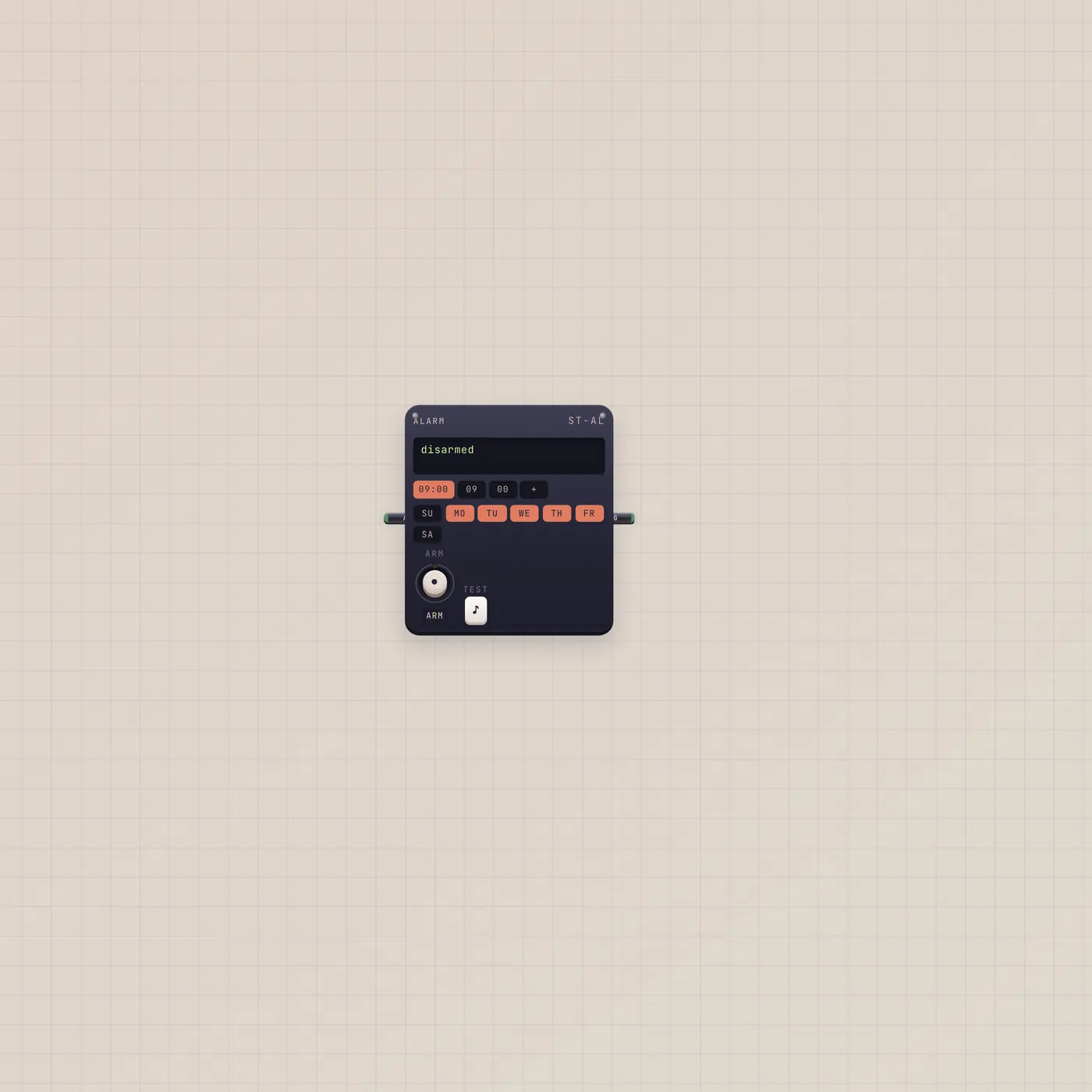
Arm it. It rings at the times you set.
The Subtape Alarm rings at HH:MM times, on chosen days, or once. Gate out (Ring) is a pulse — even if the desk is closed. Gate in (Arm) arms it, or rings now if it is already live.
Open guide →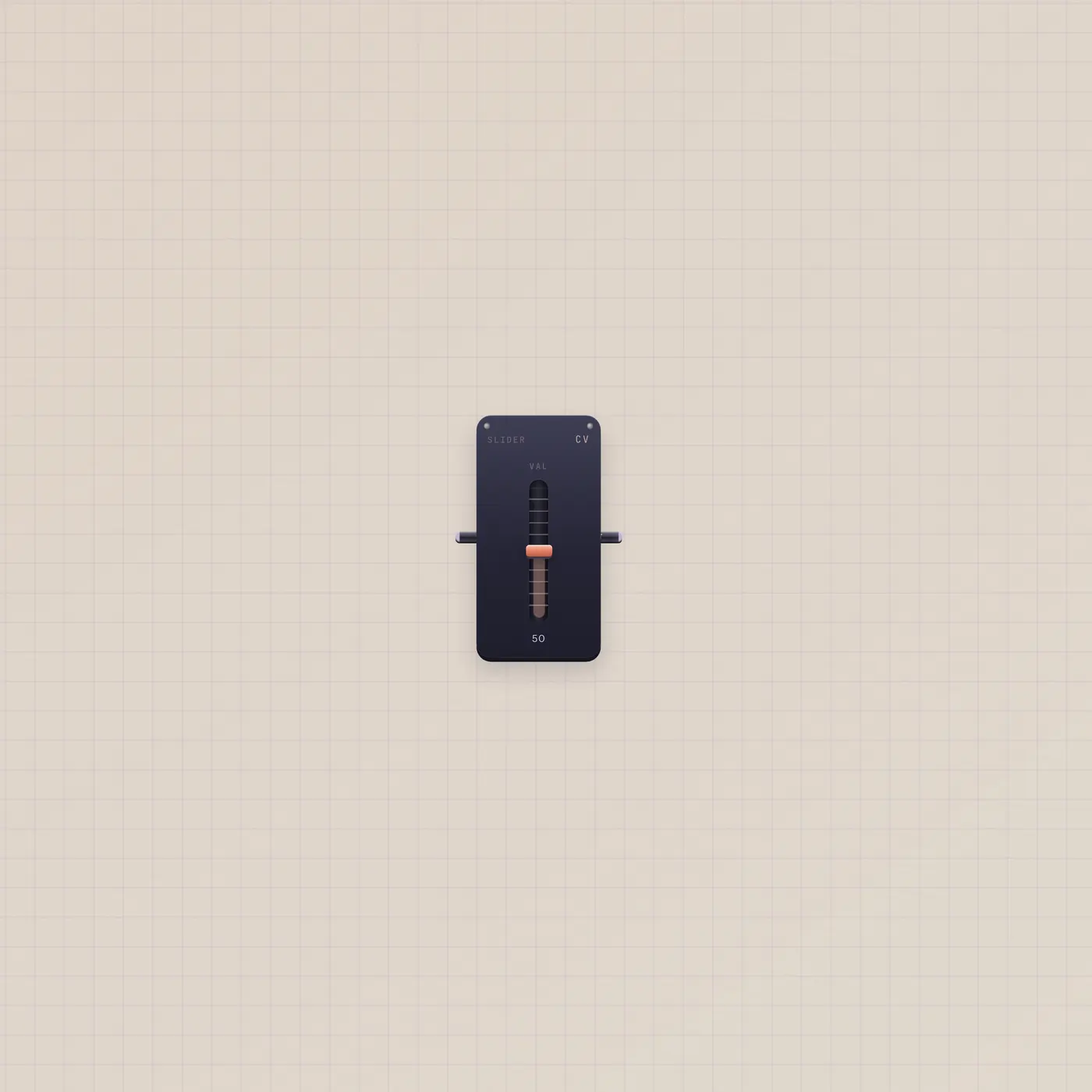
A throw, not a dial. Same 0–99 as Knob.
The Subtape Slider is one CV fader, 0–99. Value out drives tempo, mix, or Calc. Value in follows a patched number and republishes it. Knob is the rotary twin.
Open guide →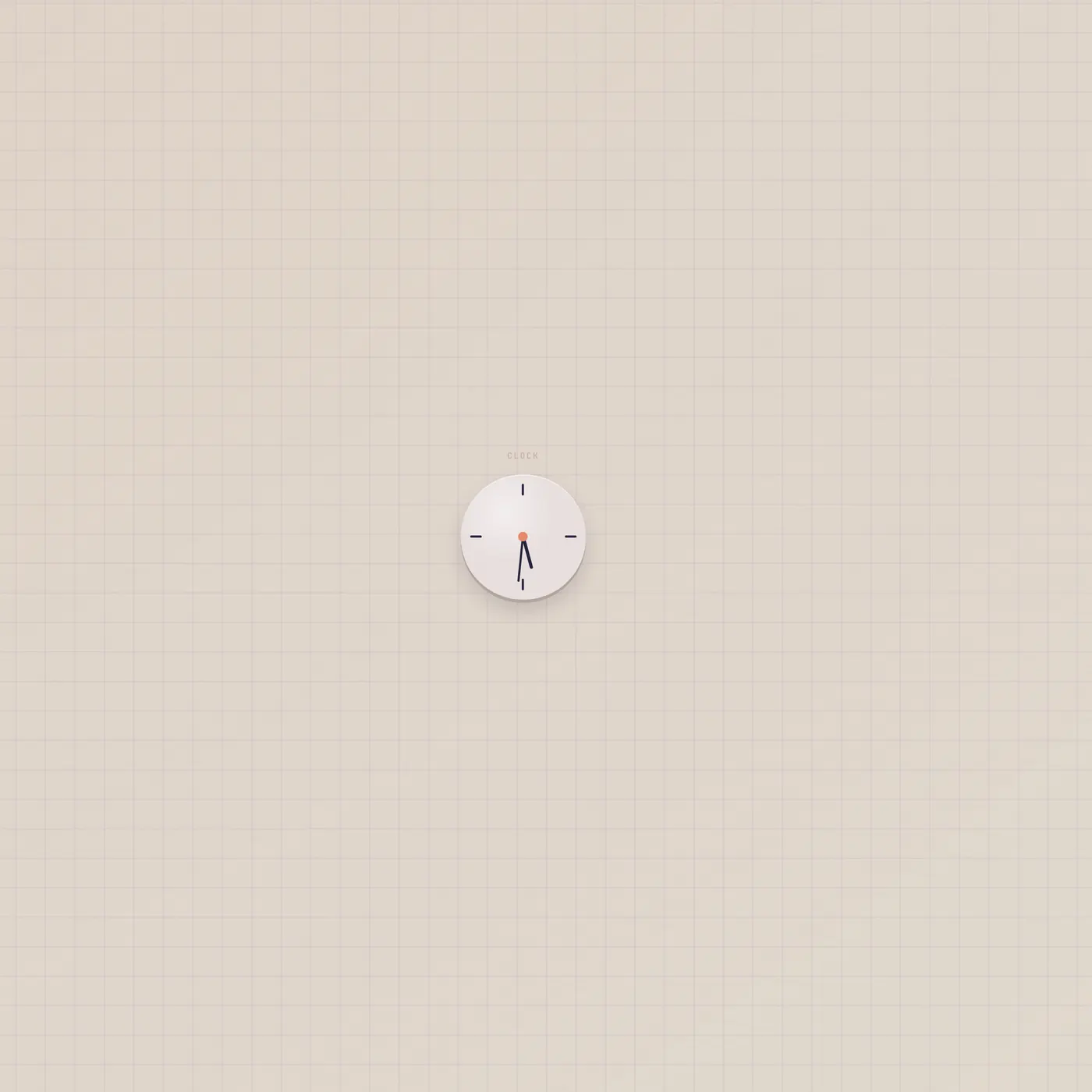
A face on the floor. No jacks.
The Subtape Studio Clock shows wall time — hands, LCD, or flip. 12/24 lives in the widget menu. It has no ports. Sit it next to Alarm. Do not look for a time cable.
Open guide →Logic
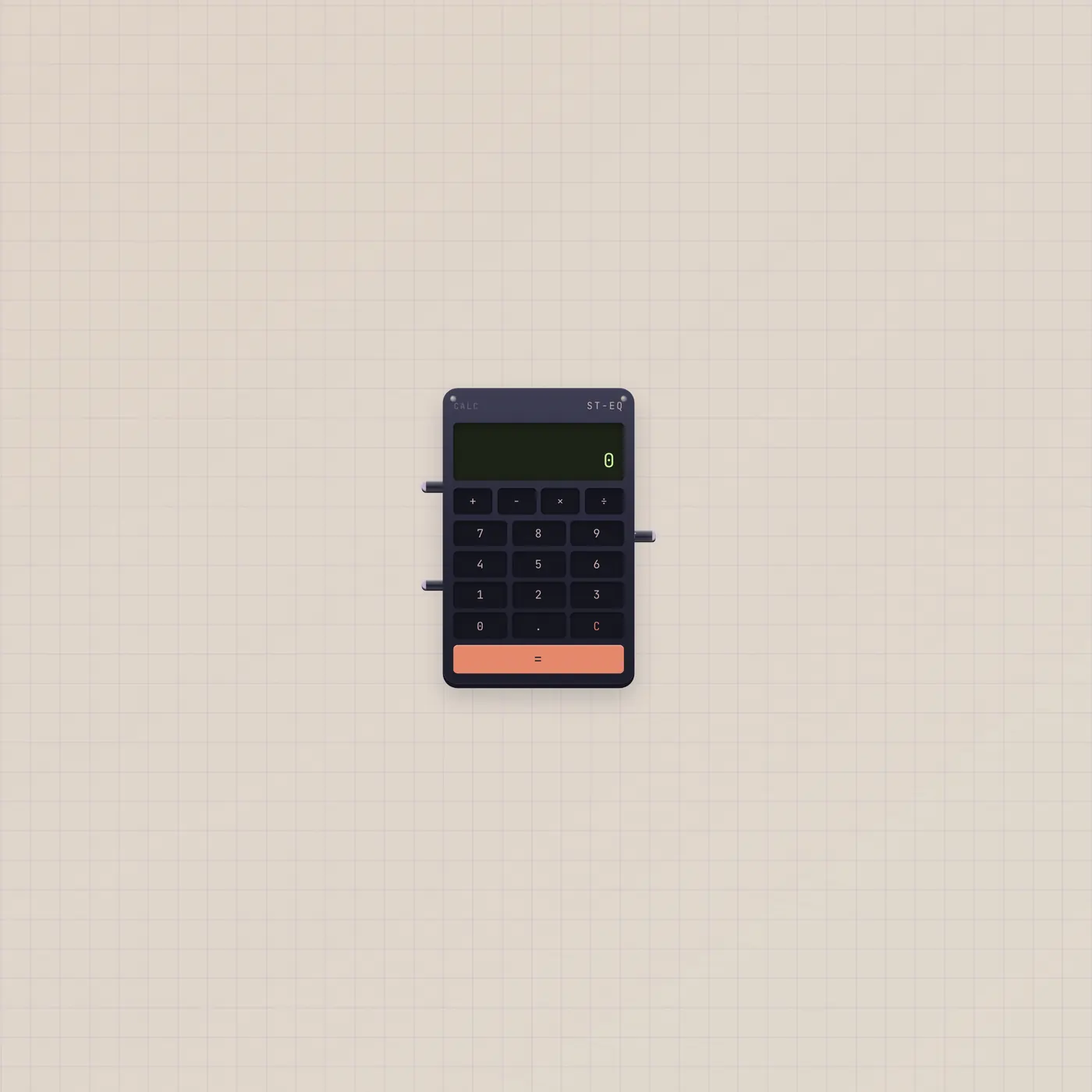
Two numbers in. One number out.
Calc is a pocket adder on the Subtape desk. Type on the pad or patch two CVs. Add, subtract, multiply, or divide — Out is the result as CV.
Open guide →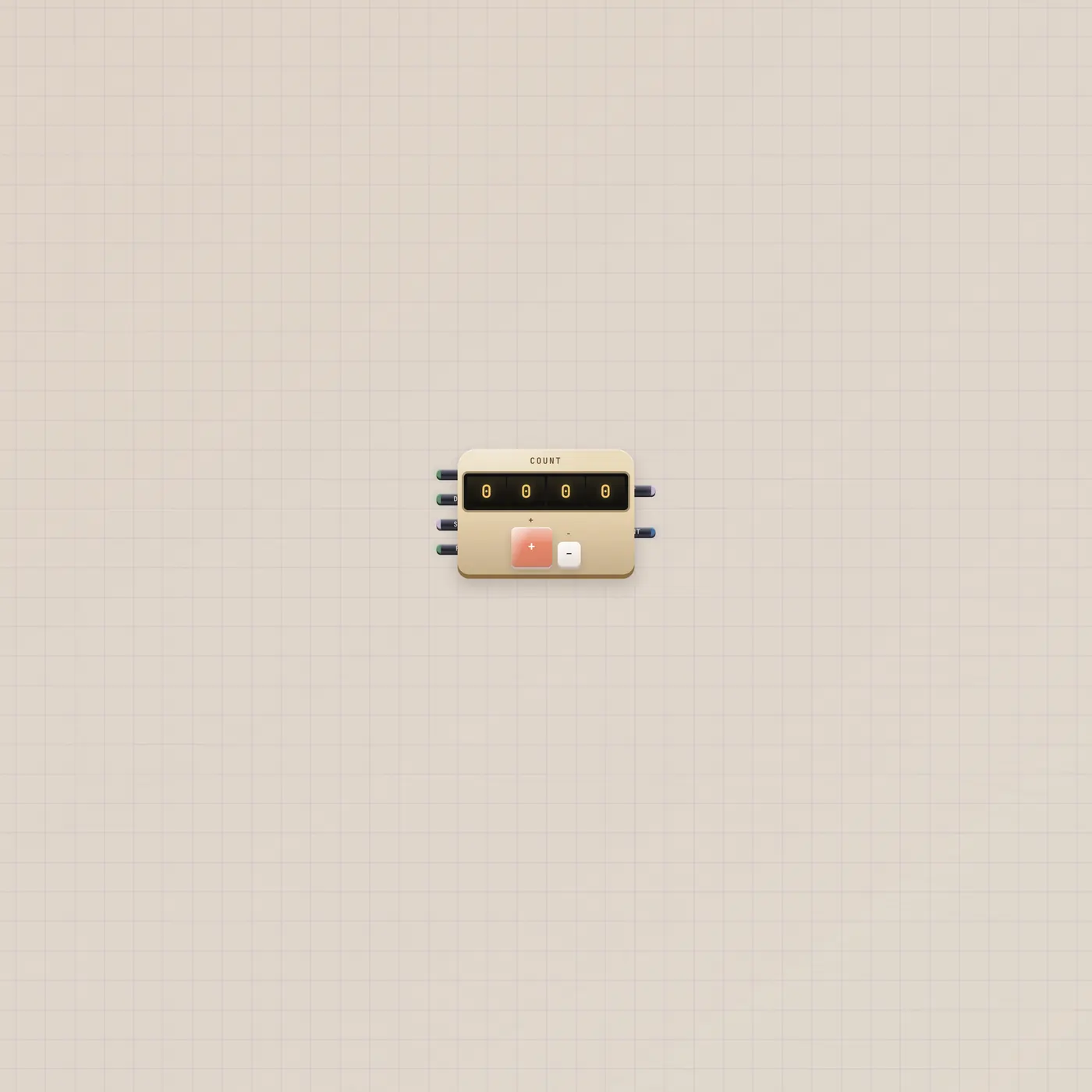
A clicker that counts pulses.
Counter is a mechanical tally on the Subtape desk. Up, down, and reset are gates. Out is the count as CV. Count is the same number as text.
Open guide →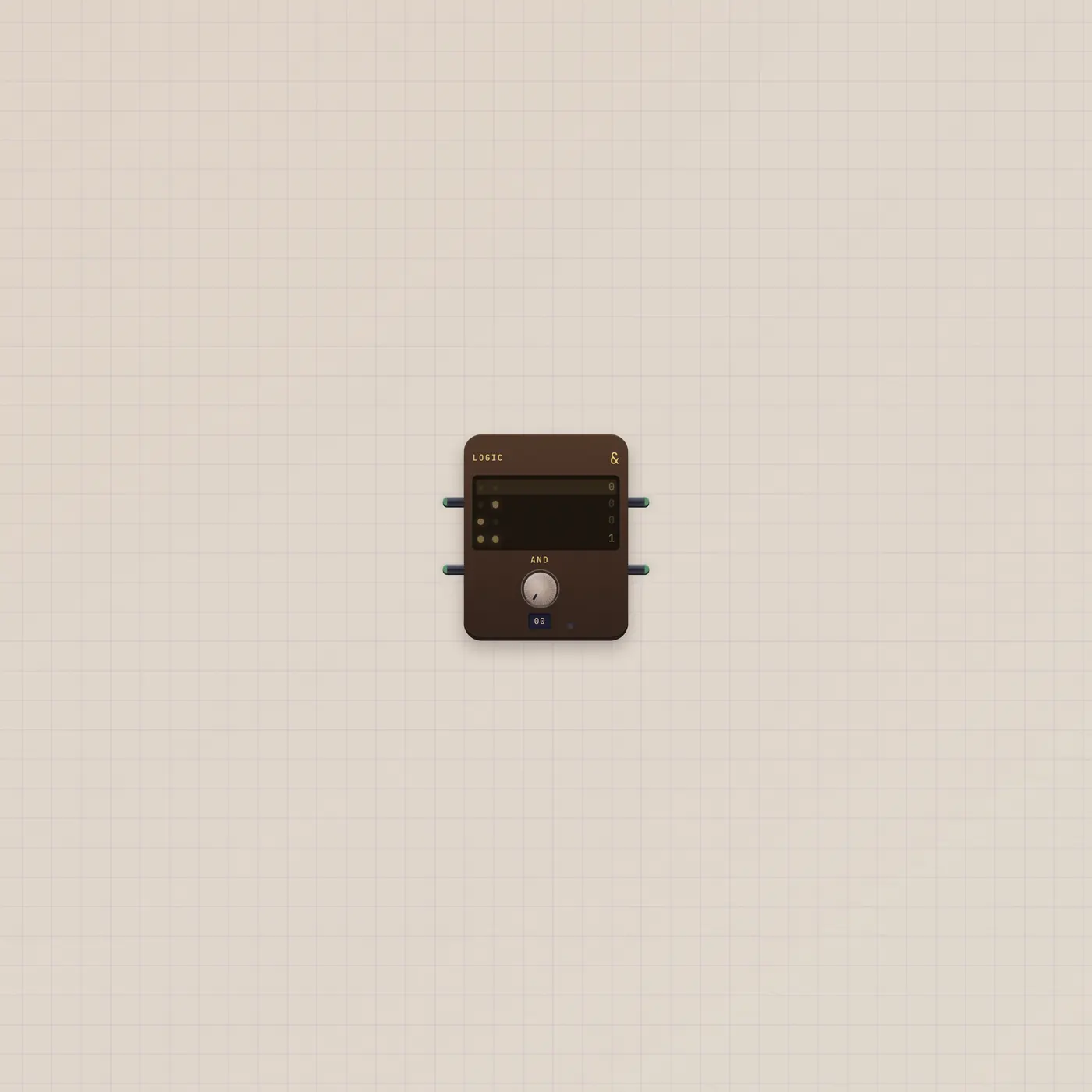
Two gates in. A truth table out.
Logic combines two gate cables. AND, OR, XOR — plus NAND, NOR, and NOT. Q is the answer. NQ is the inverse.
Open guide →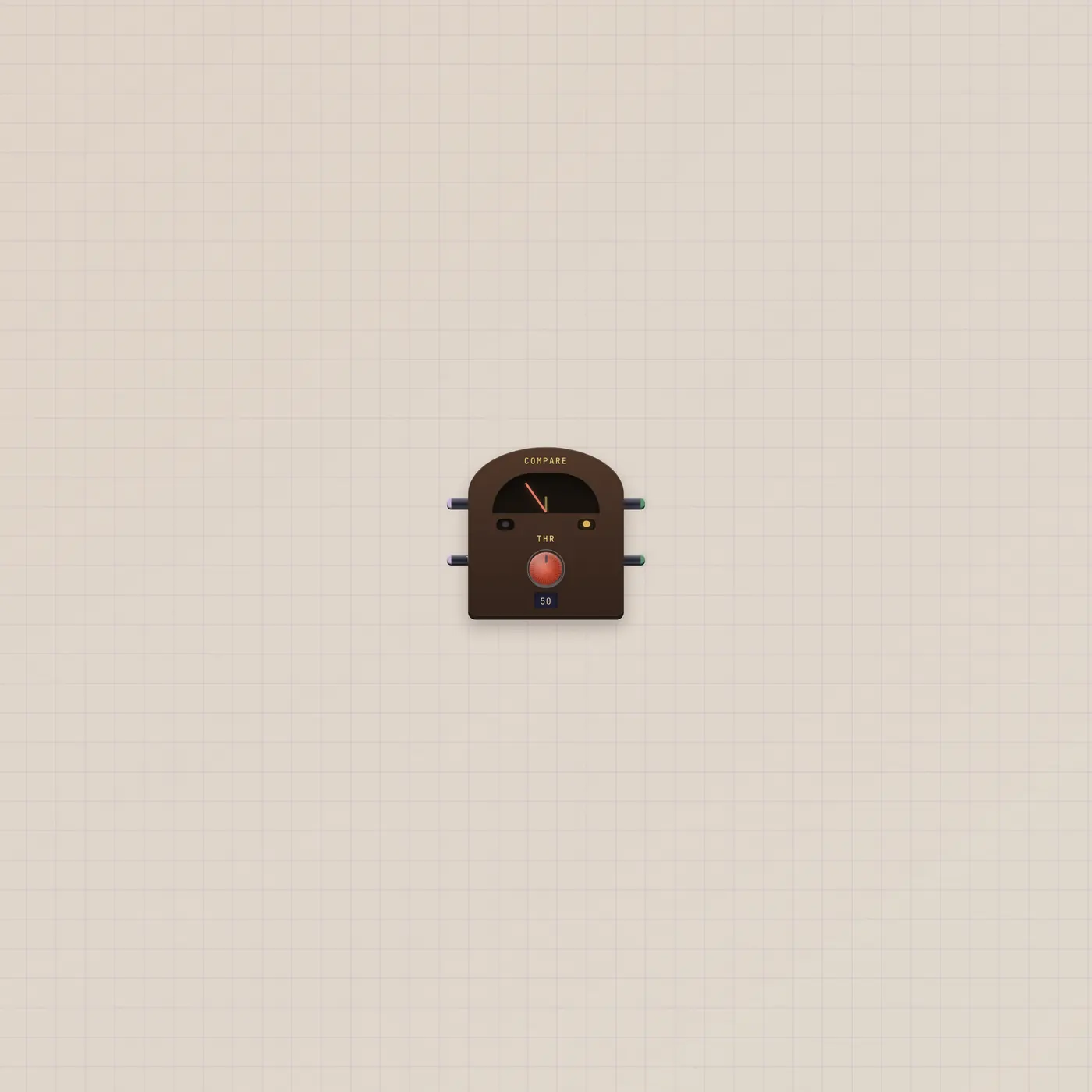
Above the line, or below it.
Compare reads a CV against a threshold. Hi fires when the value is over the line. Lo fires when it is under. Both can sit dark in the middle.
Open guide →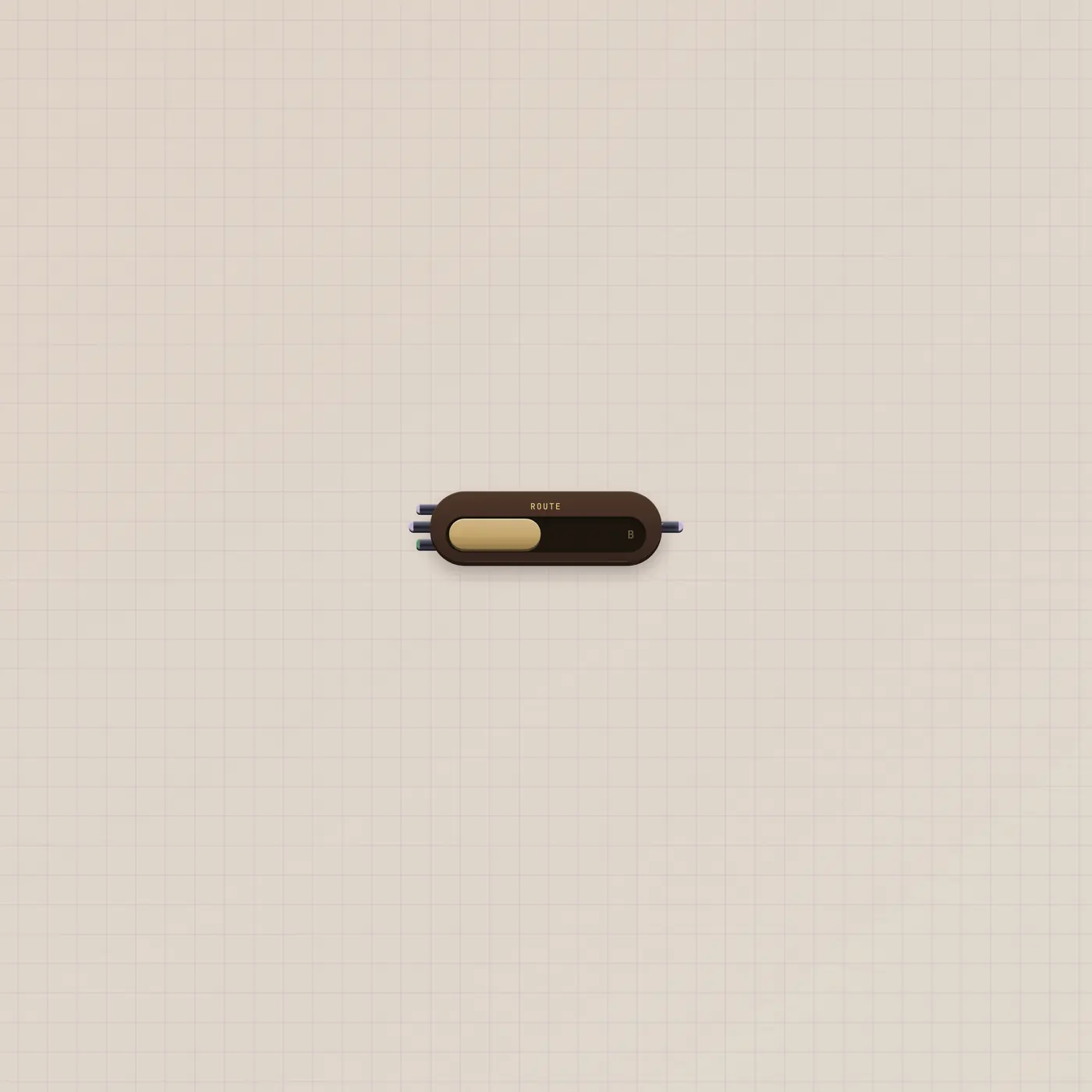
One lever. Two sources. One out.
Router picks A or B. The lever does it by hand. Sel is a gate that grabs B when high. Flip the face between CV and GATE — the jacks follow.
Open guide →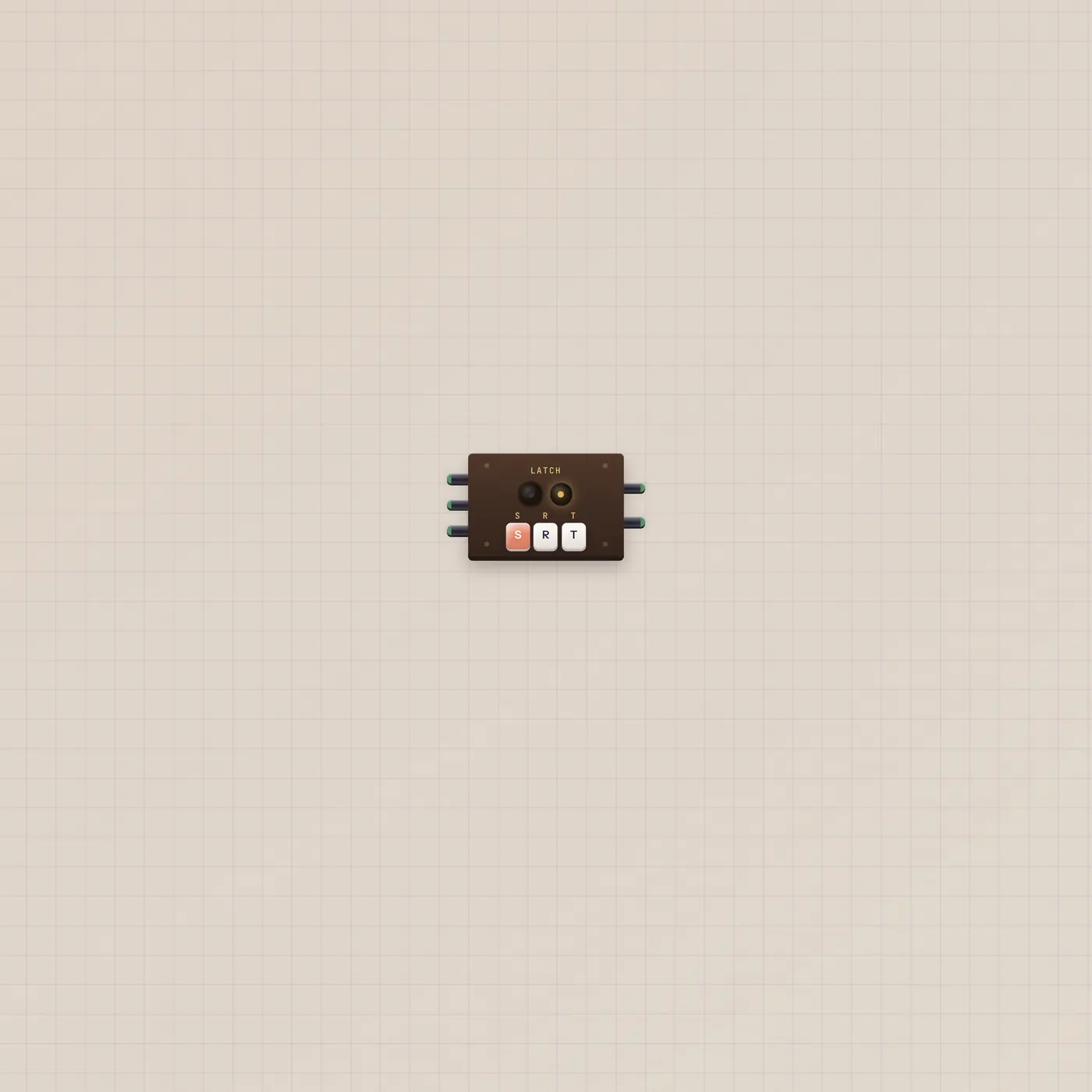
Press once. It stays.
Latch is a flip-flop. Set goes high and stays. Reset clears it. Toggle flips. Q and NQ are the two sides of the same memory.
Open guide →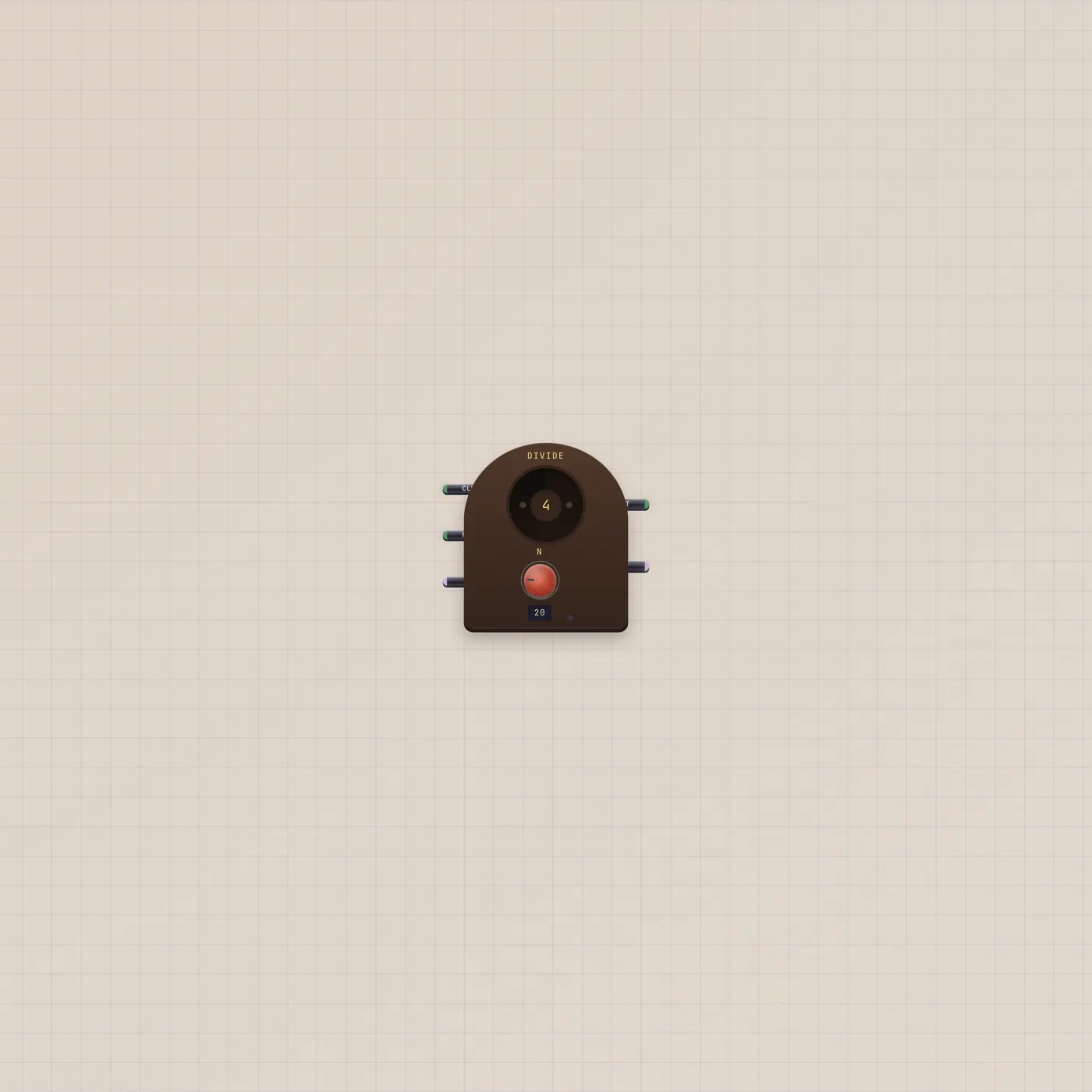
Count the clocks. Fire on N.
Divider takes a clock gate and fires on every Nth rise. Out is that pulse. Cnt is how far through the cycle you are.
Open guide →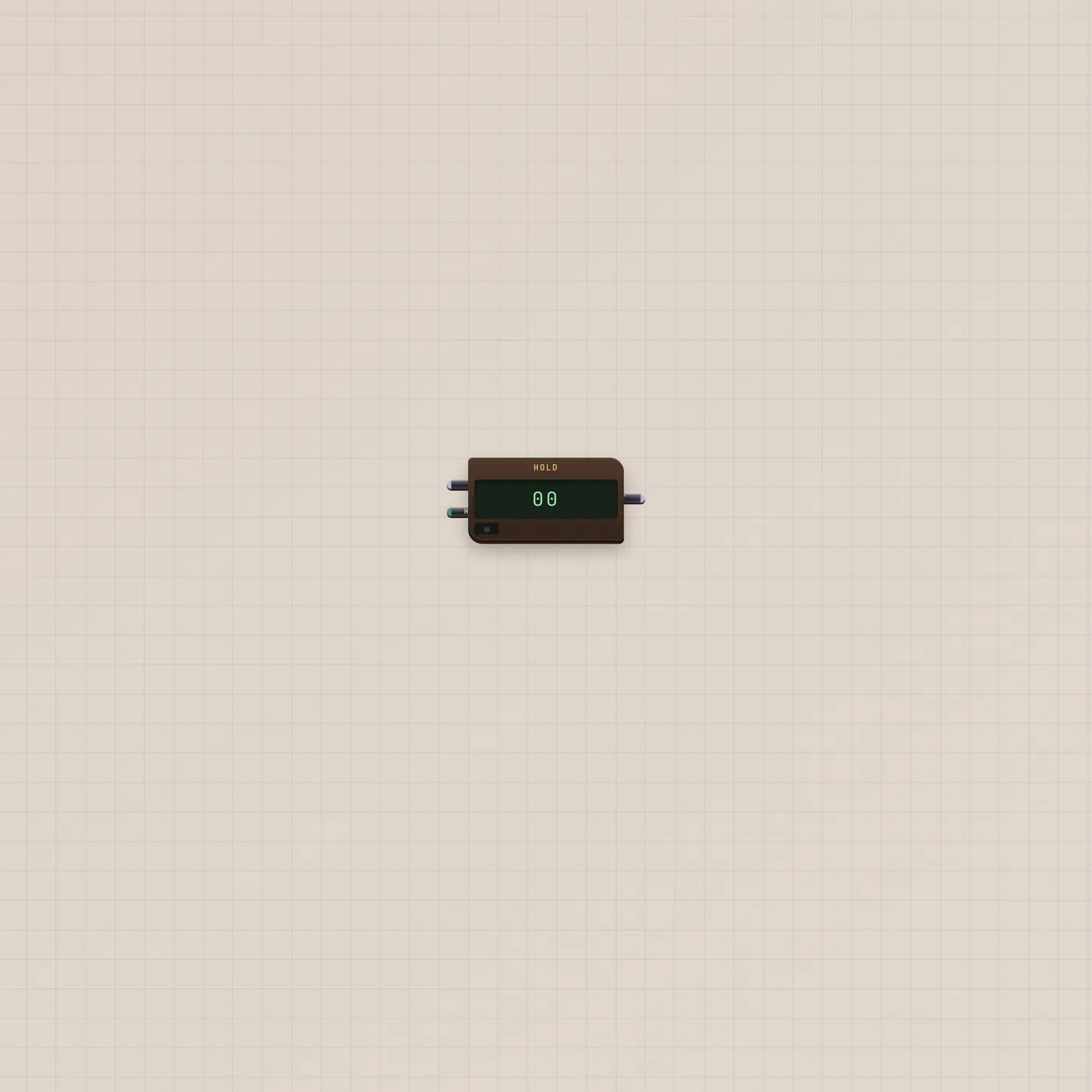
Grab the number. Keep it.
Hold samples a CV on a gate. Default is sample-and-hold: a rising Hold freezes In. Track mode follows while the gate is high, then freezes on the fall.
Open guide →