Use cases
A whole desk for a real job. Import always opens a new board.
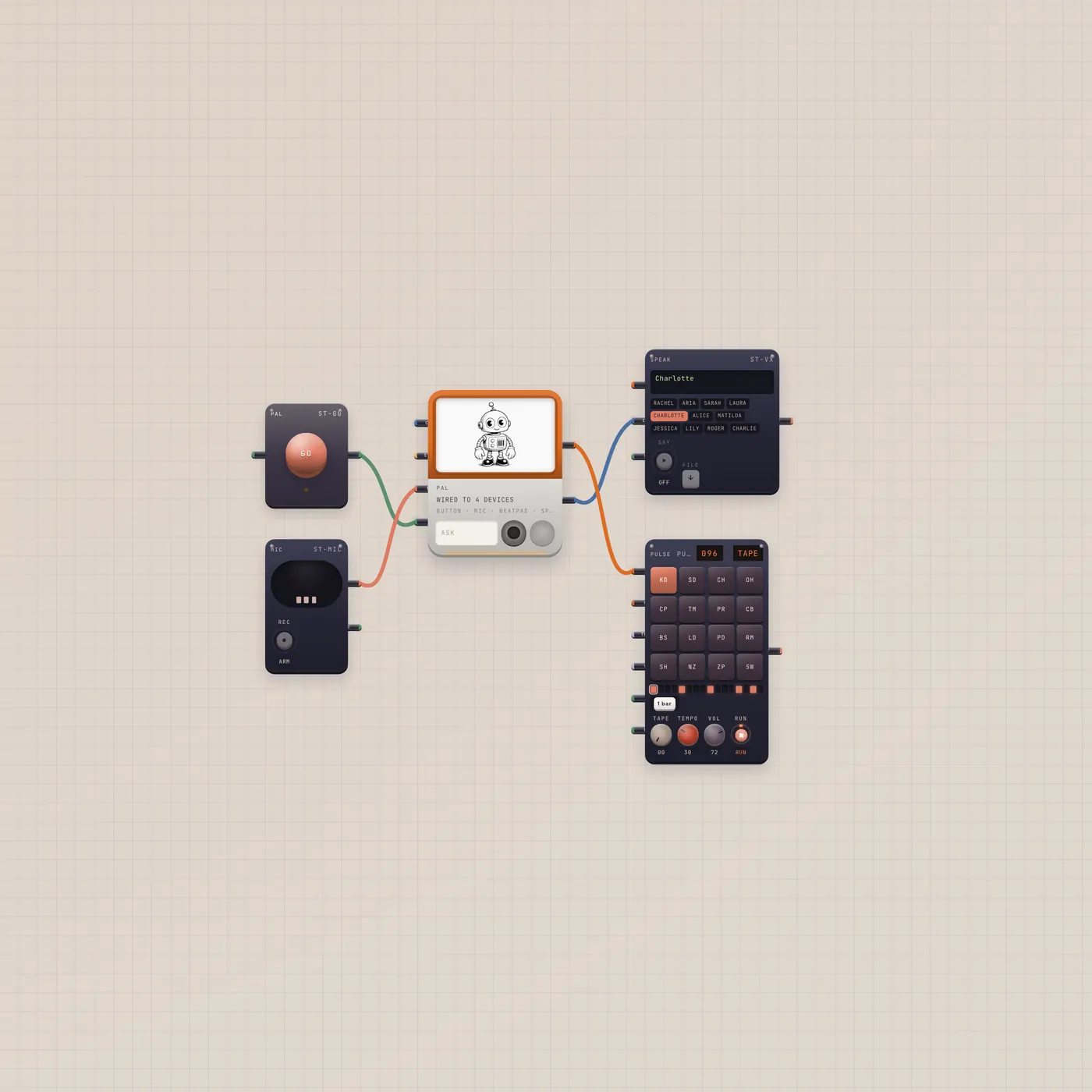
Press GO. Pal writes a groove on the BeatPad.
A full Subtape board for the real Pal job: press GO, Pal writes a beat, Speak reads the reply, and the pad plays it. Mic is already in for Talk. Always a new board.
Open guide →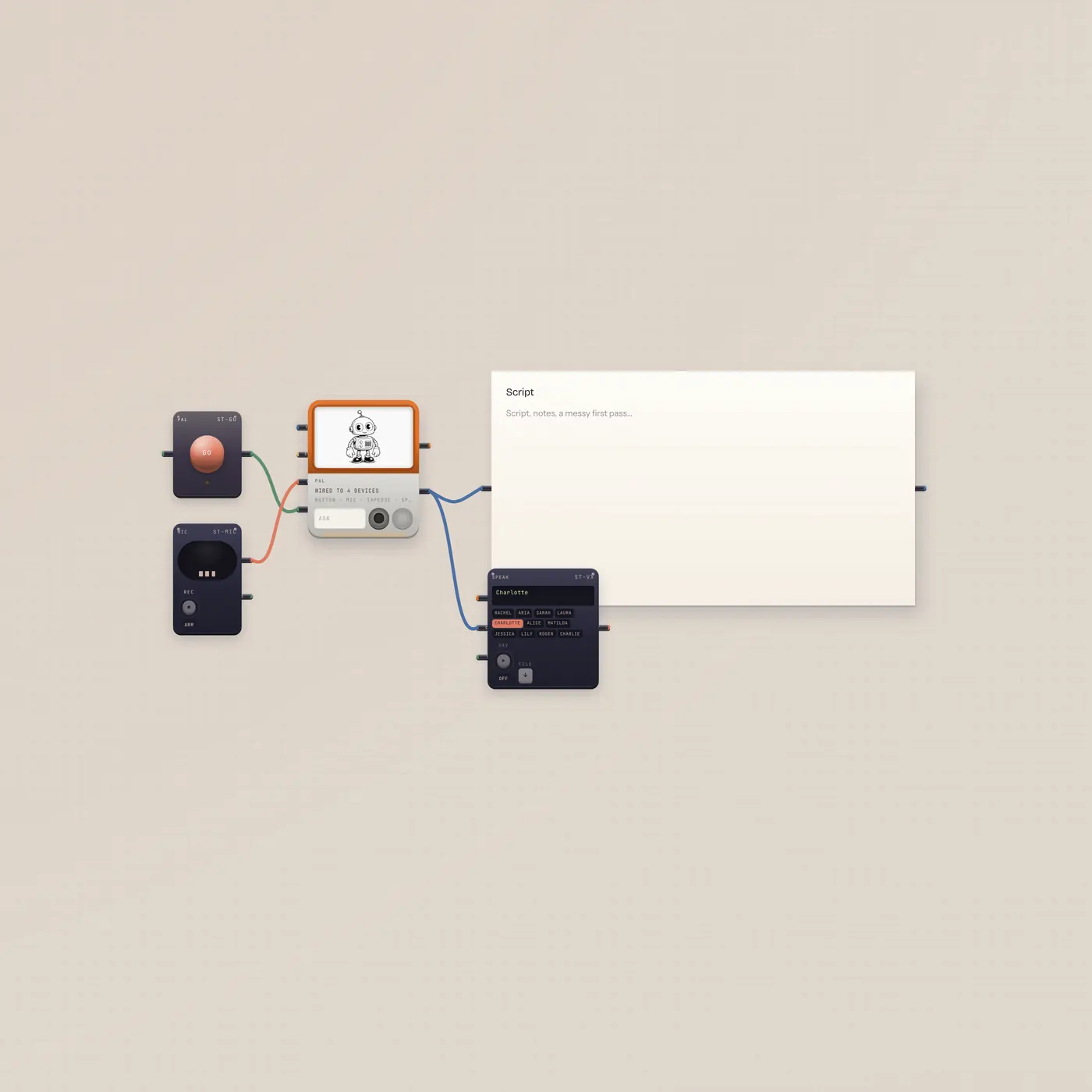
Ask Pal. The script lands in the Doc. Speak reads it.
A full board for writing: Pal with a GO button and Mic, Pal.text into TapeDoc and Speak. Ask for a cold open. Press GO. The doc fills. Speak reads it. Always a new board.
Open guide →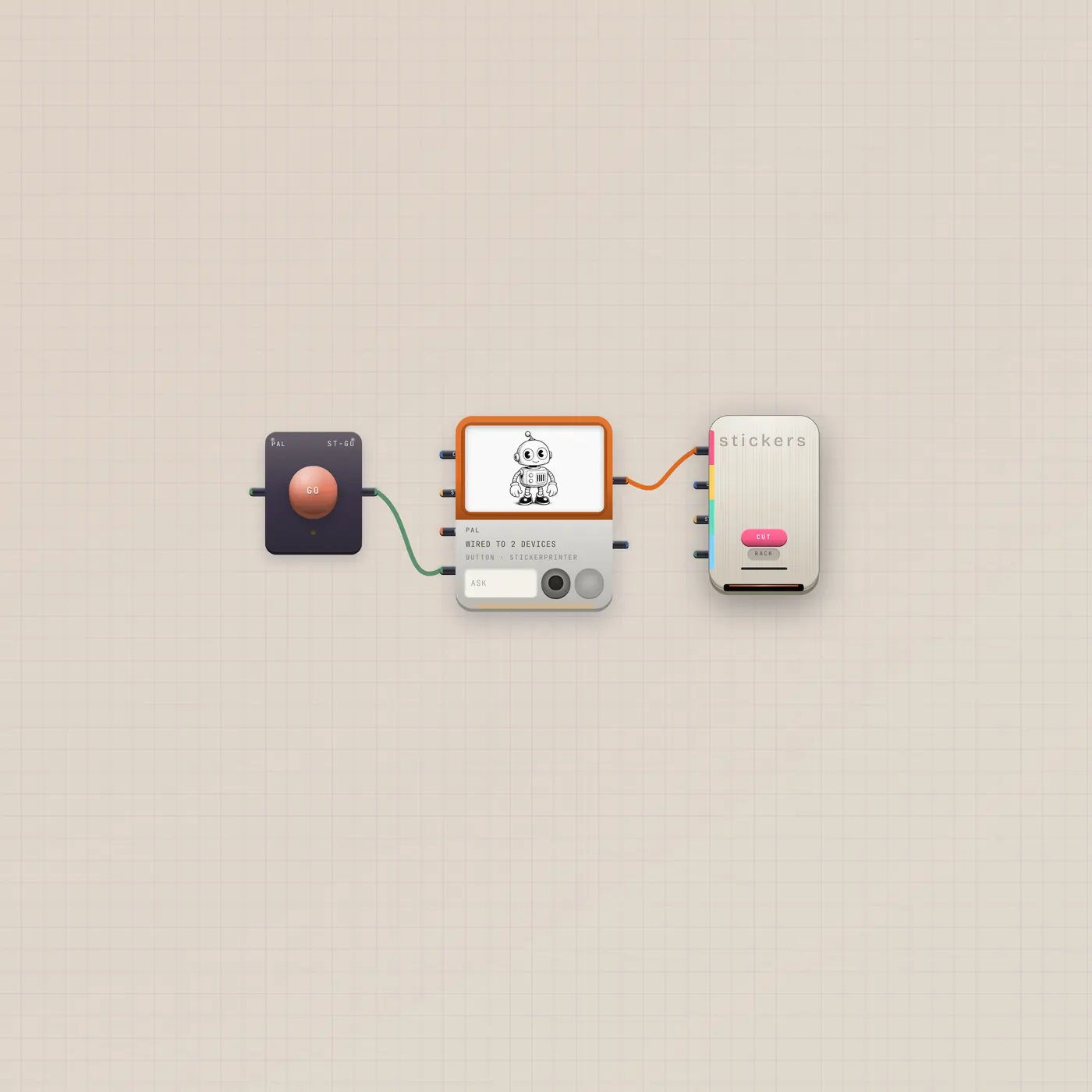
Ask Pal for a cut. The press bites.
Pal.ai into the sticker press, with a GO button. Ask for a die-cut. Press GO. The press cuts. Always a new board.
Open guide →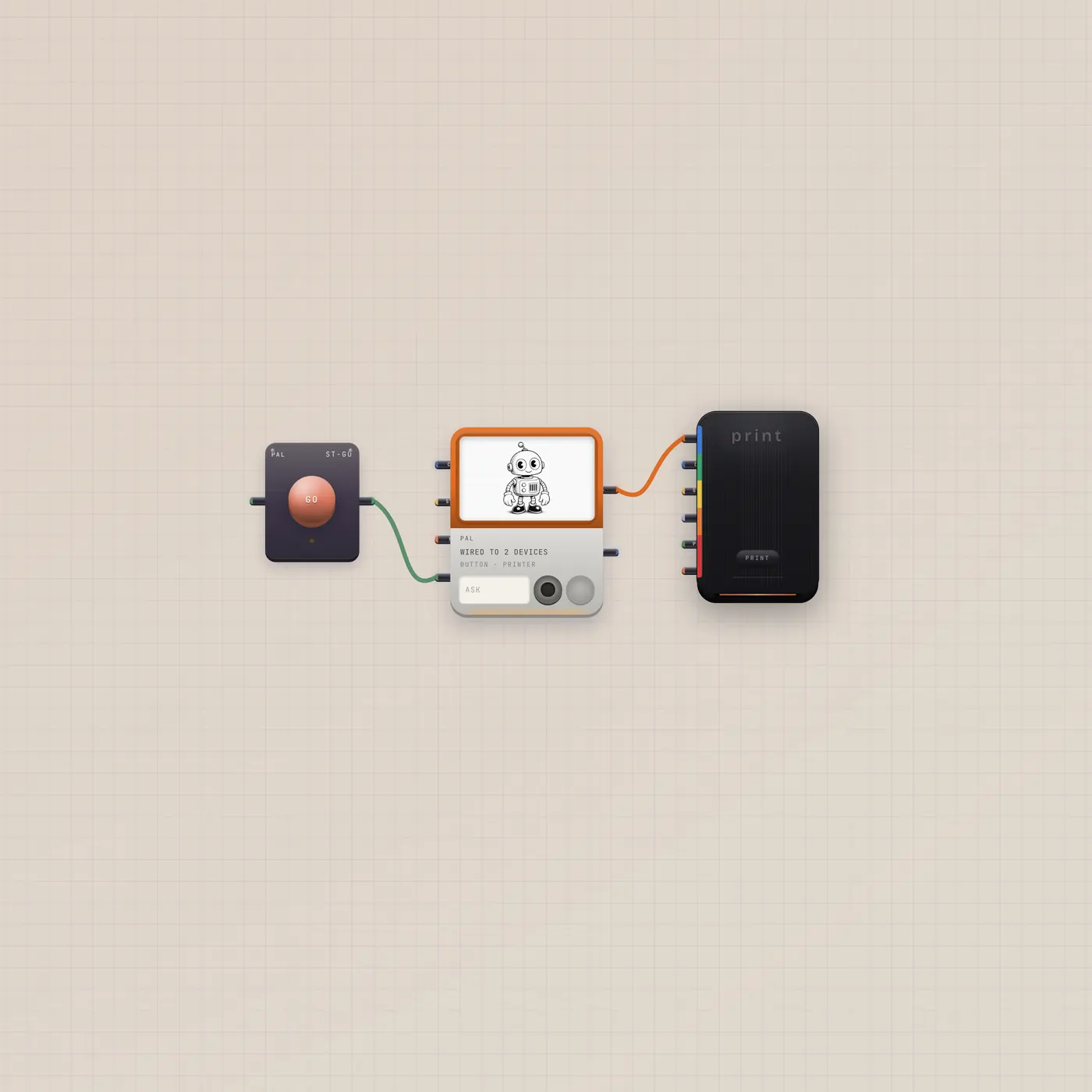
Ask Pal. The printer ejects a still.
Pal.ai into the Printer, with a GO button. Ask for a picture. Press GO. A polaroid lands. Always a new board.
Open guide →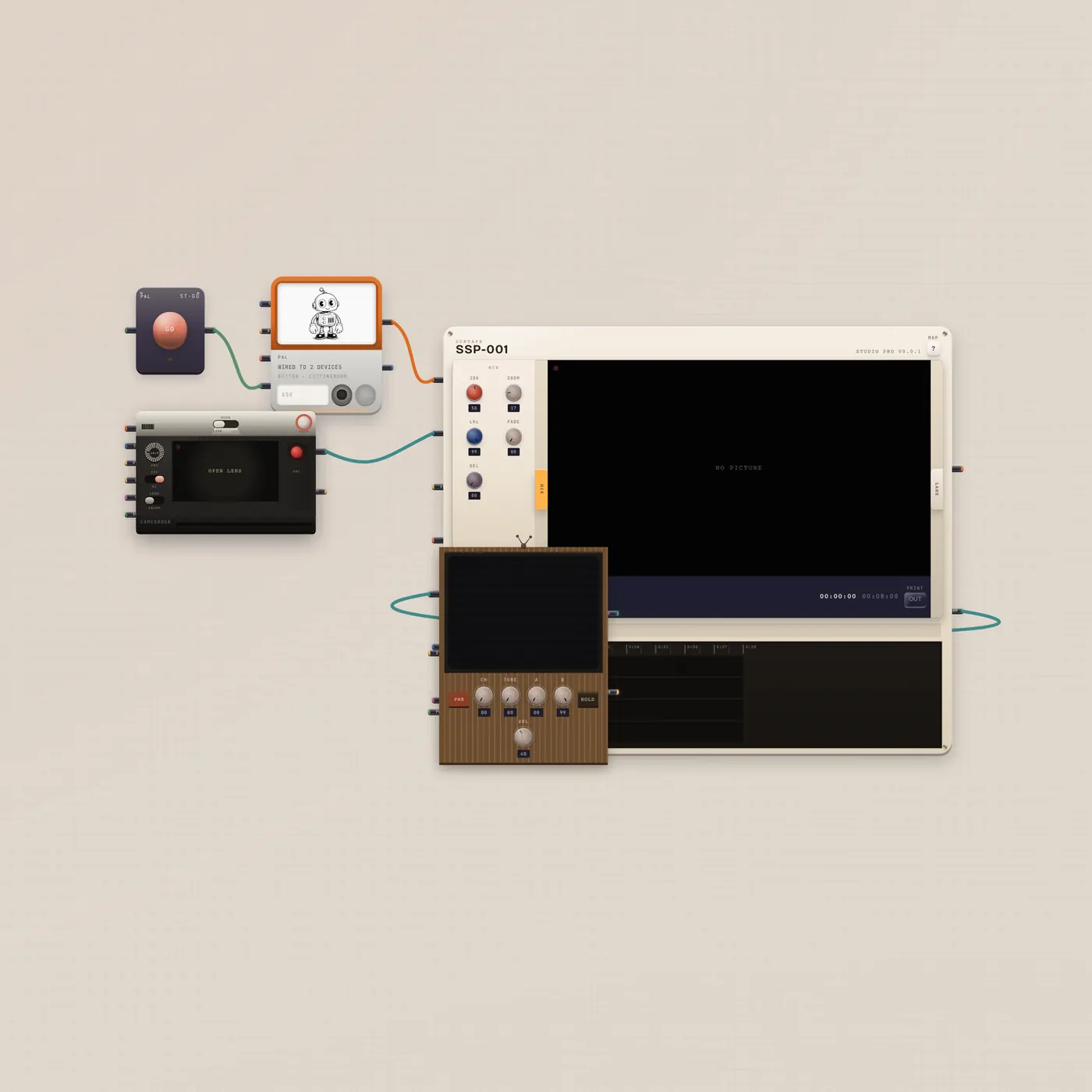
Shoot. Pal cuts. Watch it on the CRT.
Camcorder into CuttingRoom, Pal.ai into the room, program out to a CRT. Ask Pal to trim or assemble. Press GO. Watch the tube. Always a new board.
Open guide →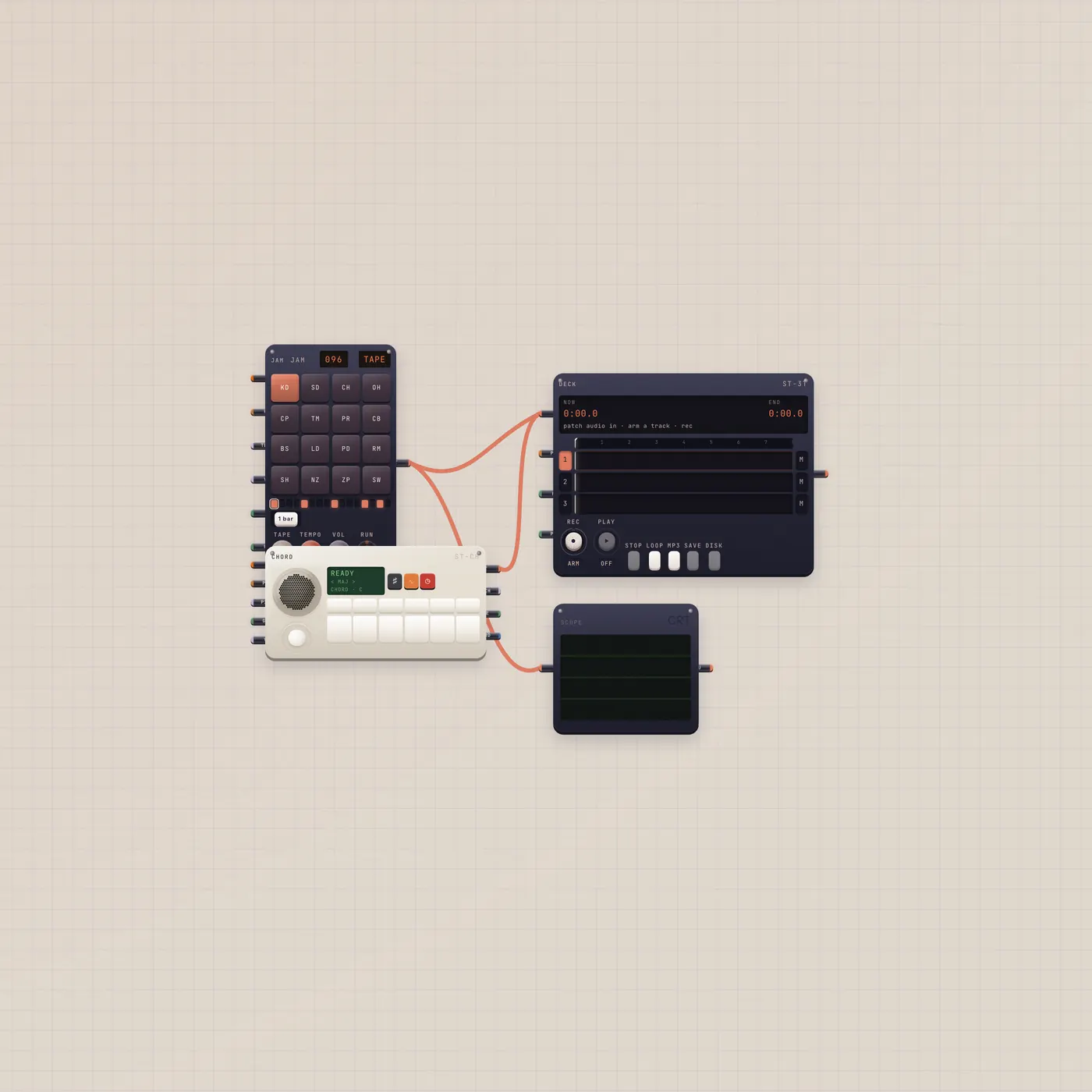
A loop, a chord, a four-track. Play.
BeatPad and MiniSynth already into Deck, Scope on the pad. No Pal. Press play, tilt the stick, arm a track. Always a new board.
Open guide →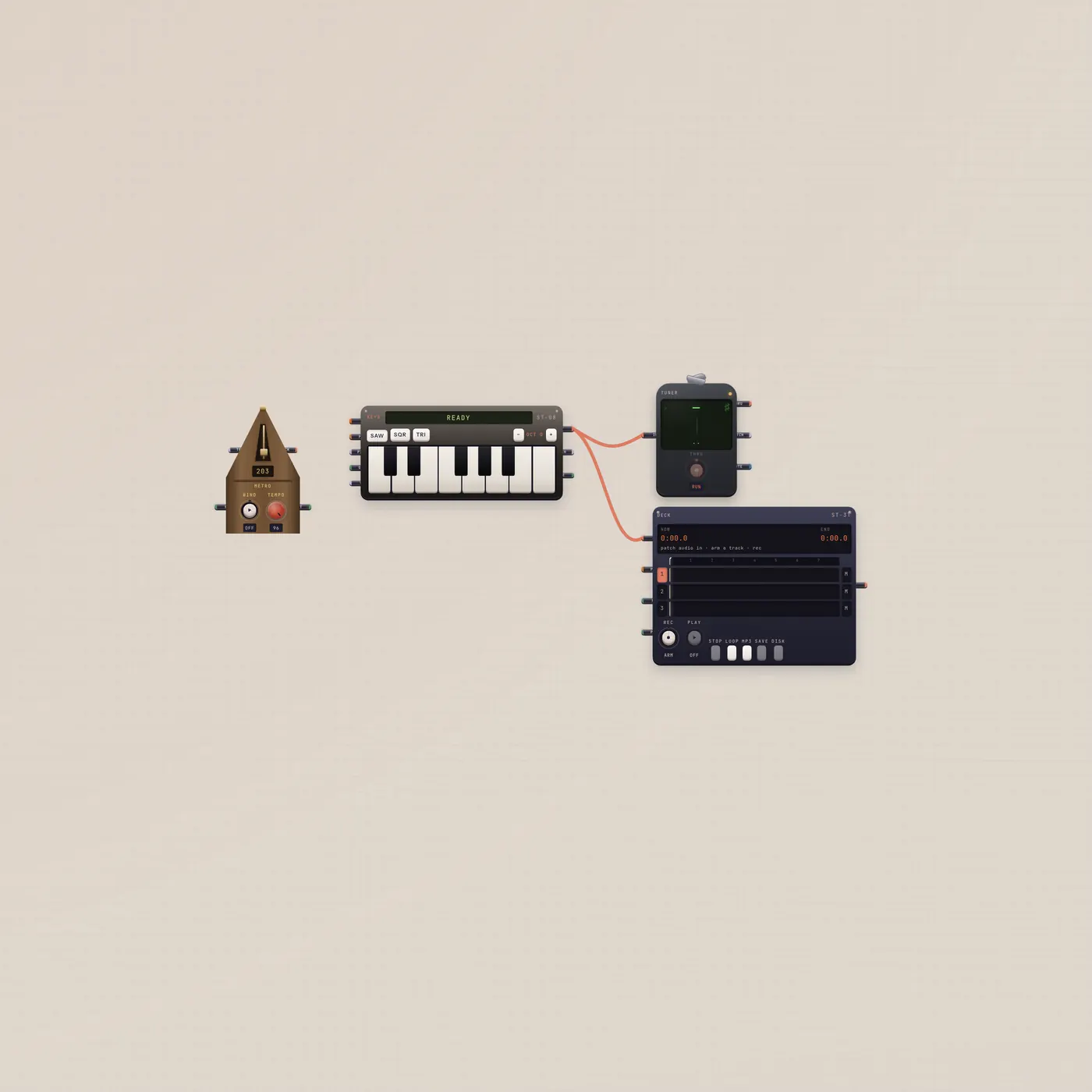
See the note. Hear the click. Record the take.
Keys into Tuner and Deck, metronome on the floor for the click. Practice, then arm a track. Always a new board.
Open guide →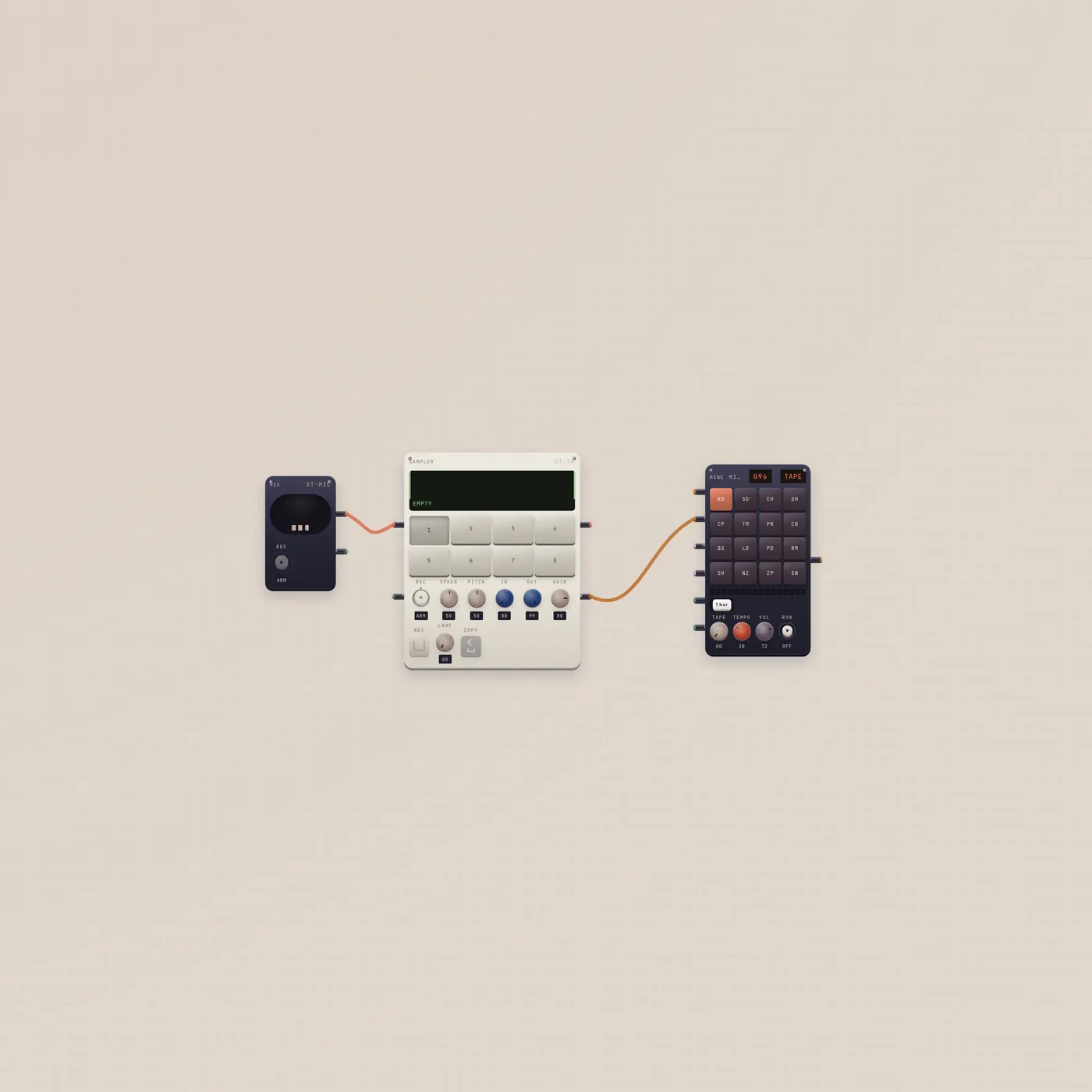
Record chops. Land them on the pad.
Mic into Sampler, Sampler pack into BeatPad. Record eight hits, send the kit, play it. Always a new board.
Open guide →